





Phone cases and flat inserts
Confirm the printable surface, case or insert dimensions, fixture layout, camera openings, edge exclusions, artwork orientation and repeat-positioning method.
Review the phone-case printing route

Separate flat items from cylindrical or tapered products before production planning. For each SKU, match the actual material, dimensions, fixture, print side, artwork version, white or varnish layers and inspection requirement to the appropriate printing route.
Approve a representative kit that includes every distinct product construction and artwork condition. Record the accepted sample, fixture position and finishing requirement so repeat orders can be checked against the same reference.
Promotional-product production planning
Promotional products may share artwork and campaign colors while requiring different printers, fixtures, image orientation and inspection methods. Separate supported flat pieces from cylindrical or tapered vessels, then compare the actual dimensions, material, artwork versions, ink layers, order mix and finishing behind each product family.
Confirm the printable surface, case or insert dimensions, fixture layout, camera openings, edge exclusions, artwork orientation and repeat-positioning method.
Review the phone-case printing routeFlat items should be grouped by thickness, material, fixture and artwork version. Mixed shapes need a controlled origin and a repeatable loading plan.
Compare compact flatbed printersStraight-sided and tapered vessels require a cylindrical route matched to diameter, length, taper, weight, surface and the intended image seam.
Review bottle and tumbler printersClear, colored, frosted and coated acrylic can require different print orientation, white-ink construction, surface preparation and sample approval.
Review acrylic product printingRecord flat, cylindrical or tapered form, dimensions, weight, printable area, surface interruptions and required image orientation.
Define how each item will be located, supported and identified without movement, interference or confusion between artwork versions.
Match SKU, colorway, personalization field, white or varnish layers, orientation and approved proof to the correct physical item.
Include receiving, sorting, cleaning, loading, printing, unloading, inspection, assembly, packing and kit completion.
Two current promotional-product routes
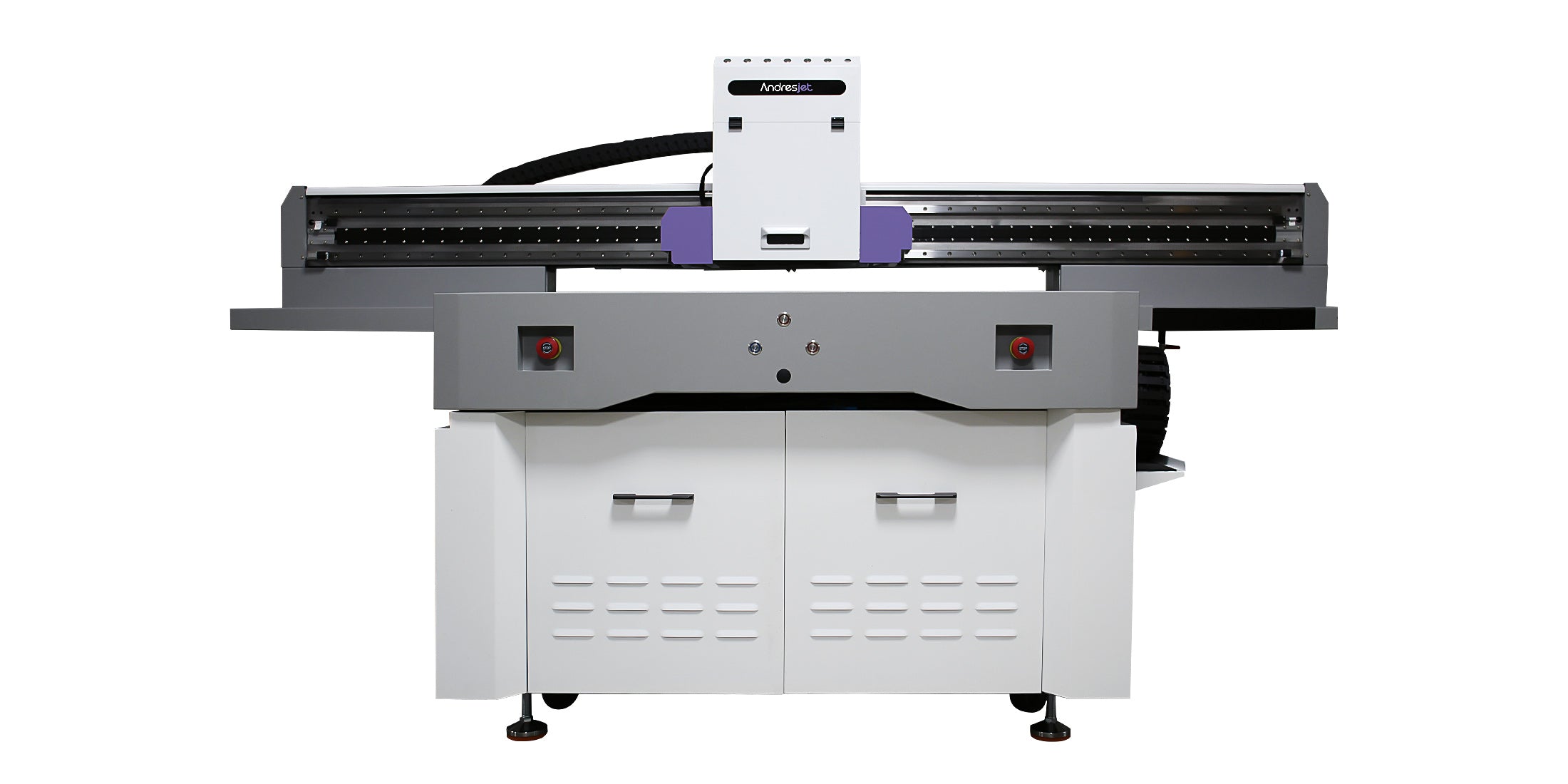
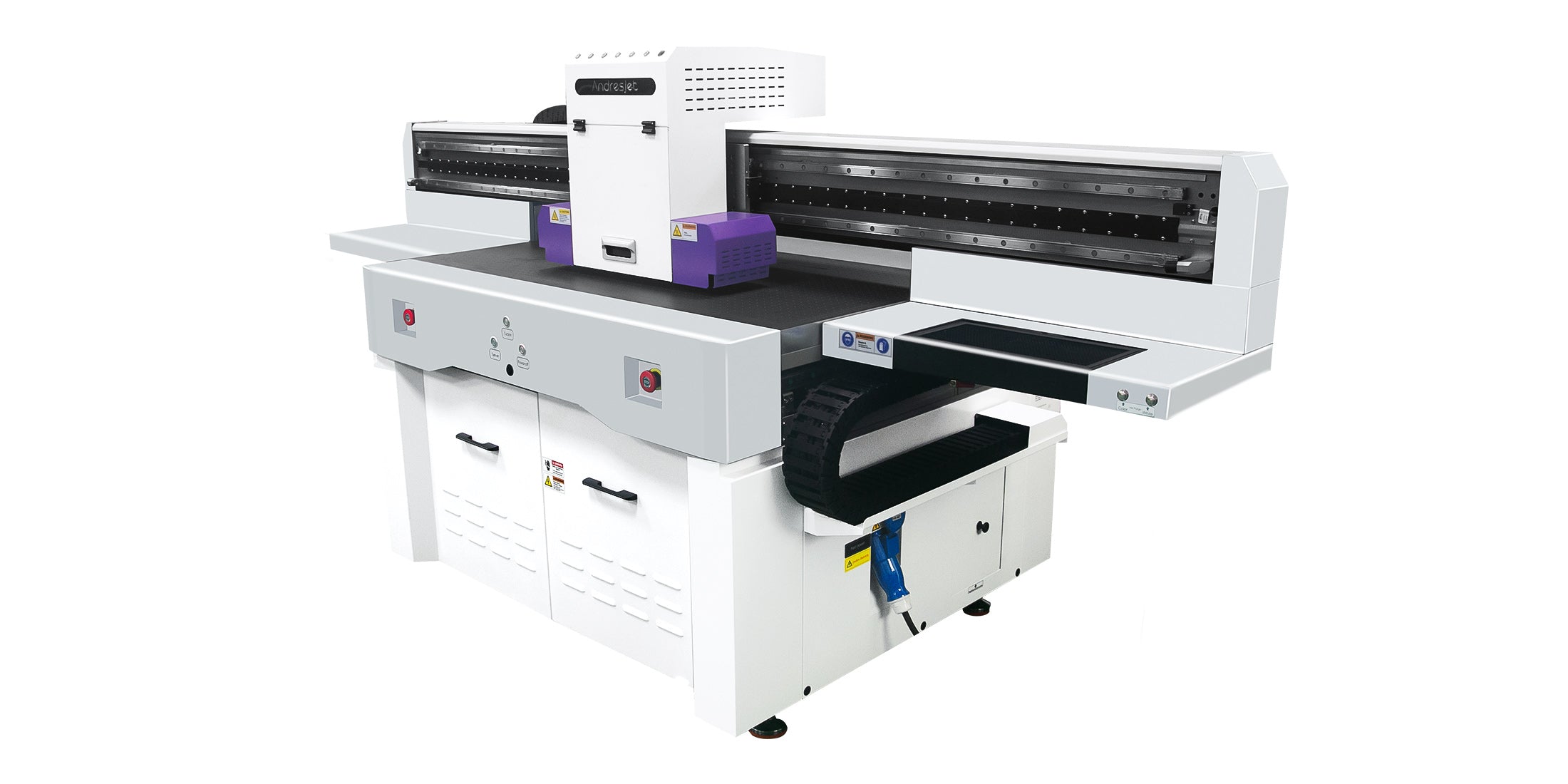
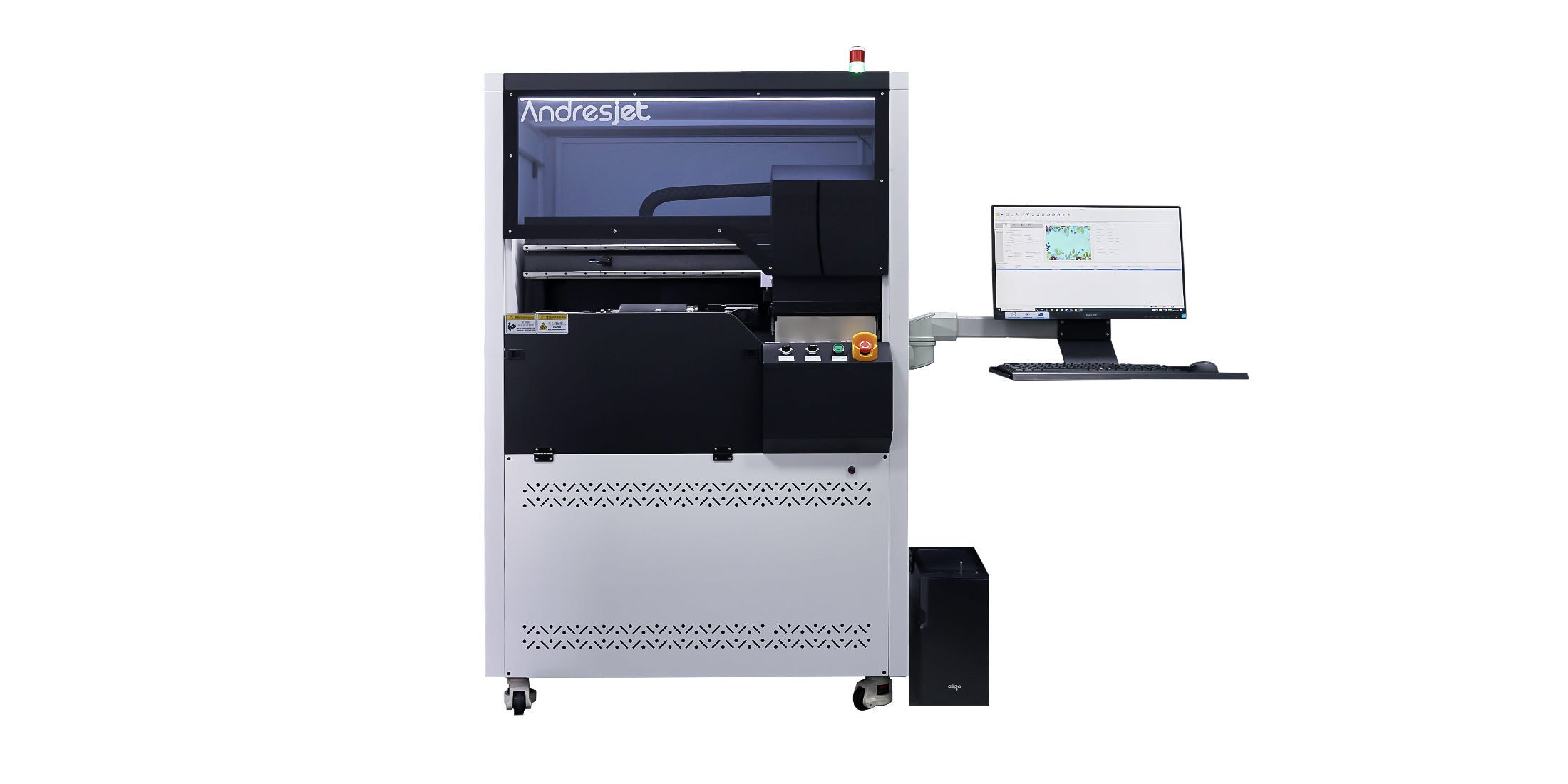
The AJ1206 and AJ360i serve different item geometries. Published dimensions establish a starting point; the intended product, fixture, artwork and representative production test determine whether either route is suitable.
Supported flat-product route
Cylinder and taper route
The two systems are not interchangeable. Published dimensions do not confirm material compatibility, fixture suitability or finished pieces per shift. Test the exact products and time receiving, setup, printing, inspection and packing before setting order targets.
For a useful recommendation
A useful recommendation connects every item family to dimensions, material, fixture, artwork versions, quantity and acceptance criteria.
Photos, samples, dimensions, weight, flat or cylindrical form, taper, surface interruptions and exact printable area.
Manufacturer, product code, coating, color, transparency, cleaning, pretreatment and the finished-use tests required.
SKUs, personalization fields, coverage, orientation, color references, white or varnish layers and file-to-item matching.
Quantity by item, batch size, reorder pattern, sorting, assembly, inspection, packaging, turnaround and support expectations.
Final equipment and settings should be confirmed with the exact products, artwork and order workflow.
No. Supported flat items and rotating cylindrical or tapered items require different transport, holding and image-mapping methods. Separate the product list by geometry first, then confirm dimensions, fixtures, surface preparation and artwork with representative samples.
It is the cylinder-focused option when the real vessel fits its published diameter, taper and print-length ranges. Product weight, surface, cap or handle interference, image seam, fixture contact and finished-use requirements still need to be reviewed and tested.
No. The benefit depends on the product shape, fixture, precut-item tolerance, artwork position and repeat-job requirements. Compare a controlled fixture workflow with the optional camera-assisted route using the representative parts.
Use a version matrix that connects the order record, physical item, fixture position, artwork file, white or varnish layers and approved proof. Add identification and inspection steps before printing and before packing to reduce mismatches.
Output depends on sorting, cleaning, fixture loading, artwork changes, resolution, passes, ink coverage, white or varnish layers, unloading, inspection, assembly and packing. A timed representative order is more useful than a single headline speed.
Test the real campaign products
Share representative flat items and vessels, dimensions, materials, artwork versions, quantities, packaging and quality requirements. AndresJet can separate the production routes, review current equipment and arrange sample testing.
Practical order-planning guide
A campaign may look consistent to the customer while containing different shapes, materials, fixtures and artwork maps. Production planning should preserve that campaign consistency without treating unlike products as one setup.
Separate supported flat parts from straight cylinders and tapered vessels before comparing bed size, rotary range or fixtures.
Group exact materials, coatings, colors, transparency, surface interruptions and finished-use requirements.
Map artwork versions, personalization fields, quantities, kit relationships, inspection and packing by SKU.
Build a physical product matrix. List every SKU with photos, dimensions, weight, material, shape, color, printable area and surface interruptions.
Assign the production route. Identify flatbed or cylinder handling, fixture concept, item origin, image orientation and any seam or no-print zone.
Build the artwork matrix. Connect campaign colors, personalization fields, white or varnish layers and approved proofs to each product version.
Prepare and print representative samples. Use the intended cleaning, pretreatment, fixture, resolution, passes and ink construction.
Inspect as a campaign set. Check each product individually and compare color, image placement and visual consistency across the approved set.
Time fulfillment. Include sorting, printing, inspection, assembly, kit completion, packing and repeat-order records.
Two objects described as plastic, metal, coated or acrylic can differ in formulation, surface treatment, shape, supplier and finished use. Approve the named product and production batch, not a generic material label, and keep the test route attached to that SKU.
Use one campaign standard, but approve every distinct product construction and geometry.
Use controlled fixtures, stable item identification, approved artwork and repeat-job records for recurring orders.
Connect customer data, file names, fixture positions, physical items and packing labels through a documented version matrix.
Inspect flat and cylindrical items separately, then verify color relationship, quantity and correct combination before packing.
Finished order capacity depends on receiving, sorting, cleaning, fixture loading, artwork version changes, resolution, pass count, ink coverage, white or varnish layers, unloading, inspection, assembly and packaging. Time the complete representative order before setting production or delivery commitments.