

- by John White
When Are Fixtures Needed for Promotional Product Printing?
- by John White
Print bigger, print faster — wide-format UV flatbed printers for signs, decor and industrial work.

Promotional products often have small printable areas that must align accurately with edges, holes, buttons or other physical features. Placing these products loosely on a UV flatbed printer can lead to inconsistent positioning, especially when the same design must be repeated across a complete batch.
A fixture, sometimes called a jig, holds each product in a known position during loading and printing. However, not every job requires a custom fixture. Short runs and irregular product mixes may sometimes benefit from camera-assisted positioning instead.
This guide explains when fixtures are useful, when visual positioning may be considered and what businesses should evaluate when selecting UV printers for promotional products.
A printing fixture is a positioning tool designed to hold one or more products on the flatbed. It defines where each blank should be placed and helps prevent movement during production.
A fixture may contain:
The fixture does not print the image or correct the artwork automatically. It creates a repeatable physical relationship between the product, printing bed and production file.
Fixtures are frequently used for small products that are printed repeatedly in batches, including:
The product must still have a suitable printable surface and remain within the printer’s loading limits. A fixture cannot make an incompatible material or highly curved surface suitable for flatbed printing.
A fixture is normally worth considering when one or more of the following conditions apply.
If a business produces the same phone case, token or keychain every week, a reusable fixture can reduce repeated manual positioning.
The operator loads each blank into a defined location, and the corresponding artwork template places each image over the correct fixture position.
A small alignment error can be obvious when artwork follows an outer edge or must avoid a camera opening, button, hole or raised feature.
A properly designed fixture helps maintain the product’s position and orientation so that the approved artwork relationship can be repeated.
When a batch contains many identical blanks, a multi-position fixture can organize the bed and simplify artwork mapping.
For example, a fixture may contain numbered positions that correspond to numbered areas in the production file. This is particularly useful when each blank receives the same design.
Lightweight, flexible or uneven products may shift if they are not held securely. A suitable fixture can support the product and restrict horizontal movement.
The holding method must not raise the printable surface unexpectedly or place fixture components inside the carriage path.
A reusable fixture and its matching artwork template can shorten setup for repeat orders. This is most effective when the blank supplier and product dimensions remain consistent.
A dedicated fixture may not be the best choice for every job.
It may be unnecessary when:
The decision should compare the time required to design, produce, store and maintain a fixture with the setup time it is expected to save.
| Decision factor | Fixture positioning | Camera-assisted positioning |
|---|---|---|
| Best suited to | Repeated batches of consistent products | Short runs, mixed layouts and selected irregular blanks |
| Physical holding | Can locate and support the product | Detects position but does not necessarily prevent movement |
| Initial preparation | Requires fixture design and matching artwork template | Requires camera calibration and a compatible recognition workflow |
| Product changes | A new shape may require a new fixture | May accommodate more layout variation after testing |
| Repeat loading | Positions are mechanically defined | Positions are identified by the visual system |
These methods are not always mutually exclusive. A fixture can hold products securely while a camera or registration process supports additional alignment checks.
A camera can identify the position or outline of a compatible object, but it does not automatically solve every physical loading problem.
A fixture may still be useful when:
Camera performance should be tested using the real material. Transparent, reflective, dark or low-contrast products may behave differently under the scanning system.
CCD visual positioning may be useful for orders containing multiple small blanks whose positions or orientations vary on the bed.
Potential applications include:
The operator must still confirm that the system recognizes the product accurately and maps the correct artwork to each blank.

A fixture should be designed around both the product and the printing process.
Before creating it, determine:
The fixture should hold the blank consistently without requiring excessive force. It should also allow the operator to remove printed products without scraping their finished surfaces.
Promotional blanks are not always identical. Injection-molded cases, precut acrylic pieces and small metal components can have dimensional variation between production batches.
If a fixture opening is too tight, later blanks may not fit. If it is too loose, products may rotate or shift.
Test the fixture with several representative blanks rather than with only one carefully selected sample. When possible, include products from the actual production batch.
The fixture adds height beneath or around the product. The complete loaded assembly must remain within the printer’s permitted media range and maintain safe printhead clearance.
Before printing:
A printer’s maximum media thickness is not a target operating distance. The print surface should be loaded and configured according to the machine’s approved operating procedure.
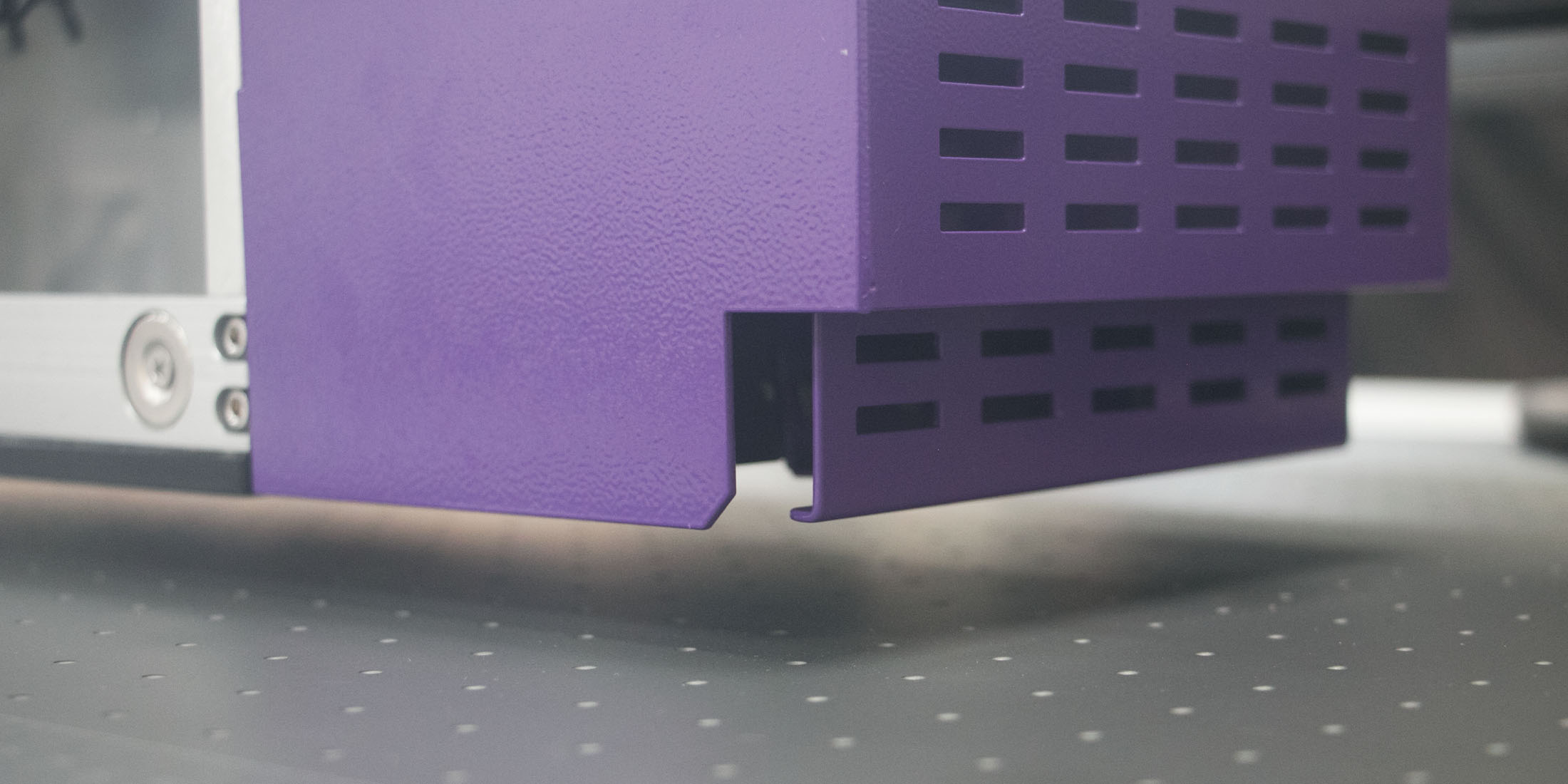
A fixture is only useful when the production artwork matches its positions.
The corresponding template should define:
Protect the approved template from accidental changes. If the fixture is revised, create a new template version rather than silently replacing the original.
A fixture may hold many identical products while each one receives a different name, number or image. In this situation, physical positioning is repeatable, but artwork assignment becomes another source of error.
Use a clear position map:
A replacement product should be connected to its original position and recipient instead of being added informally at the end of production.
Before printing a full production batch, load representative blanks and produce a controlled first run.
Inspect:
If different fixture positions show different alignment, investigate the template, fixture construction and product tolerances before continuing.
Reusable fixtures should be identified and stored with their production information.
Record:
Store fixtures flat and protected from heat, contamination and physical damage. A warped fixture can change the height and position of the products even when the artwork file remains unchanged.
Do not assume a stored fixture is automatically ready for the next order. Before reuse, check for:
If the blank supplier changes, test several new products in the existing fixture before releasing production.
A fixture solves a positioning and holding problem. It does not confirm that UV ink will adhere to the product.
Every new material or coating should still be evaluated for:
A perfectly aligned image is not an acceptable result if the ink does not remain attached during the product’s intended use.
The AndresJet AJ1206 small UV flatbed printer has a maximum printing area of 1200 × 600 mm and supports media from 0 to 35 mm thick, subject to its loading limits.
Its official configuration supports CMYK, white and varnish, with optional additional color channels. An optional wide-beam CCD scanning camera is available for workflows that benefit from visual positioning.
The correct choice between fixtures, CCD positioning or a combination of both depends on:
Before producing a new fixture, ask:
Fixtures are valuable when promotional products must be held and positioned repeatedly. They are particularly useful for consistent batches, tight artwork registration and repeat orders.
Camera-assisted positioning can provide greater flexibility for selected short runs and irregular layouts, but it does not physically secure every product or eliminate the need for application testing.
Evaluate the product shape, quantity, alignment requirements and likelihood of repeat orders before investing time in a fixture. When a fixture is used, control it together with its artwork template and approved product specification.
Explore AndresJet’s UV printers for promotional products, or submit product photographs, dimensions, samples and expected quantities for fixture and positioning evaluation.
Follow AndresJet’s official social media channels for UV printing applications, equipment demonstrations and company updates:
For the complete decision path, continue with the UV printer hardware and software error guide.


