

- by John White
How to Choose a Cylindrical UV Printer for Bottles and Tumblers?
- by John White
Curved surfaces? Print straight onto bottles, tubes and cylinders — no labels needed.

Printing directly on bottles, tumblers and cosmetic containers can remove the need for labels, transfer films and screens. It also allows manufacturers to produce full-color graphics, personalized names and short-run packaging without preparing a separate plate for every design.
However, cylindrical products are more difficult to print than flat sheets. The printer must rotate the object accurately while keeping its surface at the correct distance from the printheads. Changes in diameter, taper, material and surface coating can all affect the finished result.
Before investing in a cylindrical UV printer, businesses should evaluate the actual products they intend to manufacture rather than choosing a machine solely by resolution or advertised speed.
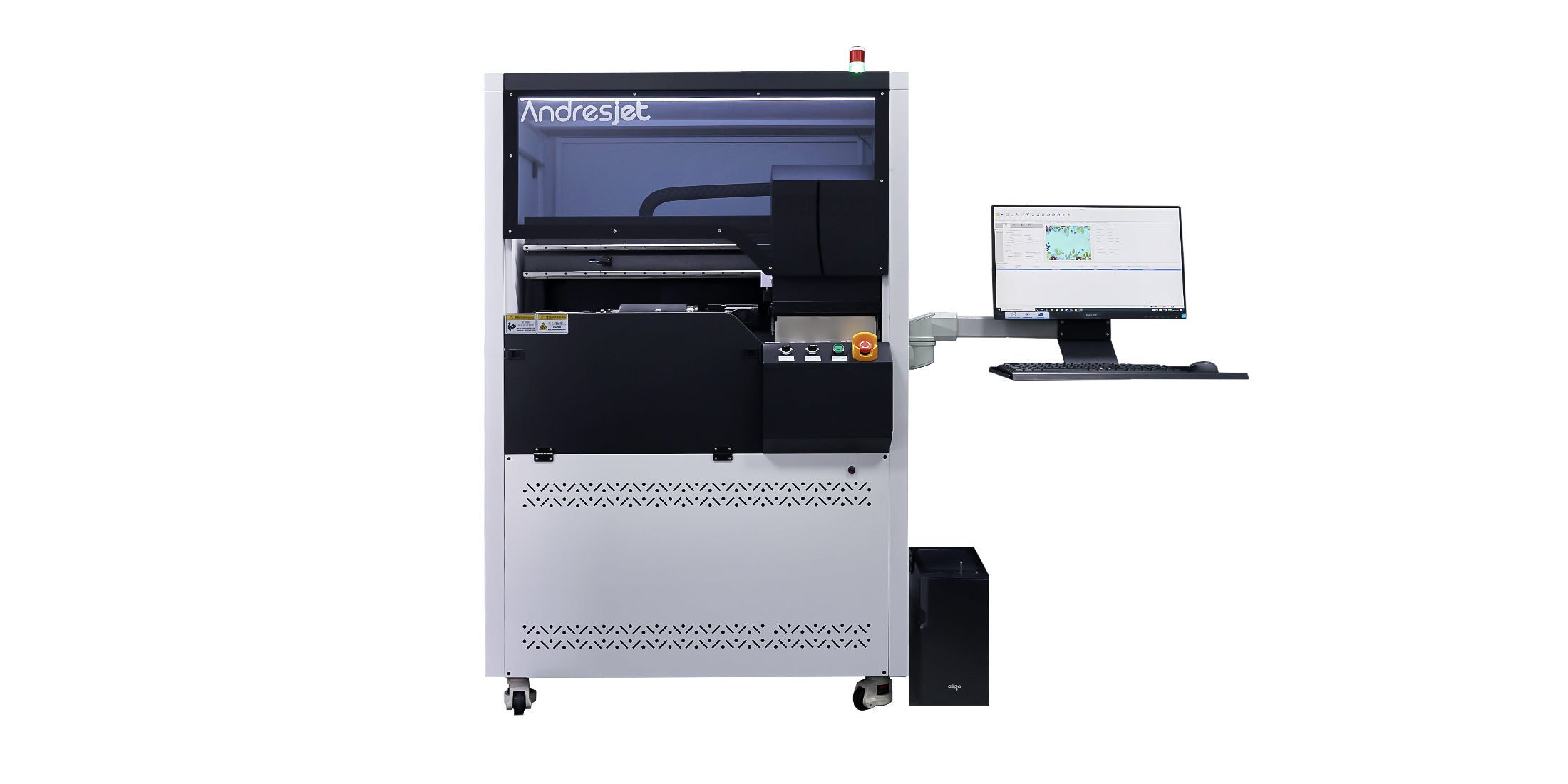
AndresJet’s digital cylinder printer collection is designed for direct printing on bottles, tumblers, tubes and other cylindrical or tapered objects.
The first question is whether the product is a true cylinder.
A straight-sided bottle has approximately the same diameter across the printing area. It can rotate at a consistent distance from the printheads, making artwork placement relatively straightforward.
A tapered bottle gradually changes diameter from one end to the other. If the printer does not compensate for that angle, the distance between the surface and printhead may change during printing. The result can include distortion, loss of detail or an inconsistent seam.
Divide the planned products into three groups:
A cylindrical printer is most suitable when the printable area can rotate freely and maintains a predictable profile. Bottles with handles, strongly curved shoulders or deeply recessed areas may require a different fixture, a restricted print area or another production method.
Product measurements should be checked before artwork or machine configuration is finalized.
Record the following information for every bottle or tumbler:
The AndresJet AJ360i Digital Cylinder Printer supports a standard diameter range of 60–170 mm. Optional configurations extend the range to 10–60 mm for smaller products and 170–240 mm for larger vessels.
Its supported print length is 40–270 mm, while its stated taper range is 0–7 degrees. These specifications should be compared with the actual printable portion of the product—not simply the overall bottle dimensions.
Not every cylindrical application requires a complete 360-degree design.
A front-facing logo may cover only a small area. Other products require a full-wrap graphic that extends around the entire circumference. Seam alignment becomes much more important with full-wrap designs.
For seamless or near-seamless printing, the production team must control:
Even a small difference between the artwork width and the measured circumference may create a visible gap or overlap.
When evaluating a machine, request samples with both a front-facing design and a full-wrap design. The full-wrap sample makes it easier to evaluate registration and seam quality.
A cylindrical printer cannot produce consistent results if the object slips, tilts or moves during rotation.
The fixture must hold the product securely without damaging its surface. It should also keep the bottle centered so that it rotates around a stable axis.
Ask the supplier:
The AJ360i uses a pneumatic clamping system and includes standard fixture options for products within its standard diameter range. Custom fixtures can be developed when a container cannot be held correctly by the standard configuration.
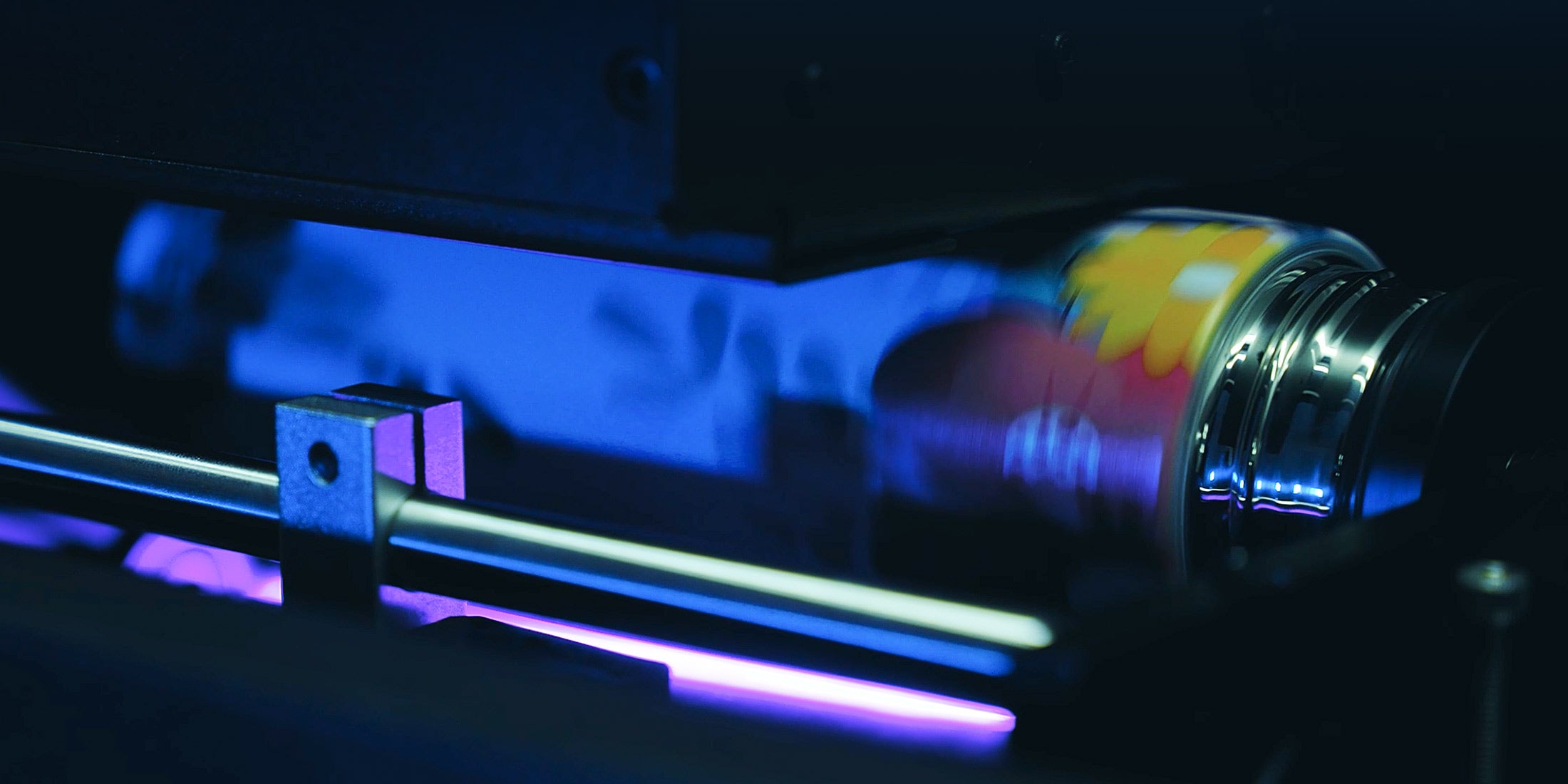
CMYK is used to reproduce full-color artwork, but CMYK alone may not produce an opaque result on clear, dark or metallic bottles.
CMYK is suitable for reproducing photographs, gradients, branding colors and multicolor artwork. It performs most predictably on white or light-colored surfaces.
White ink can be printed beneath CMYK as an underbase. This prevents colors from becoming transparent or blending into the color of the bottle.
White ink is particularly important when printing on:
Varnish can add gloss, texture or selected raised effects. It is often used for premium packaging, logos and decorative details.
The AJ360i supports CMYK, white and varnish. Before choosing a configuration, determine whether varnish is a regular production requirement or an occasional premium effect, because additional ink layers affect printing time and cost.
“Plastic,” “glass” and “metal” are not sufficiently precise descriptions for an adhesion test.
Two plastic bottles that look identical may use different polymers, coatings or release agents. A stainless-steel tumbler may be bare, painted, powder-coated or covered with a protective finish. Each surface can react differently to UV ink.
A reliable test should use the same product and finish that will be used in production.
Cosmetic and beverage containers may also encounter water, oils, alcohol, condensation or cleaning chemicals. These conditions should be included in the test when relevant.
Cylindrical printer speed depends on more than the number stated on the specification sheet.
Important variables include:
The AJ360i is rated at approximately 60 items per hour in production mode and 40 items per hour in high-quality mode under the stated reference conditions. Actual output will depend on the product and artwork.
The most useful test is a timed production sample using a representative bottle. Include loading, calibration, printing and unloading rather than measuring only the time during which ink is being deposited.
Artwork intended for a flat label cannot always be sent directly to a cylindrical printer.
The file may need to account for:
The AJ360i includes control and RIP software and supports common formats such as TIFF, JPG, EPS, PDF, PNG, AI and PSD.
A business producing one bottle shape continuously has different requirements from a print shop processing many small orders.
For high-mix production, changeover time can have a greater effect on daily capacity than maximum printing speed.
A changeover may involve replacing or adjusting the fixture, loading a new product profile, measuring the product, calibrating the starting position and producing a test print.
When comparing printers, ask the supplier to demonstrate a complete change from one product to another. Do not evaluate only a prepared demonstration in which the machine has already been calibrated.
A cylindrical UV printer requires a controlled, clean working environment.
For the AJ360i, the specified operating temperature is 20–30°C and the recommended relative humidity is 30–60%. The machine supports AC 220/110 V power, subject to the required electrical configuration and grounding.
The installation plan should also account for ventilation, ink and primer storage, product preparation space, fixture storage, maintenance access, stable power and grounding.
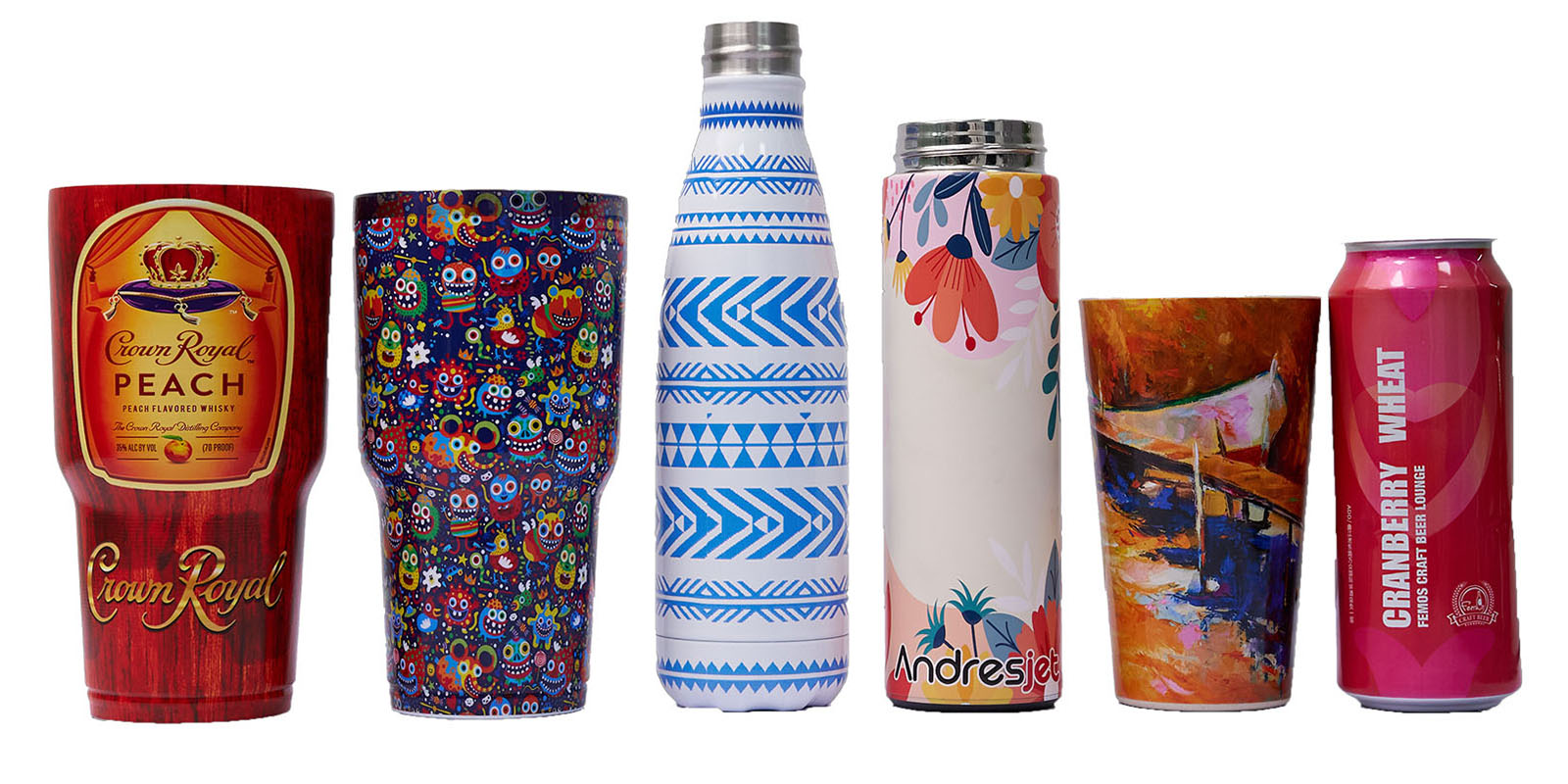
A meaningful sample test should reproduce the intended commercial application.
Send the supplier several examples of the actual bottle, the production artwork, required print coverage, target colors, durability requirements and expected order volume.
Inspect the finished pieces for fine-text clarity, color opacity, seam alignment, distortion, banding, scratches, adhesion and consistency between samples.
Product specifications explain what a printer is designed to do, while real application posts make it easier to see finished products, printing workflows and current AndresJet projects.
Follow Shenzhen Andres Technology Co., Ltd. on LinkedIn for AndresJet production examples, exhibition updates and industrial printing applications.
For model-specific advice, readers can compare the application shown in a social post with the product diameter, shape and print coverage required for their own bottles. Because some social posts show multiple machines without identifying every model, buyers should confirm the exact printer configuration with AndresJet before making a technical decision.
Choosing a cylindrical UV printer begins with the bottle, not the machine brochure.
Measure the product accurately, evaluate its taper and printable area, and confirm how it will be held during rotation. Then test the required CMYK, white and varnish layers on the actual surface.
For manufacturers working with bottles, tumblers, cosmetic tubes and similar containers, the AndresJet digital cylinder printer collection provides a dedicated direct-to-object solution.
The AJ360i Digital Cylinder Printer can be evaluated using real products before a final configuration is selected.
For the complete decision path, continue with the choosing uv printer type & size guide.

