

Machine nameplates
Produce compatible identification plates with approved logos, model information, color fields and variable records.

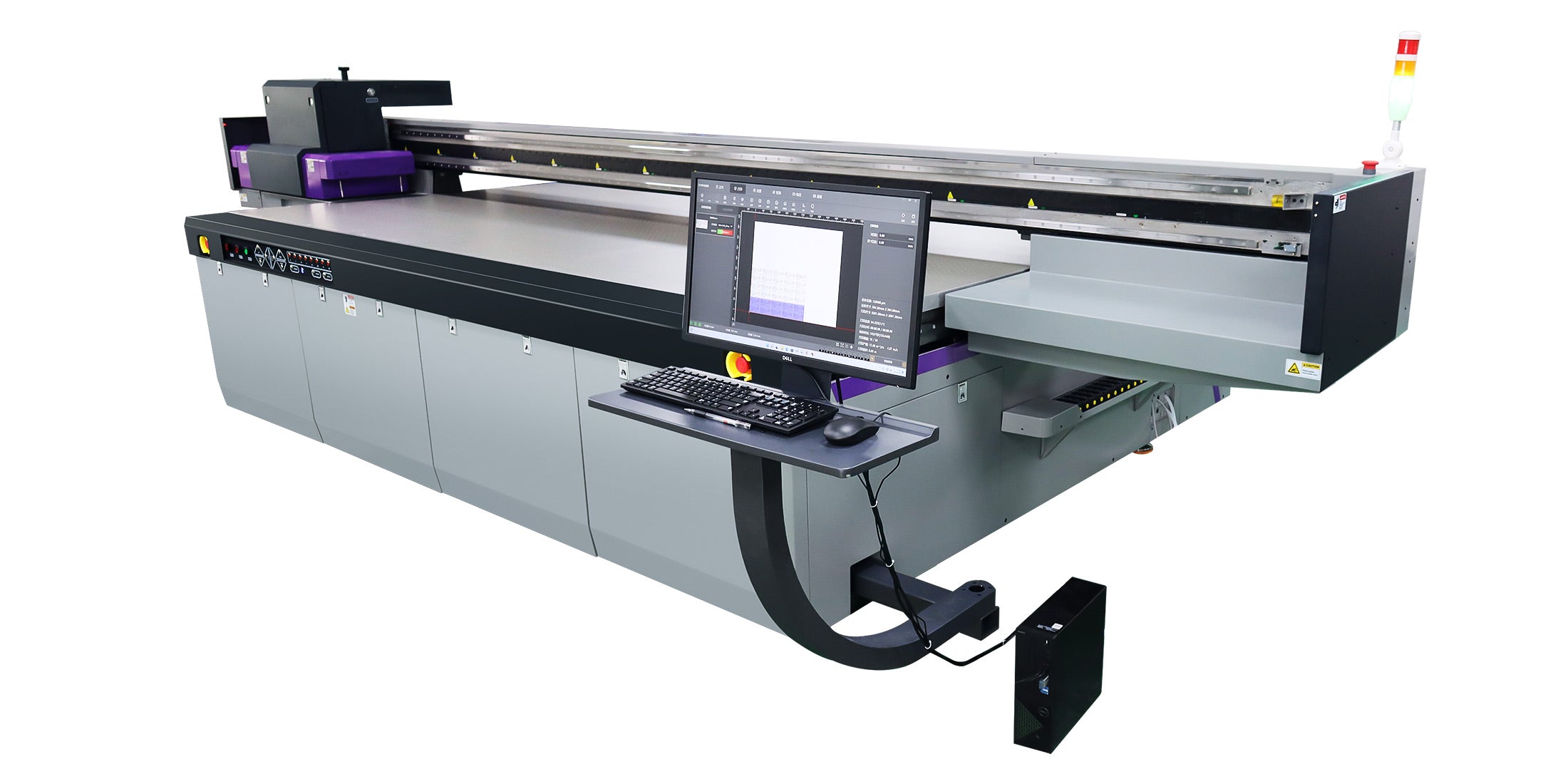
Introducing the new Andresjet AJ3220G/R, a classic choice for large-format applications. Built for performance, it handles diverse media sizes with ease. Customize your machine with up to 8 Ricoh® Gen5/Gen6 printheads to scale your production capabilities.
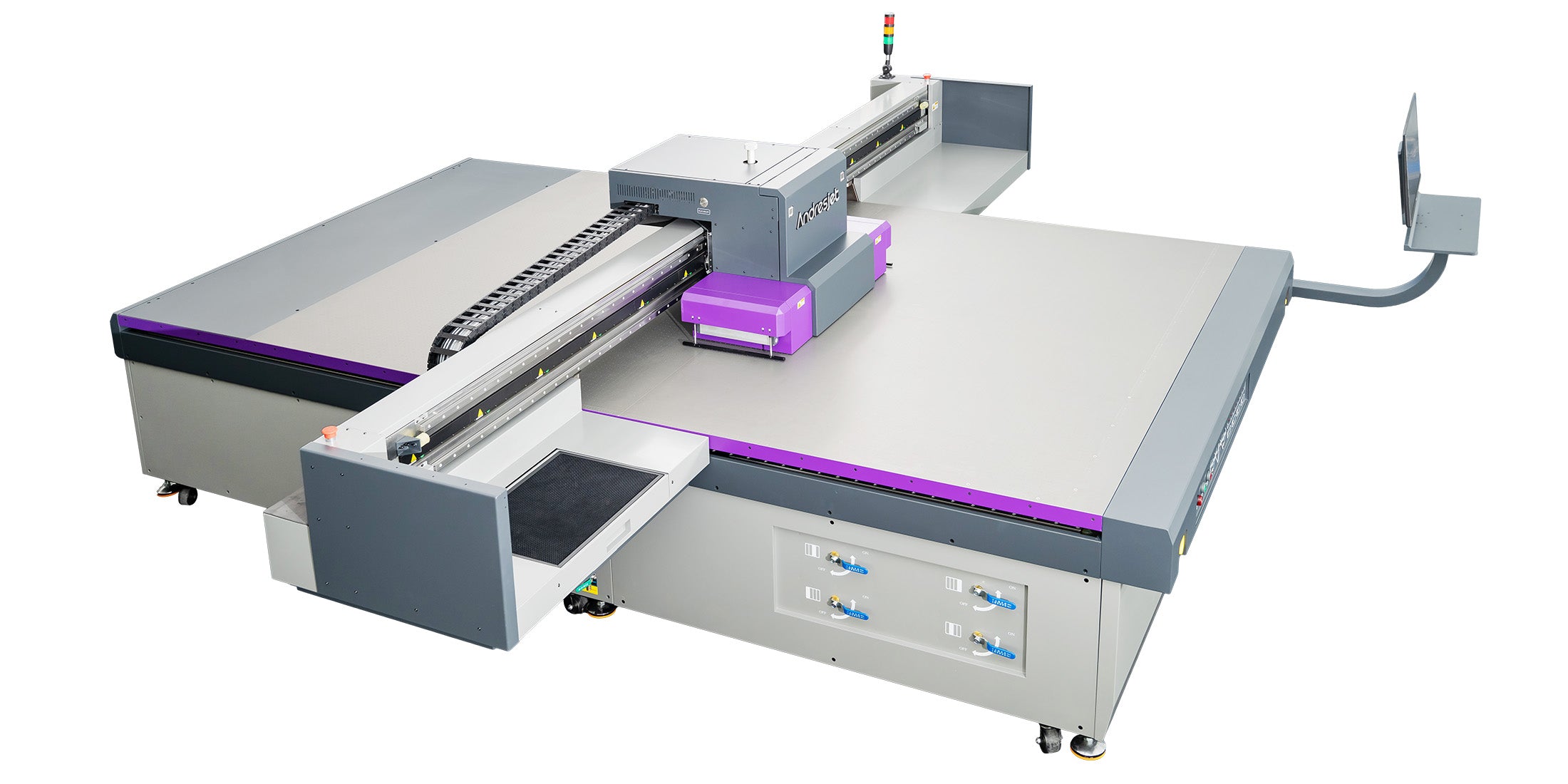
Transition to digital with the popular Andresjet AJ2130G/R. Designed for simplicity and power, it eliminates complex plate-making and silk printing processes. The system is configurable with up to 8 Ricoh® Gen5 or Gen6 printheads to match your production needs.
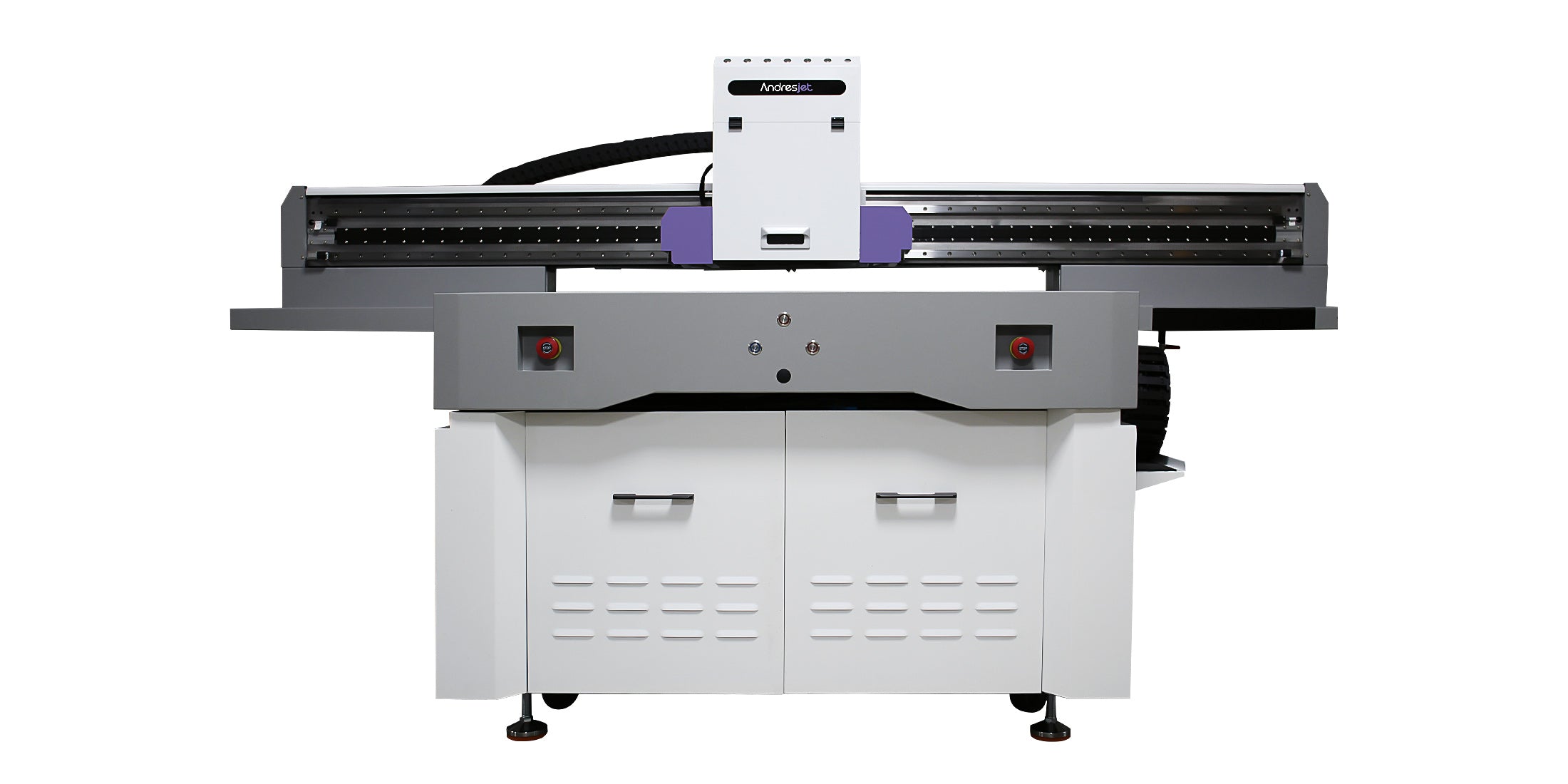
The AndresJet AJ1206 brings industrial-grade printing to small and medium-sized businesses. Get professional performance and exceptional speed in a compact, budget-friendly design perfect for scaling your production.

Industrial nameplates and control-panel faceplates depend on more than print appearance. Cutouts, display openings, button positions, edge clearances and artwork revisions must remain connected to the correct part throughout production.
Approve a representative first article using the actual substrate, preparation method, color reference, white or varnish layers and inspection criteria. Retain the approved drawing, print file, sample and process record for repeat orders.
Industrial panel production planning
Industrial nameplates and machine faceplates may use coated aluminum, compatible plastics or other rigid panel surfaces. Reliable production requires the correct part drawing, printable zones, substrate batch, artwork revision, ink-layer construction and inspection record to remain connected from the first approved sample through repeat orders.
Produce compatible identification plates with approved logos, model information, color fields and variable records.
Control button holes, display openings, legends, orientation and edge clearances using the current part drawing.
Plan larger compatible rigid panels around the real substrate, cutouts, hold-down method and approved viewing condition.
Connect serial, asset or order-specific graphics to the correct blank, loaded position and inspection record.
Record the approved drawing, artwork version, part number and change status before releasing a job.
Identify displays, buttons, fasteners, vents, bends, raised areas and the required clearance around every feature.
Confirm substrate, coating, supplier lot, protective film, cleaning method and whether approved pretreatment is required.
Inspect placement, orientation, color, white opacity, varnish position, surface appearance and defined durability tests.
Current AndresJet platform range
These published dimensions provide an initial equipment screen. They do not confirm substrate compatibility, fixture design, production speed or finished-use durability.
Compact parts and nameplates
2.1 × 3.0 m panel platform
3.2 × 2.0 m panel platform
Confirm the current configuration directly with AndresJet. Actual output depends on part preparation, loading, positioning, resolution, passes, ink coverage, white or varnish layers, unloading, inspection and artwork changeovers.
Information for an application review
A useful recommendation needs more than a material name or overall panel dimensions.
Part number, supplier, material, coating, lot, dimensions, thickness, weight, flatness and intended print face.
Current drawing revision with cutouts, fasteners, bends, raised features, orientation and required edge clearances.
Approved file, color reference, white and varnish layers, part mapping and serial or order-data requirements.
Placement tolerance, viewing conditions, handling, cleaners, abrasion, chemicals, environment and rejection criteria.
No. Surface coatings, additives, contamination, flatness, protective films and end-use requirements vary. Test the exact production substrate and supplier lot.
Not automatically. The appropriate process depends on quantity, substrate, regulatory requirements, durability, variable data, appearance and the customer’s approved manufacturing specification.
Use the current part drawing to create controlled no-print and clearance zones. Confirm orientation, datum, fixture or vacuum method and head clearance using the real part.
A variable-data workflow may be possible, but the current RIP, file source, part mapping, verification and traceability process must be reviewed before production.
Approve the substrate lot, preparation, artwork revision, positioning, ink layers, color, opacity, varnish location, inspection method and finished-use tests with a representative first article.
First-article review
AndresJet can review the current part dimensions, substrate, cutouts, artwork, quantities and acceptance tests before a printer configuration is recommended.
Practical production control
A visually acceptable sample is not enough if the wrong drawing, blank or artwork can enter production. Keep the physical part and digital production record connected.
Identify the part. Record part number, supplier, lot, dimensions, surface and drawing revision.
Map the geometry. Define printable areas, cutouts, fasteners, bends, raised features and datum points.
Approve positioning. Confirm loading direction, fixture or vacuum method, spacing and head clearance.
Build the ink layers. Test color, white and varnish construction using the intended preparation and viewing condition.
Inspect the first article. Compare the printed part with the drawing, color reference and acceptance standard.
Release and retain. Store the approved file, settings, sample, inspection result and change status together.
Coated aluminum, painted metal, PVC and ABS parts can vary by supplier, coating, additives and manufacturing lot. These differences can change cleaning, pretreatment, adhesion, color and finished-use performance.
Approve the named substrate, supplier lot, preparation process and complete printed construction together.
Measure preparation, loading, positioning, file verification, printing, curing, unloading, inspection, handling, rejected parts and revision changeovers. A printer’s headline speed does not predict the finished output of a control-panel program.