

- by John White
Which White Ink and Varnish Layer Order Works on PVC and ABS?
- by John White
Print bigger, print faster — wide-format UV flatbed printers for signs, decor and industrial work.

White ink and varnish layer order for PVC and ABS panels depends on substrate color or transparency, viewing side, required opacity, finish and the verified printer/RIP workflow. Use color-only on suitable white opaque stock, white-under-color on dark or clear stock viewed from the printed side, and reverse-print structures only after a sample proves orientation, adhesion and color.
White ink is commonly used as an underbase on dark or colored panels and as a backing layer on transparent materials. It may be unnecessary on white opaque stock. More white does not automatically mean better output; excessive deposit can affect texture, cure and adhesion.
Define whether the customer evaluates the print from the ink side or through the substrate. That decision changes file orientation and layer sequence.
Color only is the simplest structure for white opaque stock. White then color supports dark or clear stock viewed from the print side. Color then white can support second-surface viewing through clear material when the artwork is mirrored. Varnish may be selective or full-area, subject to the verified workflow.
Treat these as candidates, not universal recipes. Confirm the selected AndresJet configuration, ink set, RIP behavior and substrate in a sample test.
| Application | Candidate sequence | Key check |
|---|---|---|
| White opaque panel | Color | Color and adhesion |
| Dark panel | White + color | Opacity and white halo |
| Clear, print-side view | White + color | Density and seam |
| Clear, second-surface view | Mirrored color + white | Orientation and backing |
| Selective finish | Verified base + varnish | Registration and cure |
Use named layers or spot-color conventions required by the RIP. Check overprints, knockouts, transparency, image orientation and white choke/spread where applicable. Save a production PDF and the native source separately.
A visible white halo often comes from artwork geometry, registration or scaling rather than ink color. Inspect the first article at high-contrast edges.
Use a stable substrate, preparation method, print mode and viewing condition before judging color. Save the approved recipe and reference sample. If a lot or coating changes, verify that the profile and white density remain suitable.
Fogra’s ProcessStandard Digital resources provide context for controlled digital-print workflows, but any tolerance must be defined for the actual customer and device condition.
Record substrate ID, cleaning or primer, file version, layer order, RIP preset, print mode, cure setting, date and approval result. The record should allow another trained operator to repeat the job.
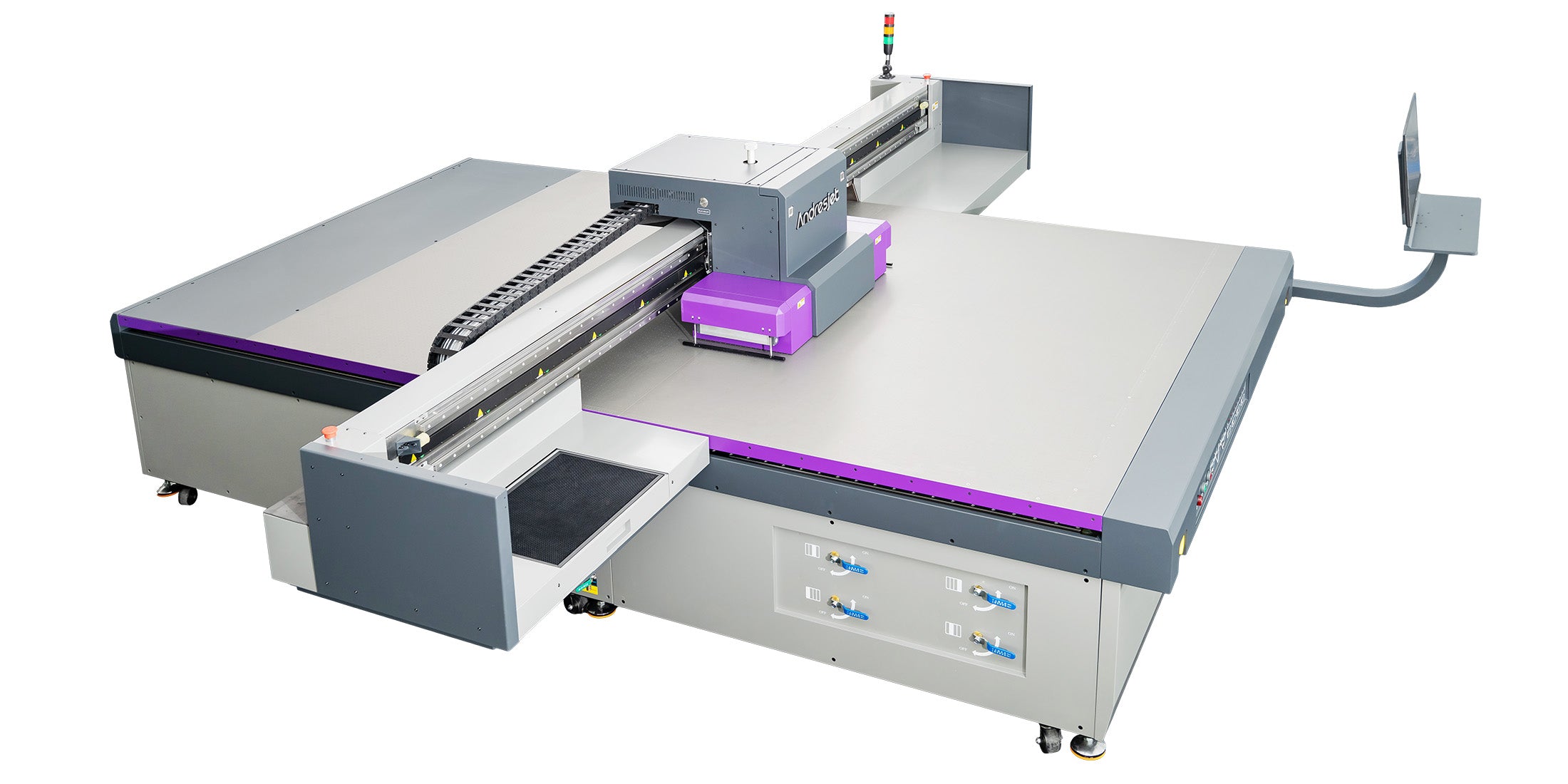
Review the PVC and ABS panel printer collection for application fit and the AJ2130 product page for published equipment information. Confirm the ink build with a sample on the production panel.
Layer order should solve a defined optical problem. Start with the simplest structure that meets opacity, viewing direction and finish requirements, then control the file and recipe so repeat orders do not depend on memory.
Choose layer order from substrate opacity, viewing side and finish. Validate white density, registration, cure and adhesion; then lock the file and RIP recipe. Do not publish a universal sequence for every PVC or ABS grade.
For the complete decision path, continue with the white ink circulation & opacity guide.
No. The sequence depends on substrate opacity, viewing side and finish. Clear second-surface work may require mirrored color followed by white.
Common causes include artwork geometry, choke or spread settings, scaling and registration. Inspect the production file and first article before changing ink density.
Only after the selected printer, ink configuration, RIP workflow, cure and substrate have been validated together.


