

How Long Do UV Lamps Last and When Should They Be Replaced
- by John White
Print bigger, print faster — wide-format UV flatbed printers for signs, decor and industrial work.

There is no universal lifespan for every UV printer lamp. Mercury lamps and UV-LED modules age differently, while useful life depends on the installed model, duty cycle, intensity, cooling, contamination, and required cure. Use the equipment manual, maintenance indicators, measured output when specified, and actual curing performance together.
(Last modified date: September 11, 2026)
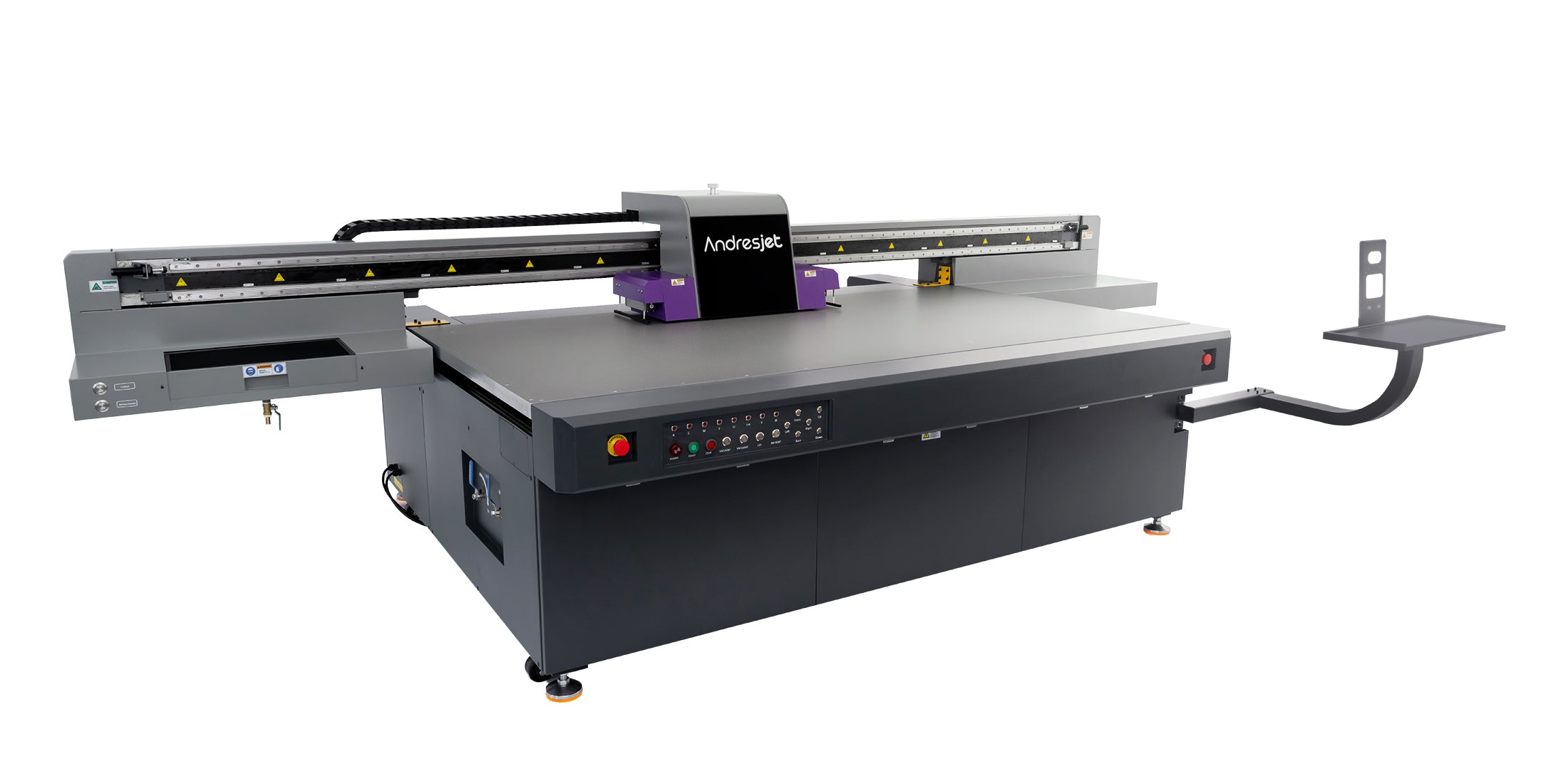
A lamp may still turn on but no longer deliver the dose or uniformity needed at production speed. Conversely, an hour counter may reach an advisory interval while validated output still meets the manufacturer’s criteria. The decision must follow the installed system.
Mimaki’s model-specific lamp FAQ explicitly states that estimated life depends on print mode, duty cycle, and intensity. Its stated figures apply to the cited Mimaki configuration and must not be copied to other printers.
These symptoms are not proof of lamp failure. Ink, substrate, layer thickness, print mode, optics, contamination, distance, and cooling can create similar effects.
UV-LED output and life depend on thermal control. Phoseon’s curing-system guidance explains that removing excess heat supports LED uniformity and longevity. On a printer, blocked filters, failed fans, incorrect coolant, contaminated windows, or restricted airflow require model-specific service.
Do not touch optical surfaces or open a lamp housing unless the manual identifies the task as operator maintenance.
Confirm the exact lamp or module part number, service procedure, calibration steps, warranty status, and whether paired components should be evaluated together. After replacement, verify curing across the print width and in both carriage directions, then recheck color and adhesion on the control substrate.
Send the substrate, ink effects, maximum layer stack, production mode, accepted output target, and durability test. When comparing the wide-format UV flatbed range, ask for the installed curing technology, maintenance responsibilities, replacement parts, and documented operating limits rather than a generic lifetime promise.
For the complete decision path, continue with the uv lamp & led life performance guide.
Use the figure for the exact lamp and printer. Technology, settings, cooling, duty cycle, and cure requirement prevent one universal answer.
No. Check ink, substrate, mode, layer thickness, optics, distance, cooling, and settings before diagnosing the lamp.
Verify cure across the width and directions, adhesion, gloss or color consistency, alarms, and the validated production mode.


