

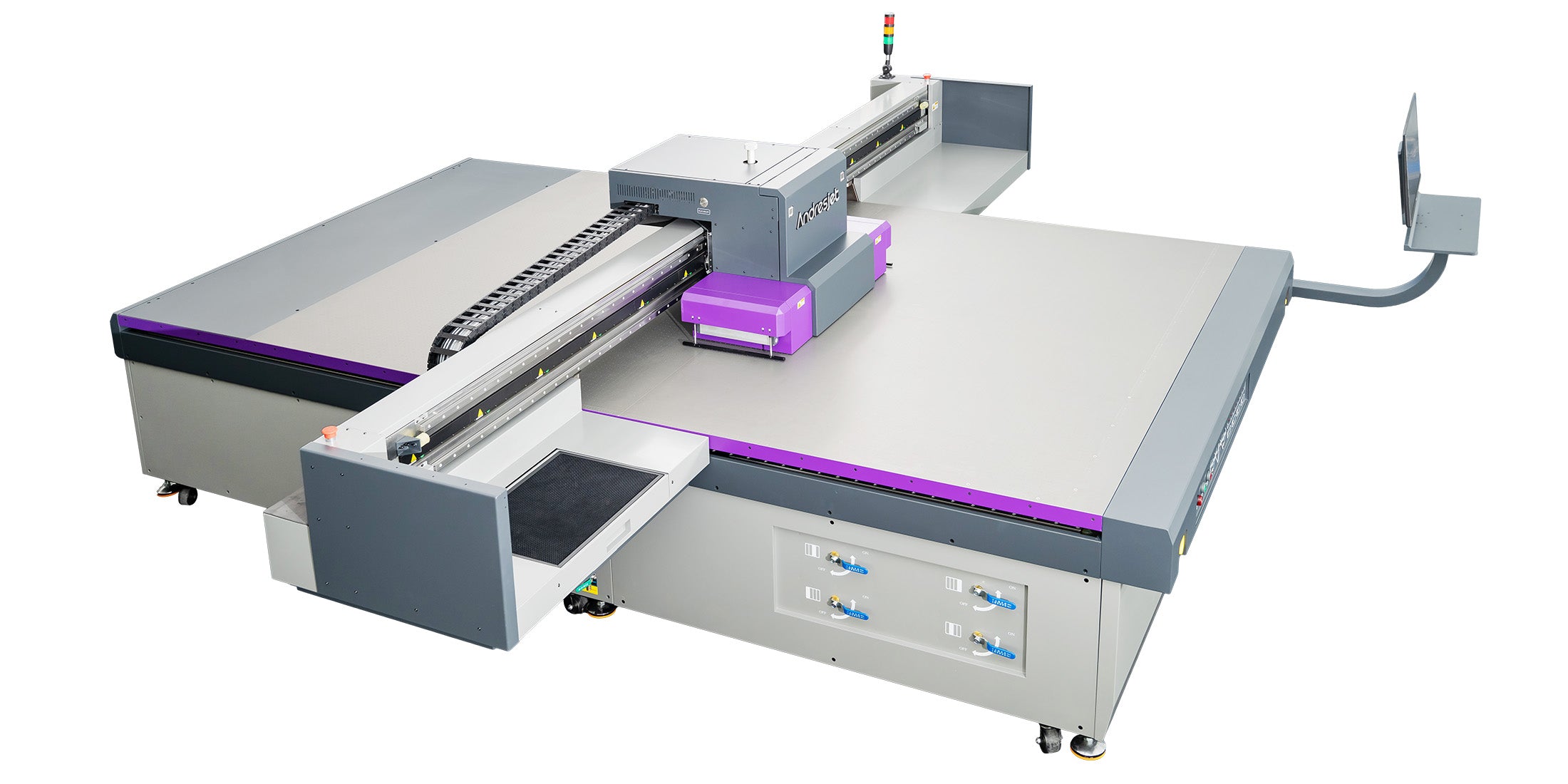
A printer described as a “4x8 UV flatbed printer” may sound as though it will automatically accommodate every board sold as 4 × 8 feet. In production, that assumption can cause loading problems, clipped graphics and insufficient operating clearance.
The nominal dimensions of a board, its actual measured size, the printer’s maximum printable area and the space required for positioning are not always identical.
Before selecting a printer, measure representative sheets and confirm how they will be loaded. Businesses evaluating standard rigid-board production can review AndresJet’s 4x8 UV flatbed printer collection.
What Does “4x8” Mean?
In the sign, display and construction industries, 4 × 8 feet is a common nominal sheet size. It corresponds approximately to:
- 48 × 96 inches
- 1219.2 × 2438.4 mm
However, “4x8” is often a product category rather than a guarantee that every sheet measures exactly 1219.2 × 2438.4 mm.
The actual dimensions may vary because of:
- Manufacturing tolerances
- Metric equivalents used by the supplier
- Protective edges or packaging
- Trimming differences
- Board expansion or deformation
- Material-specific production standards
Some suppliers may describe a 1220 × 2440 mm board as a 4x8 sheet. That board is slightly larger than the exact imperial conversion. A printer bed designed only around the theoretical 1219.2 × 2438.4 mm dimensions may therefore provide insufficient clearance.
Bed Size and Printable Area Are Not Always the Same
The physical flatbed and the maximum printable area should be checked separately.
A machine may have a bed that appears large enough to hold the board while its software-defined print area is smaller. Conversely, a printer may offer a larger working area that allows the operator to position the sheet with additional clearance.
When evaluating a printer, request these measurements:
- Physical bed dimensions
- Maximum printable width and length
- Maximum media dimensions
- Printable origin position
- Non-printable margins
- Media-thickness range
- Maximum allowable media weight
Do not assume that “bed size,” “media size” and “print area” refer to the same measurement.
Why a Larger Printing Area Can Help
A printing area larger than the nominal board size provides practical flexibility.
Additional space can help with:
- Loading sheets whose actual size is slightly oversized
- Correcting minor sheet-positioning errors
- Leaving a controlled margin around the artwork
- Using alignment stops or registration references
- Printing more than one smaller board in a layout
- Accommodating future products with different dimensions
For example, the AndresJet AJ2130G/R UV Flatbed Printer has a maximum print area of 2100 × 3000 mm. This is larger than a nominal 4x8 sheet in both directions and therefore provides additional positioning space.
The larger platform does not eliminate the need to measure the media. It simply provides more flexibility than a bed designed around the nominal dimensions alone.
Measure the Actual Sheet Before Selecting a Printer
Ask the material supplier for dimensional tolerances, but also measure several physical sheets from a typical delivery.
Record:
- Minimum and maximum width
- Minimum and maximum length
- Sheet thickness
- Variation in thickness across the board
- Maximum sheet weight
- Edge straightness
- Flatness and warping
Measure more than one sheet. A single sample may not represent the full tolerance of future deliveries.
If the business buys boards from several suppliers, measure material from each source. Sheets sold under the same nominal description may not have identical dimensions or surface characteristics.
Allow for a Safe Printing Margin
A file designed at exactly 48 × 96 inches does not automatically guarantee full-board coverage.
Production planning should distinguish among:
- The physical sheet size
- The intended finished size
- The printable artwork area
- The bleed area
- The trimming allowance
- The printer’s usable working area
If the finished product will be trimmed after printing, the artwork may require bleed beyond the final cut line. That bleed still needs to remain within the printer’s usable area unless the workflow permits controlled overspray.
Printing directly beyond the edge of a board can deposit ink onto the flatbed or surrounding equipment. Repeated overspray may contaminate the bed and interfere with vacuum performance or future jobs.
A practical workflow should define safe zones for both the image and the machine.
Consider the Loading Direction
A rectangular flatbed may allow the sheet to be loaded in more than one orientation, but the best direction depends on the machine layout and available workshop space.
Consider:
- Which side of the printer operators can access
- Available space for carrying and rotating sheets
- Print-carriage movement
- Vacuum-zone arrangement
- Artwork orientation
- Board grain or flute direction
- Unloading and finishing workflow
A printer may accommodate the board mathematically while remaining difficult to operate because there is insufficient room to maneuver a full sheet safely.
Review the entire loading path—from material storage to the printer and from the printer to finishing—not only the bed dimensions.
Check Whether the Sheet Lies Flat
Dimensional fit does not guarantee that a board is safe to print.
A warped sheet may rise into the printhead travel path. Corrugated board, thin plastics and materials stored under unstable temperature or humidity are particularly likely to bow or curl.
Before printing:
- Place the board on a flat inspection surface.
- Check the center and all four corners.
- Measure or assess any raised areas.
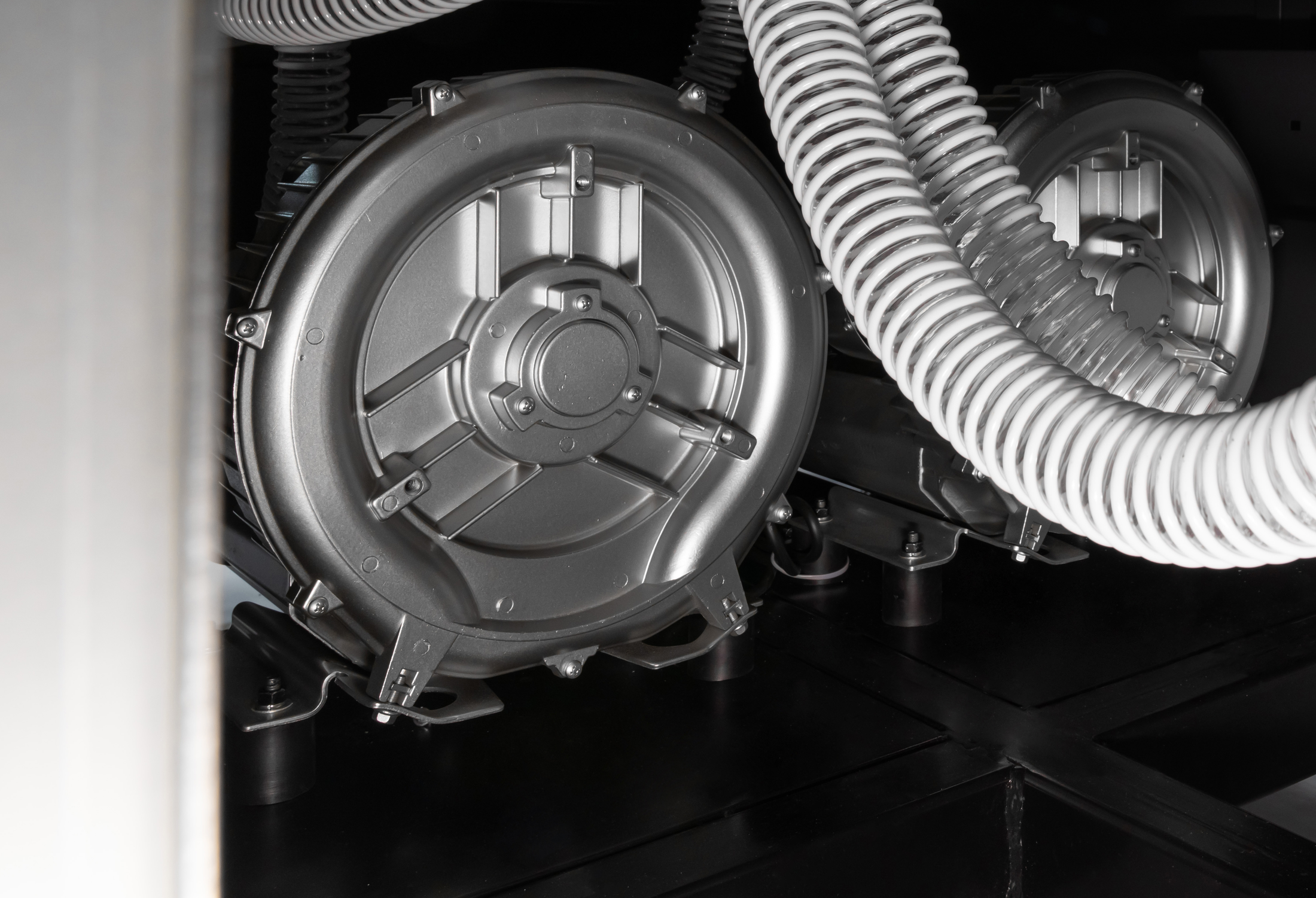
- Confirm that the vacuum system can hold the board securely.
- Set the correct media height.
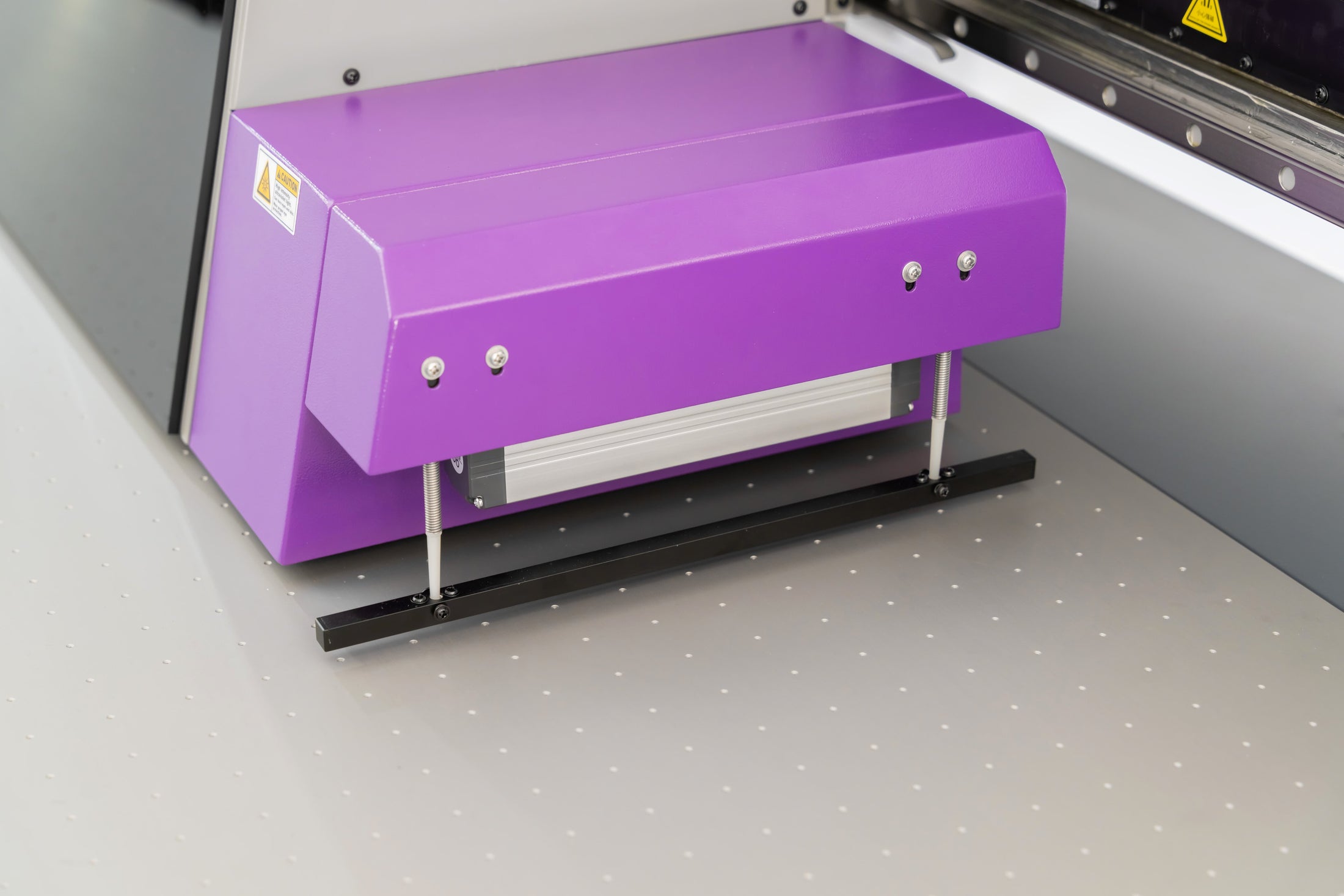
- Verify printhead clearance before production begins.
The AJ2130G/R uses a hard-anodized aluminum flatbed with a four-zone vacuum system. Activating the zones required for the loaded media can help maintain useful holding force.
Material Thickness Also Matters
A 4x8 UV flatbed printer may be used for more than thin sign sheets. Potential materials include:
- PVC and foam board
- ABS panels
- Acrylic
- Wood, MDF and plywood
- Aluminum composite panels
- Glass
- Coated metal sheets
- Corrugated board
Each material has different thickness, weight and flatness characteristics.
The AJ2130G/R supports media from 1 to 100 mm thick and a maximum media weight of 50 kg per square meter according to its published specifications. The actual product and loading method should still be reviewed with the supplier.
Heavy sheets require safe material handling. Thick panels also need sufficient clearance around the printheads and carriage.
Do Not Confuse Maximum Size with Daily Throughput
The ability to load one 4x8 board does not indicate how many finished boards the printer can complete during a shift.
Daily output depends on:
- Artwork coverage
- Print resolution
- Unidirectional or bidirectional printing
- White ink layers
- Varnish or texture effects
- Material loading time
- Cleaning and pretreatment
- Inspection requirements
- Unloading and finishing
The AJ2130G/R offers different production modes, but a published square-meter speed should not be treated as guaranteed finished-board output.
For accurate production planning, ask the supplier to print a representative 4x8 job using:
- The intended material
- The actual production artwork
- The required ink configuration
- The expected print-quality mode
- The planned finishing process
When Should You Choose a Larger Bed?
A larger UV flatbed may be appropriate when the business regularly prints oversized boards, several panels in one layout or products that do not follow standard sheet dimensions.
Consider a larger platform when:
- Suppliers frequently provide oversized sheets
- Full bleed is required without trimming the board smaller first
- Two or more panels will be printed in one loading cycle
- The product range includes dimensions larger than 4x8
- Future growth will involve large displays or décor panels
- Material positioning needs substantial clearance
The AndresJet AJ3220G/R UV Flatbed Printer provides a 3200 × 2000 mm platform for larger-format production and alternative sheet layouts.
A larger printer requires additional floor space, loading access, power and material-handling planning. The decision should therefore be based on the complete product range rather than bed size alone.
4x8 Sheet Compatibility Checklist
Before confirming that a sheet fits a printer, verify all of the following:
- The actual measured sheet dimensions fit within the permitted media area.
- The complete artwork and required bleed fit within the printable area.
- There is sufficient positioning tolerance around the sheet.
- The board thickness is within the supported range.
- The sheet weight does not exceed the machine limit.
- The board lies flat enough for safe printhead clearance.
- The vacuum system can hold the material securely.
- The workshop provides sufficient loading and unloading space.
- The material surface has been tested for ink adhesion.
- A representative production sample has been approved.
Follow AndresJet’s Printing Applications
Follow AndresJet across its official social channels for printer demonstrations, material applications, production examples and company updates:
- Watch AndresJet printer videos on YouTube
- Follow @realandresjet on TikTok
- Follow AndresJet on Facebook
- Follow AndresJet on LinkedIn
When comparing a social-media demonstration with a 4x8 production requirement, confirm the printer model, usable print area, sheet dimensions and loading direction with AndresJet before selecting a machine.
Conclusion
A nominal 4x8 sheet can fit an appropriately sized UV flatbed printer, but the “4x8” label alone is not enough to confirm compatibility.
Measure the real board, check the printer’s actual printable area and allow room for positioning, bleed and trimming. Material thickness, weight, warping, vacuum hold-down and workshop access are just as important as length and width.
A printer with a larger working area, such as the AJ2130G/R, can provide additional positioning flexibility for standard 4x8 boards. A larger platform may be more appropriate when the product range includes oversized sheets or multi-panel layouts.
Review AndresJet’s 4x8 UV flatbed printers and submit representative sheet dimensions, thickness and loading requirements before choosing a machine configuration.
Share:
How to Prepare Acrylic Sheets for UV Printing?
How to Plan Mixed Promotional Product Orders?