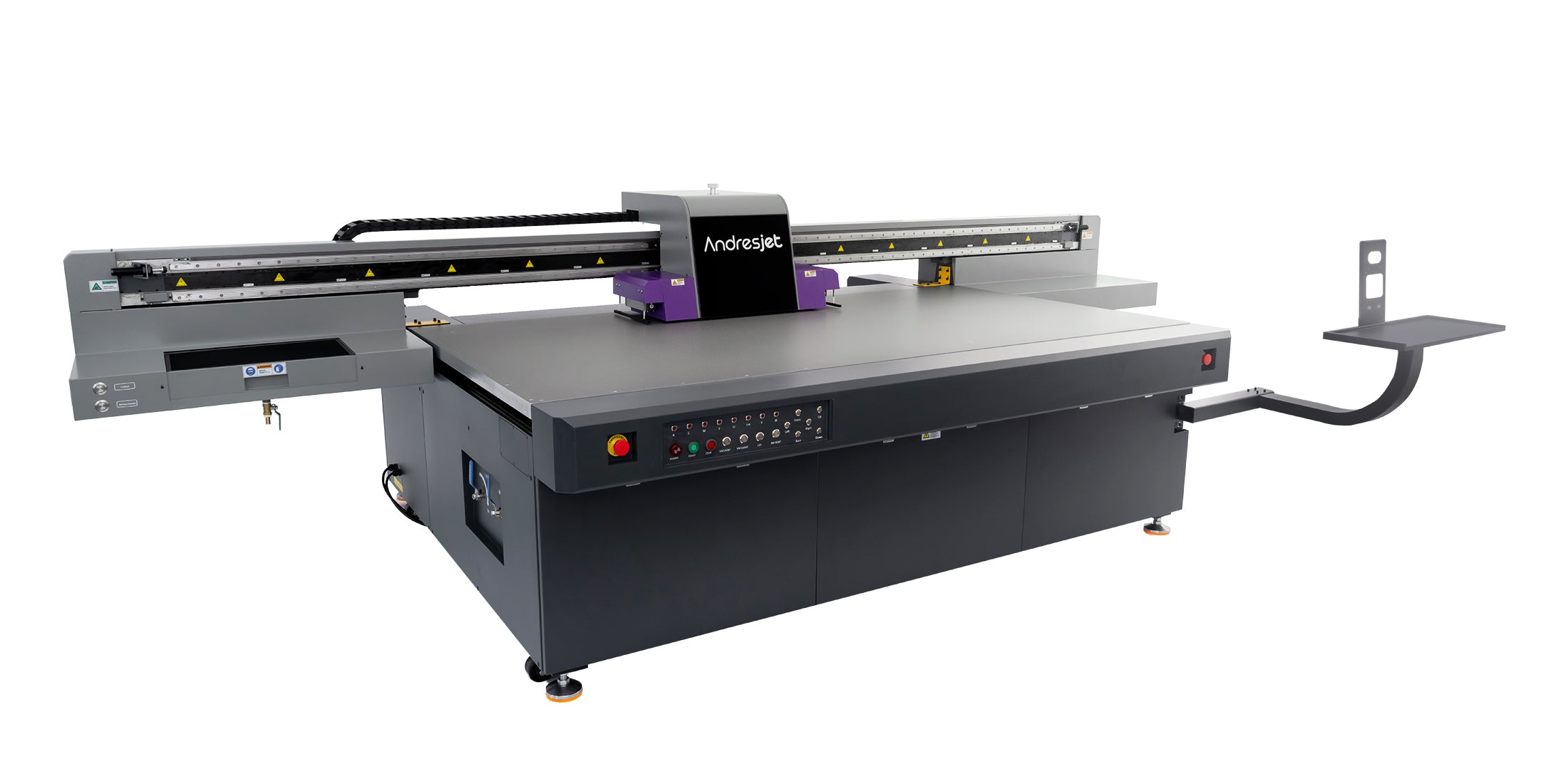
ICC profiles in UV flatbed printing are the foundation of accurate color reproduction, consistent output, and efficient workflow calibration. As digital printing technologies evolve, professionals in signage, packaging, plastics, and interior décor increasingly rely on ICC color management to ensure that what appears on-screen precisely matches what’s printed on the substrate.
What Are ICC Profiles and Why They Matter
An ICC profile is a data set that defines how colors are interpreted by output devices such as monitors, printers, and scanners. In UV flatbed printing, ICC profiles translate the digital design’s RGB or CMYK data into the specific ink set, printhead type, and substrate characteristics used by the printer. Without calibrated ICC profiles, inconsistencies in hue, saturation, or tonal range often appear, reducing quality and wasting materials through reprints. Professional print workflows use standardized ICC color systems set by the International Color Consortium to ensure that color remains predictable from design to finished output.
Core Components of ICC Profile Management
ICC profiles in UV flatbed printing rely on three foundational elements—device calibration, linearization, and profiling. Calibration aligns the printer’s hardware, ensuring ink delivery is balanced across all nozzles. Linearization then maps ink density versus color output, guaranteeing even gradations and predictable gray balance. Profiling comes last, building a custom color map for each combination of substrate, ink, and curing configuration. By optimizing each stage, operators achieve uniformity even across different materials like acrylic, PVC, aluminum, or glass.
Market Trends and Data
According to 2025 global print industry analytics, color consistency is among the top three decision factors for buyers in industrial digital printing. Demand for automated color management is rising due to growing customization in décor and advertising sectors. ICC-driven UV flatbed printing is now widely deployed in furniture panels, promotional displays, and large signage production. As production speeds exceed 100 sqm/hr, the need for high-precision profiles continues to grow alongside the movement toward sustainable ink formulations.
AndresJet is a premier provider of cutting-edge industrial digital printing solutions, catering to the unique needs of diverse clientele. With decades of experience in high-speed UV flatbed systems, AndresJet brings end-to-end expertise in home décor printing, plastic product marking, gift and signage production, and integrated workflow optimization.
Core Technology Analysis: ICC in UV Curing and Ink Systems
UV flatbed printers differ fundamentally from solvent or aqueous systems because their inks cure instantly under ultraviolet light. Each ink set reacts differently to the substrate’s surface energy and ink absorption rate. ICC profiles regulate spectral response and dot gain to maintain rich blacks, bright whites, and neutral grays. Advanced color engines calculate device links that prevent over-inking and pinpoint the correct total ink limit. RIP software, such as Caldera, Onyx, or Ergosoft, reads these ICC profiles to adjust layer thickness, halftone screening, and curing intensity, producing vibrant and stable images across rigid media.
Competitor Comparison Matrix
| Profile Type | Typical Use Case | Strengths | Limitations | Ideal Print Volume |
|---|---|---|---|---|
| Factory ICC Profile | General-purpose printing | Simple setup, fast installation | Limited color accuracy on custom materials | Low-volume prototyping |
| Custom ICC Profile | Specific substrate or ink | High accuracy, consistent reproduction | Requires calibration tools and expertise | Mid- to high-volume runs |
| Device Link Profile | Multi-printer workflow | Maintains uniform output across devices | Complex integration | Large-scale production lines |
Real User Cases and ROI
Print providers using custom ICC profiles in UV flatbed workflows report measurable improvements in cost per square meter. For example, one North American décor manufacturer reduced ink waste by 18% through tighter color targets, while maintaining perfect Pantone alignment across PVC and MDF substrates. A global display producer achieved a 25% increase in reprint reduction thanks to reliable ICC-controlled proofing. Over a year, these gains translate into higher ROI through material savings, reduced manual color correction, and faster approval cycles.
Building and Applying ICC Profiles
Creating ICC profiles for UV flatbed printers begins with profiling targets—usually printed swatches of known color values. Spectrophotometers measure the resulting patches to map device response. This data generates a model that predicts how the device will render each color in the chosen gamut. Application occurs in the RIP environment, where users select the appropriate profile per substrate before production begins. Routine recalibration ensures reliability as ambient temperature, humidity, and nozzle performance change over time.
Future Trend Forecast: AI-Driven Color Management
The next evolution in UV flatbed printing centers on artificial intelligence tools that automatically generate ICC-like profiles through machine learning. These systems analyze thousands of color samples and self-optimize in real time to match visual targets. Predictive algorithms will soon enable printers to adjust curing energy dynamically based on substrate thickness and ink absorption. Cloud-based ICC repositories will also make it possible to synchronize color management across multiple sites worldwide.
Three-Level Conversion Funnel CTA
If you’re refining production consistency, start by calibrating your UV flatbed printer with an accurate ICC workflow. For advanced users, invest in a spectrophotometer-based profiling system to capture your device’s true color behavior. And when scaling to multi-printer or multi-location environments, standardize ICC configurations across machines to create a unified color ecosystem and safeguard your brand’s image integrity across all print applications.
FAQs
What does an ICC profile do in UV printing?
It maps digital colors to printer-specific ink outputs for consistent color reproduction.
How often should ICC profiles be updated?
Whenever inks, substrates, or printer performance change significantly—typically monthly or quarterly.
Can ICC profiles reduce ink waste?
Yes, by optimizing color mapping and reducing over-inking.
Does AndresJet provide ICC profiling services?
Yes, tailored profiling and integrated color management solutions.
Are ICC profiles compatible across printers?
Profiles are device-specific but follow ICC standards for wide compatibility within similar devices.
What Is an ICC Profile in UV Flatbed Printing?
An ICC profile in UV flatbed printing is a data file that defines how colors should be interpreted and printed on specific substrates. It helps ensure consistent and accurate color reproduction by translating color information from a digital file to the printer’s output. This results in precise color matching and reduces variations in print quality.
Why Are ICC Profiles Important for UV Flatbed Printing?
ICC profiles are essential for UV flatbed printing because they ensure color consistency across different substrates, inks, and printers. By compensating for variations in materials and ink, they help achieve accurate, vibrant, and predictable results. Without a profile, colors may appear inconsistent, impacting the overall quality of the printed product.
How Are ICC Profiles Created for UV Flatbed Printing?
To create an ICC profile for UV flatbed printing, a test chart with known colors is printed on the specific substrate. A spectrophotometer then measures the printed colors. This data is used to generate the profile, which is later applied in the printing software to ensure color accuracy during production.
How Do ICC Profiles Affect Color Management in UV Printing?
ICC profiles are crucial for color management in UV printing as they provide a standardized way to translate color information from digital files to printed output. By using these profiles, printers can ensure that colors are reproduced consistently across different devices and substrates, maintaining the integrity of the original design throughout production.
What Is the Datacolor Spyder Print Color Calibration Device?
The Datacolor Spyder Print is a color calibration device designed to ensure accurate and consistent color reproduction for printers. It helps adjust printers’ color output to match the desired print results. Using a color calibration target, it ensures your prints align with standard color profiles for optimal color accuracy.
What Are the Benefits of Using the Datacolor Spyder Print?
The Spyder Print device ensures that colors are accurately reproduced on printed materials, which is essential for photographers, designers, and businesses. It enhances the quality of prints by reducing color mismatches and ensuring consistency across different printers and media, making it especially useful for professional printing environments.
What Is the Roland V-BOND Ink for VersaOBJECT MO Series Printers?
Roland's V-BOND Ink is a new type of ink designed for the VersaOBJECT MO series UV flatbed printers. Available in CMYK, gloss, and white, it provides enhanced adhesion to various substrates, making it ideal for high-quality printing on materials like acrylic, PVC, and more. This ink is designed for durability and vibrant colors.
What Are the Key Features of the TrueVIS XG-640 Printer from Roland DG?
The Roland DG TrueVIS XG-640 is a large-format printer that features TR3 GBL-free inks for vibrant color output and environmental friendliness. With a 64-inch print width, it is designed for productivity and versatility, making it ideal for high-volume printing in applications like signage, vehicle wraps, and more.
Share:
How to Prepare Design Files for UV Flatbed Printing
How to Perform a Test Print on a UV Flatbed Printer?