

A compact UV printer can help a small business produce personalized gifts, promotional products, awards, signs and short-run custom items without outsourcing every order. However, choosing a machine based only on purchase price or advertised print speed can lead to production bottlenecks later.
The right printer should match the products you plan to sell, the available workshop space and the way jobs will be loaded and positioned. It should also leave enough room for the business to grow.
This guide explains the practical factors to consider when choosing a compact UV printer for a small business.
Explore compact UV flatbed printers for small-business and custom-product production.
Start with the Products You Intend to Print
Before comparing printer specifications, make a list of the products you expect to manufacture during the first year.
Typical compact UV printing applications include:
- Medals, coins and badges
- Acrylic signs and display pieces
- Promotional gifts
- Phone cases and electronic accessories
- Wood, plastic, metal and ceramic products
- Nameplates and small identification panels
- Short-run customized components
Product dimensions determine the print-bed size you need. Product thickness, weight and surface condition also affect whether a particular machine is suitable.
Avoid selecting a machine solely because it can print one current product. A slightly more flexible printing area may allow you to accept additional work without replacing the printer as soon as your product range expands.
Choose a Practical Printing Area
A larger bed is not automatically better for a small business. It increases the machine footprint and may use workshop space that could otherwise be used for product preparation, packing and material storage.
At the same time, a bed that is too small may require products to be loaded in several batches.
Ask three questions:
- What is the largest individual item you expect to print?
- How many items do you want to load in one batch?
- How much clear space is available around the printer?
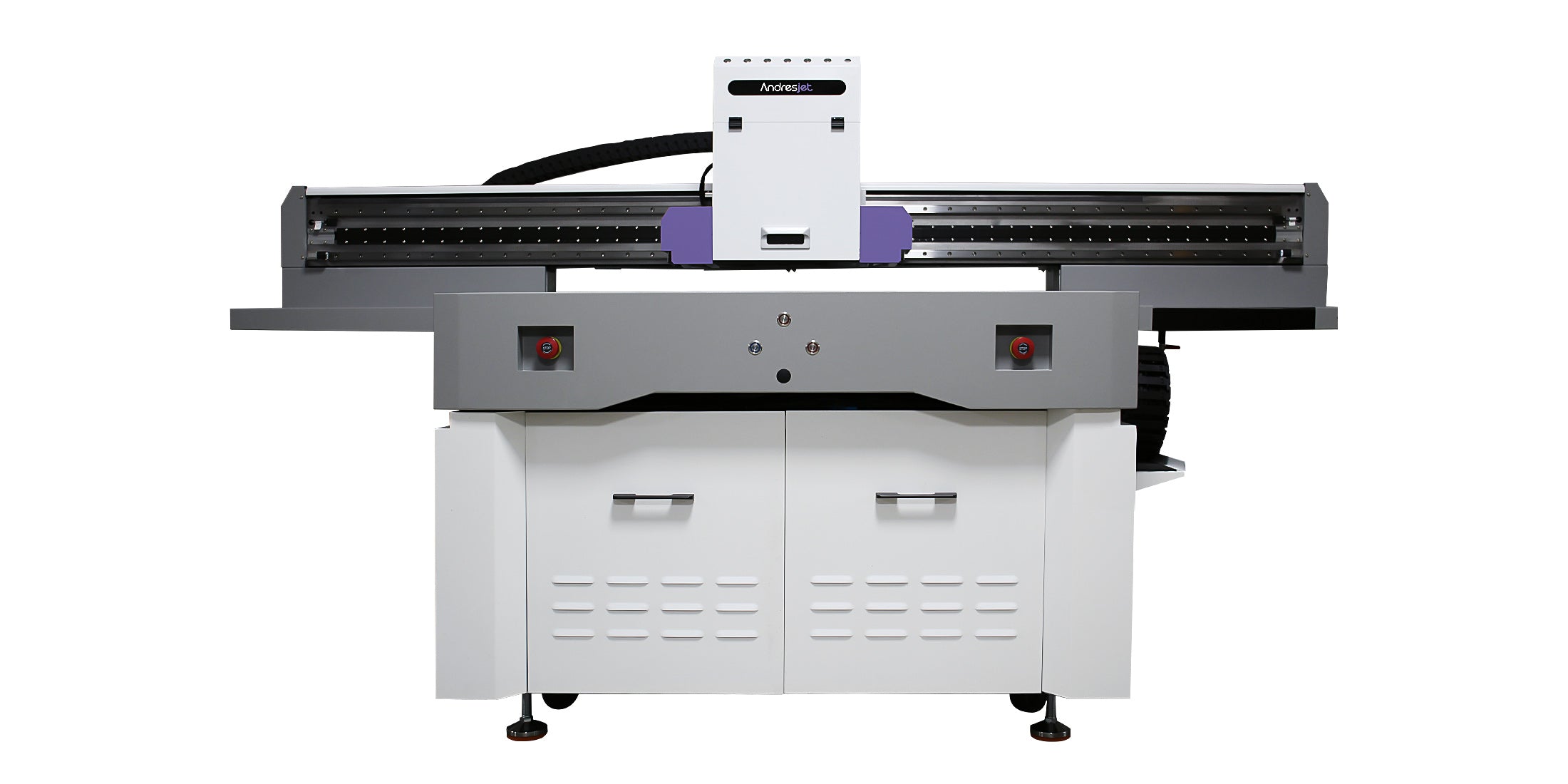
For businesses producing medals, coins, buttons and other small customized objects, a 1200 × 600 mm printing area can provide a useful balance between batch capacity and workshop footprint.
The AndresJet AJ1206 small UV flatbed printer, for example, has a maximum printing area of 1200 × 600 mm and is designed for batches of smaller products.
Consider Positioning Before Comparing Maximum Speed
Published print speed does not describe the entire production process. Operators also spend time placing products, aligning artwork, preparing fixtures, unloading finished pieces and checking print quality.
When many small items are printed in one batch, positioning can become one of the largest sources of labor.
Traditional workflows may require a dedicated jig for each product shape. Fixtures are useful for repeat orders, but designing and storing numerous jigs takes time. They are also less convenient for mixed batches or frequently changing products.
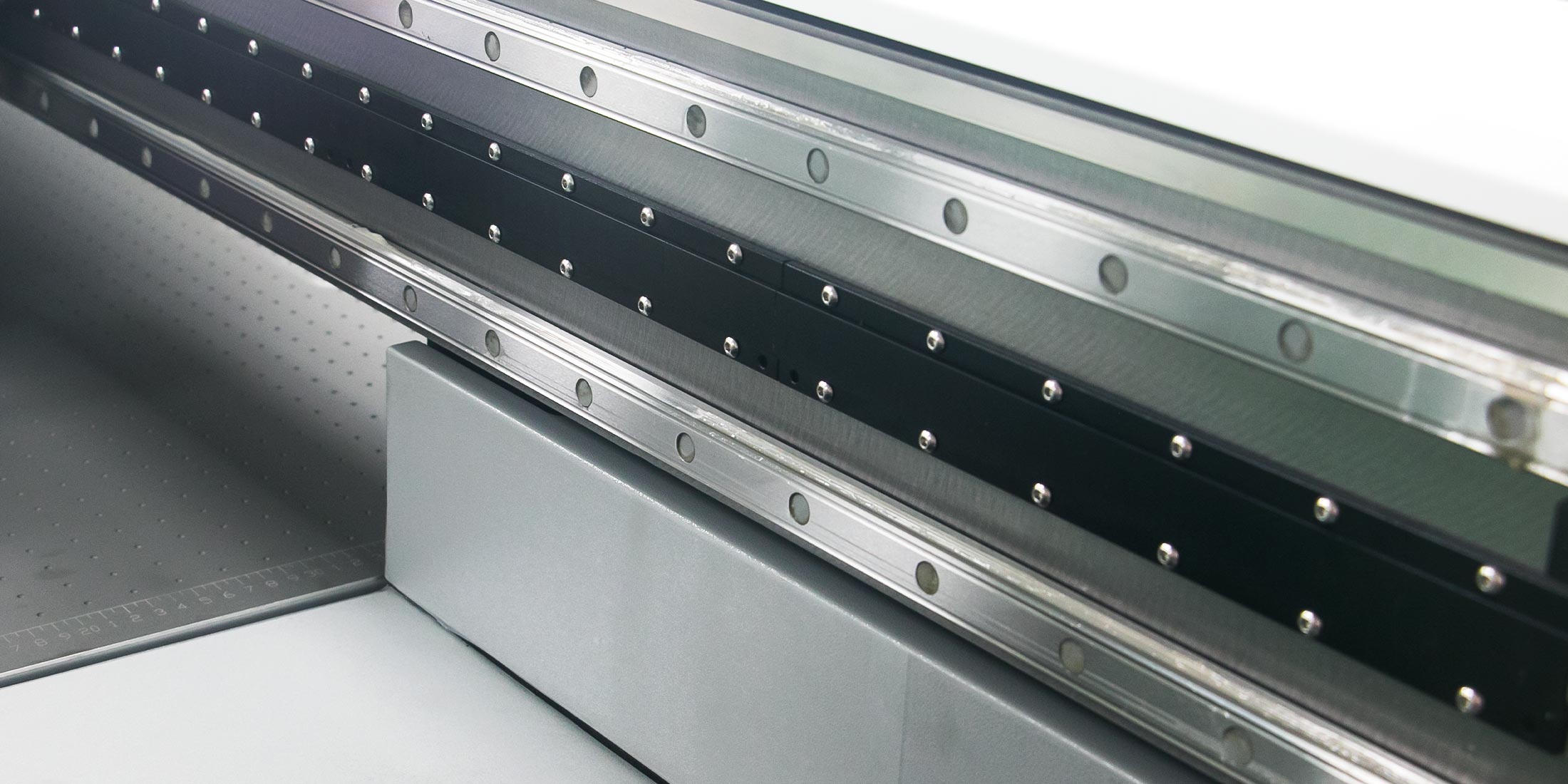
A visual positioning system can simplify this part of the workflow. A camera scans the print area, identifies the position and outline of the objects and helps align the artwork with the loaded pieces.
The AJ1206 offers an optional wide-beam CCD scanning camera and is designed to achieve a positioning tolerance of 0.01 mm. This can be particularly useful for businesses processing mixed products, prototypes and short customized runs.
Check the Required Ink Configuration
Compact UV printers can use several ink configurations. The appropriate choice depends on the appearance and materials of the finished products.
CMYK
CMYK produces the standard process colors used in most full-color designs. It may be sufficient when printing on white or light-colored materials.
White Ink
White ink is important when printing on clear, dark or colored substrates. It can be used as an underbase beneath CMYK so that the colors remain visible instead of blending into the material.
It can also be used as a separate design layer on transparent products.
Varnish
Varnish can create gloss highlights, texture and selective surface effects. It is useful for premium gifts, awards, packaging samples and decorative products, although it adds another layer to the production process.
When comparing machines, confirm whether white ink and varnish are standard, optional or require a different printhead configuration. The AJ1206 supports CMYK, white and varnish, with additional light-color options available depending on its configuration.
Evaluate Product Thickness and Weight
Print-bed dimensions are only part of the material-handling requirement. The printer must also accommodate the height and weight of the products.
The AJ1206 supports media from 0 to 35 mm thick and a maximum media weight of 36 kg. This range covers many common flat promotional items and small rigid products, but unusually thick objects should be checked before purchasing.
Businesses planning to print bottles, tumblers or other cylindrical objects should not assume that a flatbed printer is the best solution. Repeated cylindrical production is generally better evaluated separately using equipment designed for rotary or cylindrical printing.
Match Print Quality to the Actual Product
Very high resolution can be valuable for fine text, detailed logos and small graphics, but the highest available setting is not always the most productive setting.
Higher-resolution modes may require additional passes and longer printing time. A small business should test the relationship among:
- Acceptable viewing distance
- Smallest text and line detail
- Required color consistency
- Production speed
- Ink consumption
The AJ1206 provides print-resolution modes up to 300 × 2400 dpi. The appropriate mode should be selected according to the product rather than automatically using the highest setting for every job.
Calculate Throughput as a Complete Workflow
A printer specification may state output in square meters per hour or items per hour, but real throughput depends on the entire job.
Include the following stages in your calculation:
- File preparation
- Product cleaning or pretreatment
- Loading and positioning
- Printing
- Unloading
- Adhesion and quality inspection
- Packing or finishing
For a repeated medal or coin job, the AJ1206 is rated for output of up to 2,000 coins per hour. Actual production will depend on artwork, print mode, ink layers, loading pattern and operator workflow.
A sample test using your real product is more informative than comparing headline speed figures alone.
Check Workshop Requirements
Confirm that the installation site can support the printer before placing an order.
Important considerations include:
- Machine and access dimensions
- Power supply
- Ventilation
- Temperature and humidity
- Material-storage space
- Loading and maintenance clearance
- Network or USB connectivity
The AJ1206 uses AC 220 V power, has power consumption of 3 kW or less and operates through Ethernet or USB 3.0. Its stated operating environment is 20–30°C with 40–60% relative humidity without condensation.
These conditions matter because unstable temperature, humidity or dust levels can affect ink behavior, print consistency and maintenance frequency.
Ask for Samples Made from Your Own Material
A generic sample confirms that a printer can produce attractive output under controlled conditions. It does not prove that the same ink will adhere correctly to your exact material.
Before purchasing, send the supplier representative samples of the products you intend to print. Ask the supplier to document:
- Material type
- Cleaning procedure
- Pretreatment or primer
- Ink configuration
- Print mode
- Curing settings
- Adhesion test
- Final appearance
If the material comes from more than one supplier, test each version. Two products that are both described as acrylic, coated metal or plastic may have different surface treatments and may not produce identical adhesion results.
Review Service and Spare-Parts Support
Downtime can be especially disruptive for a small business because there may be no backup printer available.
Before choosing a supplier, ask:
- What training is provided?
- Is remote troubleshooting available?
- Which maintenance tasks must the operator perform?
- Which spare parts should be kept on hand?
- How long will replacement parts remain available?
- What is included in the warranty?
- How quickly can technical questions be answered?
The lowest initial quotation may not be the lowest-cost option if maintenance information, training or replacement components are difficult to obtain.
A Practical Compact UV Printer Checklist
Before making a final decision, confirm that the printer meets these requirements:
- The print bed accommodates both current and planned products.
- The machine fits the workshop with sufficient operating clearance.
- Media thickness and weight limits suit the products.
- CMYK, white and varnish configurations match the required applications.
- The positioning workflow is efficient for short runs and mixed items.
- Print quality has been tested using actual customer materials.
- Production estimates include loading, preparation and finishing.
- Electrical and environmental requirements can be maintained.
- Operator training and technical support are clearly defined.
- Spare parts will remain available throughout the expected service life.
Conclusion
The best compact UV printer for a small business is not necessarily the smallest machine or the model with the highest advertised resolution. It is the printer that fits the products, daily workflow, available space and expected order volume.
Begin with real applications, test your own materials and evaluate positioning time as carefully as printing speed. If your business focuses on medals, coins, promotional items and other small rigid products, a compact platform with flexible ink options and visual positioning can make short-run production easier to scale.
You can review AndresJet’s compact UV flatbed printer collection or examine the AJ1206 specifications and application details before arranging a sample test.
Share:
How Do Fixtures Improve UV Part Positioning?
What Does a Compact UV Printer Need?