

How Do You Scale Promotional Products to a Batch?
- by John White
Print bigger, print faster — wide-format UV flatbed printers for signs, decor and industrial work.

A repeatable promotional-product customization workflow uses controlled gates from job intake to packed output: define requirements, qualify material, release one production file, plan loading, approve a first article, inspect the batch, finish and pack safely, and retain traceability records. Each gate needs an owner and evidence; final inspection cannot compensate for an uncontrolled file or material handoff.
The job ticket should state customer, application, dimensions, quantity, artwork revision, substrate specification, finish, due date and acceptance criteria. Record product SKU, supplier and lot, printable area, artwork/variable-data fields, fixture revision, finish, quantity and defect criteria. Unresolved fields should block production rather than be interpreted at the machine.
Product selection should be settled before batch engineering; the UV-printed product mix guide explains how demand and repeat-order potential shape that choice.
Sales and production should use the same definition of an accepted piece. The first-article approver, revision allowance and response to supplied-material variation must be agreed before scheduling.
Incoming material is checked for identity, coating, damage, contamination, flatness or thickness variation and storage condition. Artwork preflight confirms dimensions, fonts, images, orientation, bleed, color space, white and varnish layers, and file revision.
The promotional-product UV printer collection provides application context once object families and order volumes are defined.
Release one production PDF and retain the native source separately. A common failure is allowing operators to choose among similarly named files; the consequence is a visually correct but obsolete version. Revision-controlled storage and a job-ticket checksum or filename prevent that mistake.
The load plan identifies datum, orientation, clearance, pieces per cycle and fixture or vacuum zones. Use a validated fixture or datum plan, confirm orientation and clearance, and challenge the first and last positions of a multi-piece load. A trained operator should be able to repeat the position from the record without relying on memory.

Before printing, verify safe head clearance and material stability according to the selected equipment procedure. Production speed is irrelevant if loading variation creates repeated reprints or collision risk.
Approve the first article before batch release, then place in-process checks after the variables most likely to drift: material change, file change, loading restart or maintenance intervention. Inspect registration, appearance, surface condition and any job-specific adhesion or handling requirement.
The checkpoint frequency should follow risk and batch size. Record accepted, rejected and reworked quantities separately so the factory measures sellable output instead of loaded output.
| Gate | Required evidence | Release decision |
|---|---|---|
| Job intake | Complete ticket and criteria | Requirements clear |
| Material | Qualified lot and preparation | Ready to load |
| Artwork | Released production file | Ready for RIP |
| First article | Signed reference | Batch authorized |
| In-process | Checkpoint record | Continue or stop |
| Packing | Final count and trace | Release shipment |
Allow the verified handling condition before finishing or stacking. Protect decorated faces from fixture marks, stacking and packaging abrasion; keep variable-data reconciliation with the batch traveler. Packaging must protect the printed face from abrasion, transfer, pressure points and contamination expected in the chosen transport method.
The batch traveler should connect packed output to material lot, file version, RIP preset, machine configuration, operator, first-article approval and exception record. Rework receives its own disposition rather than being mixed silently with accepted output.
AndresJet application engineering and commissioning can support the workflow definition, but final capacity, quality and handling conclusions require the buyer’s substrate, artwork, selected production mode and measured acceptance data.
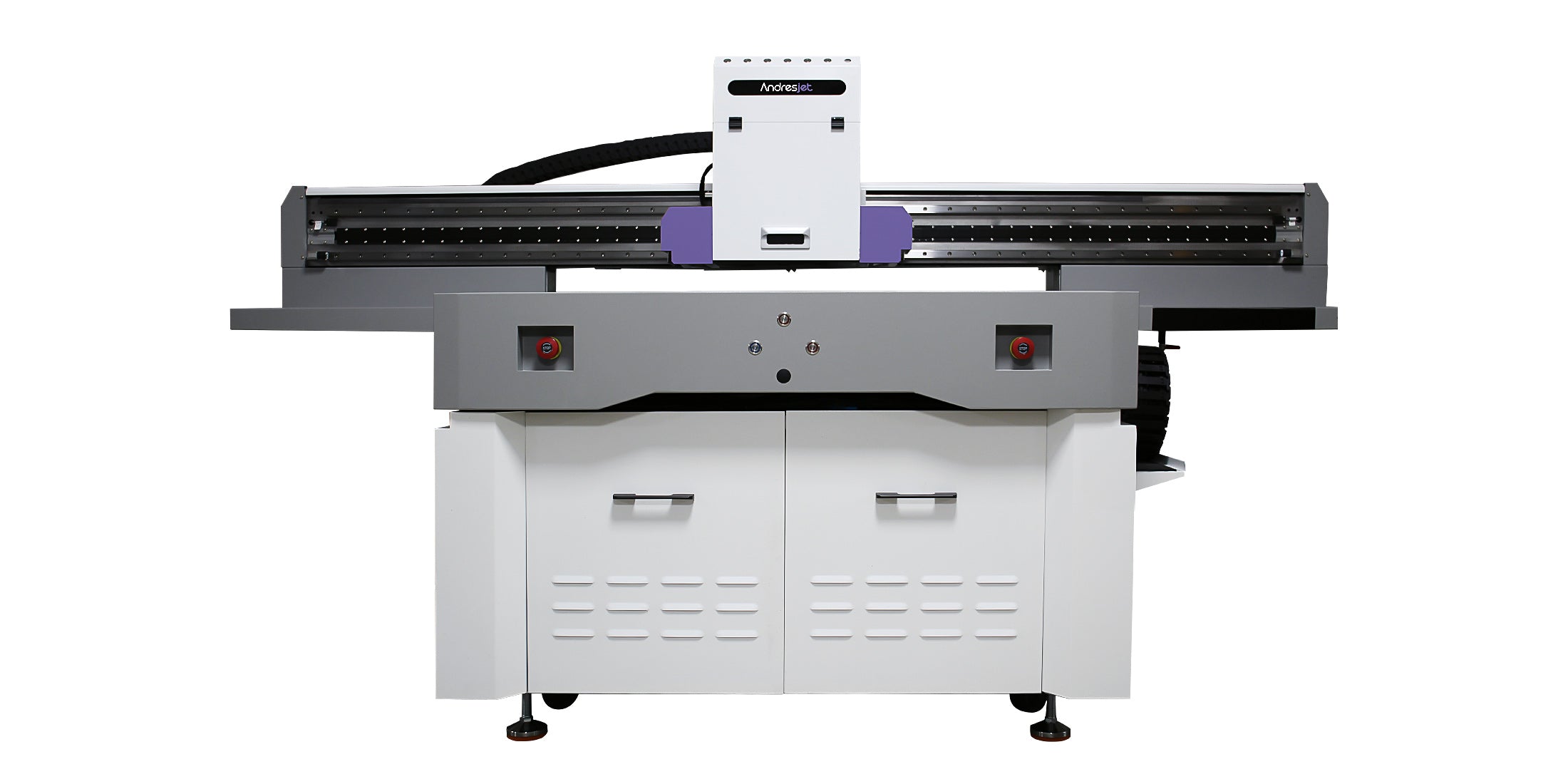
When the batch envelope is stable, compare its dimensions and loading method with the AJ1206 product page and confirm the fit by sample production.
Scaling promotional products requires a controlled handoff from approved sample to repeatable loading, artwork release, in-process inspection, rework and traceability. The machine is only one part of that route. AndresJet can help validate the loading and print configuration, but production ownership should remain visible in the batch traveler, golden sample and final release record.
For the complete decision path, continue with the uv promotional products guide.
It is the signed physical reference tied to a specific product, file and recipe. It controls the batch but does not qualify changed materials.
Record the input data version, expected range, printed identifiers, rejects, reprints and final packed sequence.
Stop when the output no longer matches the golden sample, identifiers cannot be reconciled or a repeated loading/adhesion defect appears.


