

- by John White
From Sample to Batch: A Custom Phone-Case Printing Workflow
- by John White
Print bigger, print faster — wide-format UV flatbed printers for signs, decor and industrial work.

A repeatable custom phone-case printing workflow converts one approved sample into a controlled batch by freezing the substrate, artwork version, fixture position, layer structure, production mode and inspection standard. The golden sample is only the starting point. Batch output also needs loading rules, variable-data control, in-process checks, rework limits and records that make the next order reproducible.
A sample proves that one case can be printed under one set of conditions. A batch must prove that many cases can be loaded, identified, printed and inspected without uncontrolled variation. The production team therefore needs limits: which case constructions are included, which coatings require separate qualification, how much positional movement is acceptable and when production must stop.
The phone-case UV printing application page provides equipment and application context. This workflow begins after the case family and printing process have been selected.
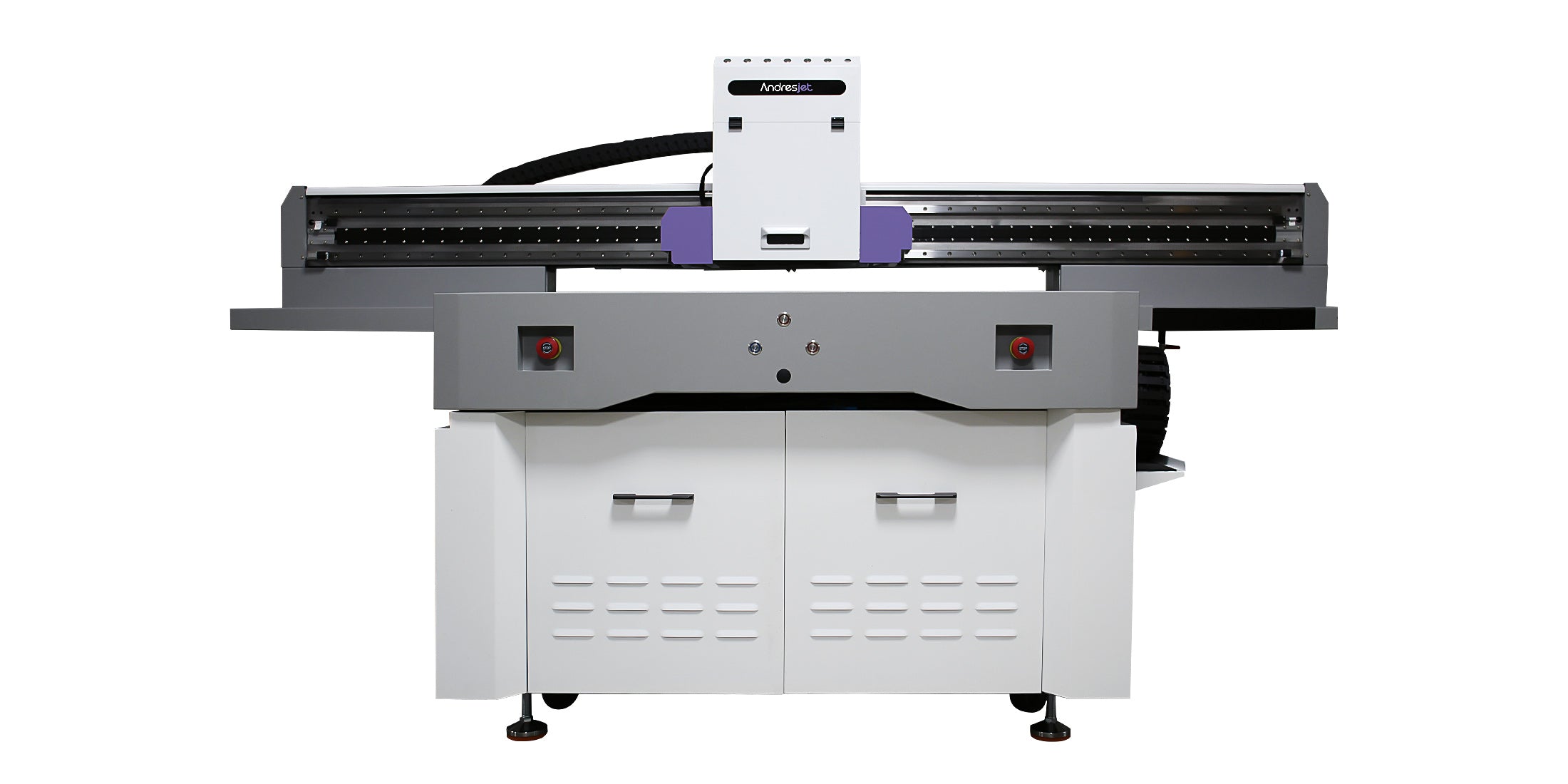
The approved sample should be linked to a written recipe. Record the case supplier and construction, cleaning method, primer decision, fixture identification, print origin, artwork revision, color mode, white and varnish layers, production mode, curing conditions and inspection criteria. A visually approved object without these records cannot reliably control a repeat order.
| Golden-sample record | Why it matters |
|---|---|
| Case family and batch | Coatings and molded dimensions can change between sources |
| Artwork revision | Prevents obsolete names, logos or camera cutouts from entering production |
| Fixture and origin | Controls image position relative to edges and openings |
| Layer recipe | Controls opacity, texture and appearance |
| Acceptance criteria | Turns subjective approval into a repeatable decision |
The fixture should locate each case from stable physical datums rather than from flexible edges or operator judgment. Before production, load representative cases into every position, confirm printhead clearance, check that the case sits flat and verify that openings or raised features cannot contact the carriage path.
A production origin should be verified with a low-risk test file that marks corners, camera openings and a central reference. If the fixture is removed, cleaned, repaired or changed, the origin must be revalidated before the released artwork is printed.

Names, numbers and individualized graphics create a mismatch risk that ordinary repeated artwork does not. Build the batch from a controlled order file with one unique identifier per case. The same identifier should appear in the artwork queue, loading map, inspection record and packing list.
Do not rename files informally at the printer. A corrected design should create a new controlled revision and an explicit replacement instruction.
Inspection should be risk-based. Check the first loaded fixture completely, then sample at defined intervals and after any interruption, fixture movement, cleaning event or file change. Inspection should cover identity, position, surface defects, color or opacity, white-layer registration, varnish placement and handling condition.
| Checkpoint | Minimum decision | Stop condition |
|---|---|---|
| First article | Matches the golden sample and released file | Any unapproved difference |
| First full fixture | All positions remain aligned | Position-specific shift or clearance risk |
| Periodic sample | No developing adhesion, color or registration drift | Trend exceeds the written tolerance |
| After interruption | Nozzle, origin and file state reconfirmed | Check not completed |
| Final packing | Identity and quantity match the order record | Unmatched or duplicate personalization |
Published equipment boundaries can be reviewed on the AJ1206 product page. Fixture capacity and accepted output should still be demonstrated with the actual case geometry and layer build.
The traveler follows the order through production and creates the minimum traceability record. It should include job number, customer reference, case family, quantity loaded, artwork revision, fixture ID, production recipe, golden-sample reference, operator, start time, inspection results, rejected quantity, rework decision and final released quantity.
A useful rule is that no rejected case returns to the normal flow without a recorded disposition. Reprint, clean-and-retest, accept by concession and scrap are different decisions. Mixing them hides the true yield and makes cost and root-cause analysis unreliable.
Rework is acceptable only when the method does not create a new unqualified surface or change the approved appearance. If ink removal, additional primer, another white layer or extra curing is proposed, test it as a separate process rather than assuming it is equivalent to the original recipe.
For repeat orders, verify that the case construction, coating, artwork revision and acceptance standard are unchanged. A matching product name does not prove that the substrate or coating batch is identical.
Scaling phone-case printing is a control problem, not simply a larger print run. The golden sample establishes the target; the fixture, file system, inspection plan and traveler keep the batch inside that target. Buyers evaluating a custom production solution should ask for a sample-to-batch demonstration using their own case families and personalization workflow.
For the complete decision path, continue with the short-run and high-mix UV production guide.
No. It must be linked to a controlled recipe, fixture position, artwork revision and acceptance criteria.
Check after fixture movement, maintenance, an interruption, a file change or any alignment result outside the approved tolerance.
Only if the locating datums, clearance and print-area relationship have been validated for every included model.


