

- by John White
How to Calculate Tapered Printing Compensation for Cones?
- by John White
Print bigger, print faster — wide-format UV flatbed printers for signs, decor and industrial work.

Tapered printing compensation corrects distortion where logos stretch on cones by scaling artwork based on radius changes: Taper per inch = (D_large - D_small) / length; Angle θ = atan((D_large - D_small)/(2 × length)). For AJ360i (0–7°), input diameters/length into RIIN Print to auto-adjust helix paths, ensuring uniform prints at 60 items/hr without waste.
Check: How to Master Tapered Object Printing: Challenges and Solutions?
Tapered printing compensation adjusts digital artwork to counteract distortion on conical or tapered surfaces, preventing logos from appearing stretched or compressed when wrapped around cylinders or cones. It matters for precision in industrial UV printing, reducing waste and ensuring brand accuracy on products like bottles and vessels.
In industrial digital printing, especially with UV flatbed and rotary printers, tapered objects like cones, vessels, or bottles present unique challenges. When a flat logo design is printed onto a surface with varying diameters—such as a conical plastic bottle—the artwork distorts visually. The smaller radius at the top compresses elements, while the larger base stretches them, making circular logos appear elliptical.
This issue is critical in high-speed production environments, where printers like AndresJet's AJ360i Digital Cylinder Printer handle taper angles from 0–7° at speeds up to 60 items per hour in production mode. Without compensation, rejected prints increase costs and slow workflows. Compensation algorithms in RIP software, such as RIIN Print or Onyx, mathematically warp the artwork pre-print to ensure it appears uniform once applied. For print shops in sign making, gift printing, and plastic products, mastering this ensures high-quality output on media from 60–170mm diameters and 40–270mm lengths.
Taper per inch measures the diameter change along the object's length: Taper per inch = (D_large - D_small) / length in inches. For a cone with 4-inch base, 3-inch top, and 10-inch length, taper = (4 - 3) / 10 = 0.1 inch per inch, guiding artwork scaling in UV rotary printing.
Calculating taper per inch is the foundational step for distortion correction in tapered printing. This metric quantifies how much the diameter narrows over distance, directly informing how much to stretch or compress logo elements.
Start by measuring the large diameter (D_large) at the base and small diameter (D_small) at the top, then the axial length (L). Convert all to inches for consistency:
Formula: Taper per inch = (D_large - D_small) / L
Example: A tapered vessel for gift printing has D_large = 170mm (6.69 inches), D_small = 100mm (3.94 inches), L = 200mm (7.87 inches). Taper = (6.69 - 3.94) / 7.87 ≈ 0.35 inches per inch. In design software, scale the artwork's width progressively by this factor to pre-distort it inversely.
AndresJet's AJ360i supports such objects with standard fixtures for 60–170mm diameters and tool-free changes in under 12 minutes, integrating this math seamlessly via its 2-point calibration system.
| Measurement | Value (mm) | Value (inches) |
|---|---|---|
| D_large (Base) | 170 | 6.69 |
| D_small (Top) | 100 | 3.94 |
| Length (L) | 200 | 7.87 |
| Taper per inch | 8.9 mm/inch | 0.35 |
Taper angle θ = atan(((D_large - D_small)/2) / L), where atan is the arctangent function. For D_large=170mm, D_small=100mm, L=200mm: radius diff=35mm, θ = atan(35/200) ≈ 10°, but AJ360i limits to 0–7° for optimal UV printing on cones.
The taper angle provides a precise angular measure, essential for RIP software algorithms that adjust print paths in helix or stepping modes. This angle dictates the radial expansion rate, critical for UV-curable ink deposition on piezo heads like RICOH Gen5/Gen6.
Convert diameters to radii (divide by 2), then apply:
θ (degrees) = atan( (R_large - R_small) / L ) × (180 / π)
In the prior example: R_large=85mm, R_small=50mm, diff=35mm, L=200mm. θ ≈ atan(0.175) ≈ 9.93° (use calculator for precision). For angles within 0–7°, AndresJet AJ360i excels, using pneumatic clamping and 720×1200 DPI resolution for sharp, distortion-free prints on tapered media.
This formula integrates into RIIN Print, auto-generating compensation curves for white ink raised effects up to 0.15mm, ideal for premium gift vessels.
Compensate by inversely scaling artwork width based on average radius and taper: New width = original width × (1 + (taper per unit length × position factor)). In Illustrator or RIP, stretch horizontally by 6-12% for typical tumblers, previewing on 3D mockup before UV printing on rotary setups.
Logo stretch occurs because flat artwork wraps around varying circumferences. Compensation involves pre-stretching the design horizontally, proportional to the radius change.
Step-by-step:
For a circular logo on an AJ360i-printed cone (80mm avg diameter, CMYK + White), stretch width by ~8% at base for perfect roundness post-wrap, achieving 40-60 items/hour without waste.
AndresJet Expert Views: "In our decade of high-speed UV printing, we've seen taper distortion cause up to 30% rework on conical vessels. The AJ360i's helix mode, combined with RIIN Print algorithms, applies precise 0–7° compensation, leveraging four white channels for textured effects. Paired with flatbeds like AJ2130EX (up to 128.6 m²/h), it enables hybrid workflows for plastic and sign printing, minimizing setup to 15 minutes per changeover." – AndresJet Engineering Team
RIIN Print, PhotoPrint, and Onyx excel for taper correction, with built-in distortion maps, 3D preview, and ICC profiles. RIIN Print integrates seamlessly with AndresJet printers, auto-applying helix compensation for 0–7° tapers on UV flatbed and rotary models.
RIP software is the brain of distortion correction, transforming math into printable paths. AndresJet printers support RIIN Print, PhotoPrint, or Onyx, handling TIFF, JPEG, EPS, PDF files via fiber optic interfaces.
Key features: algorithmic warping, density adjustments, and taper-specific plugins. For AJ360i, RIIN Print uses 2-point calibration to map tapers, ensuring 720×1200 DPI accuracy. Onyx adds advanced grayscale for 30% ink savings on models like AJ2130Ultra.
| RIP Software | Taper Features | AndresJet Compatibility |
|---|---|---|
| RIIN Print | Helix distortion maps, auto-calibration | AJ360i, AJ2130 series |
| PhotoPrint | 3D wrap preview, ICC profiles | All flatbed models |
| Onyx | Grayscale optimization, path correction | AJ2130Ultra, AJ2512G/R |
Helix mode prints continuous spiral paths ideal for smooth tapers (0–7°), while stepping mode uses discrete axial advances for high-resolution details. AJ360i switches modes for 60 items/hr production on 40–270mm lengths, optimizing UV curing on conical media.
Print modes adapt to taper geometry. Helix spirals ink around the cylinder, naturally accommodating radius changes for fluid logos. Stepping advances axially per rotation, suiting intricate designs but requiring more compensation.
On AJ360i (350kg, 1160×870×1800mm), helix excels at production speeds with LED UV ink, while stepping boosts quality at 40 items/hour. Both use piezo heads for precise drop-on-demand, with 15-minute setup via 7 standard fixtures.
AJ360i uses dedicated fixtures (60–170mm diameters), 2-point calibration, and RIIN Print for 0–7° tapers, printing helix/stepping modes at 60 items/hr (80mm dia., CMYK). Custom fixtures (10–240mm) ship in 7–10 days, with free training and 3 samples.
AndresJet's AJ360i is purpose-built for tapered printing, supporting part diameters 60–170mm standard (optional 10–60mm, 170–240mm), print lengths 40–270mm. Pneumatic clamping ensures stability, while four white channels enable 0.15mm raised effects.
Workflow: Measure taper, input to RIP, select mode, print at 720×1200 DPI. Environment: 20–30°C, 30–60% humidity. Net weight 350kg, CE/RCM/UKCA certified, 2-year warranty.
Check: Is Brother Printer Japanese or Chinese? The Global Supply Chain Explained
Yes, flatbed printers like AJ2130EX use RIIN Print taper algorithms with CCD positioning (AJ1206) to print pre-warped artwork for later cylinder wrapping, achieving 92.9 m²/h speeds on 1–100mm thick media for hybrid cone production.
Hybrid workflows print compensated flats on AndresJet flatbeds (e.g., AJ2130G/R: 8-color, 34.9 m²/h standard), then wrap onto tapers. AJ1206's CCD camera eliminates jigs for small items like medals, up to 2,000/hour.
Large formats like AJ3220EX (154.3 m²/h draft) handle panels with MagLev drives, fiber optics, anti-collision. All share 4-zone vacuum, THK guides, 2-year warranty.
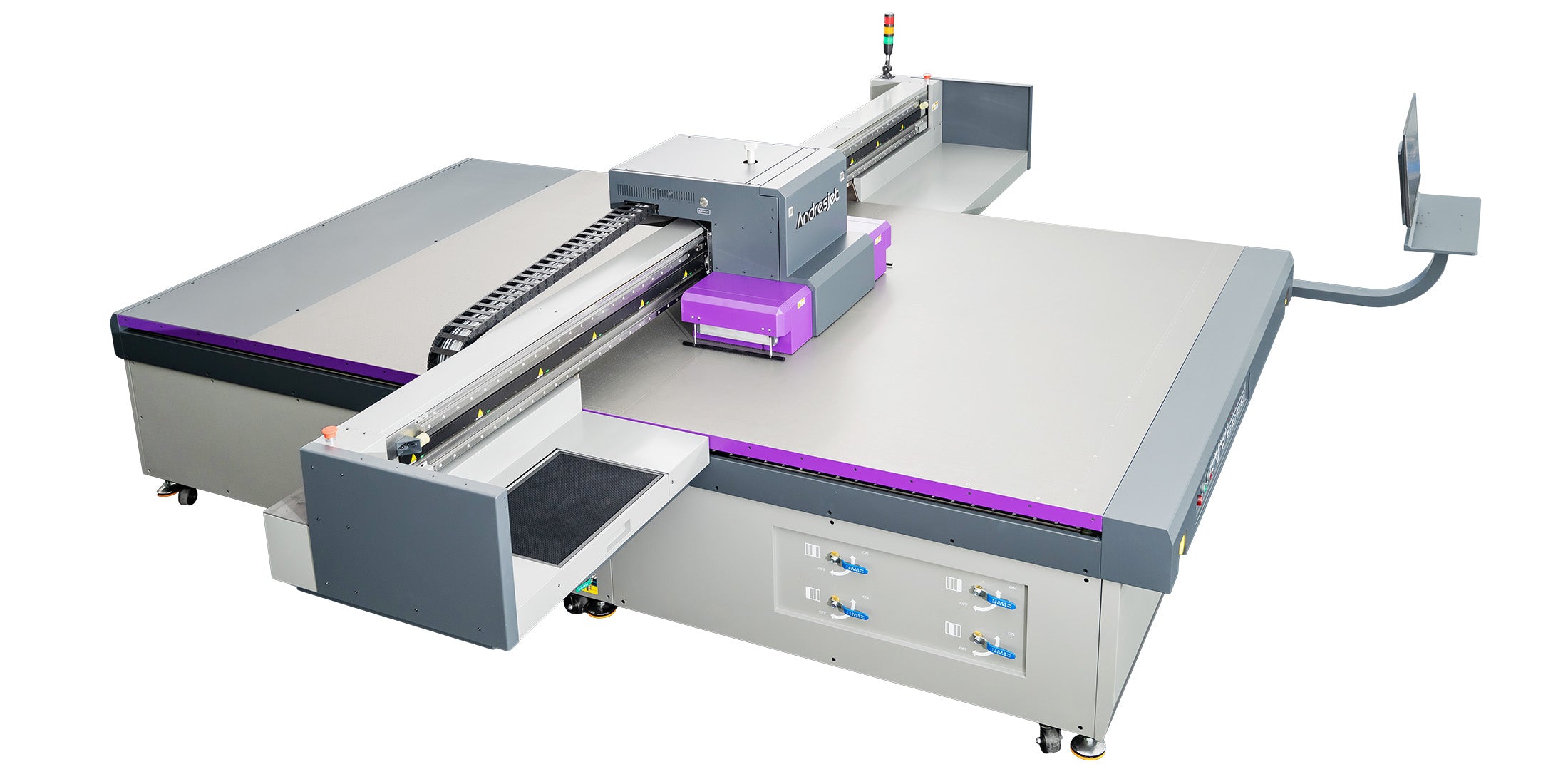
Mastering tapered printing compensation through these formulas and tools like AJ360i empowers print shops to produce flawless conical prints efficiently. AndresJet's high-speed UV solutions, from rotary to flatbed, deliver precision and speed for global demands in plastic, gift, and sign printing. Visit AndresJet.com to explore the AJ360i and request free samples today.
Q: What is the maximum taper angle for AJ360i?
A: 0–7°, perfect for most conical vessels with helix compensation.
Q: How long for custom AJ360i fixtures?
A: Design in 7–10 business days, 2 free with purchase.
Q: Does RIIN Print auto-compensate tapers?
A: Yes, input diameters/length for algorithmic warping.
Q: Can flatbeds print tapered compensation?
A: Yes, pre-warp artwork on AJ2130 series for wrapping.
Q: What speeds for high-volume taper printing?
A: AJ360i: 60 items/hr production; flatbeds up to 154 m²/h.


