

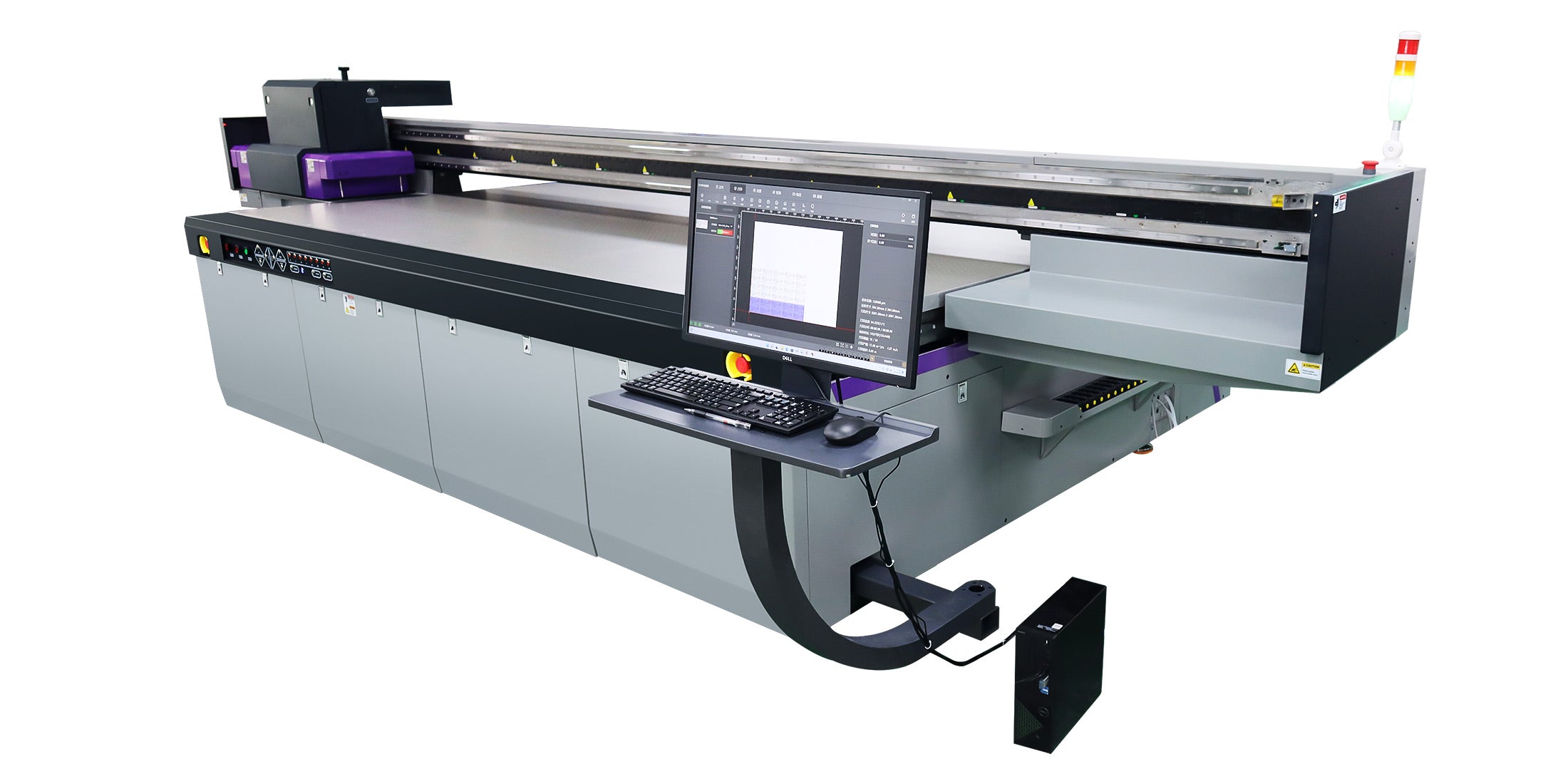


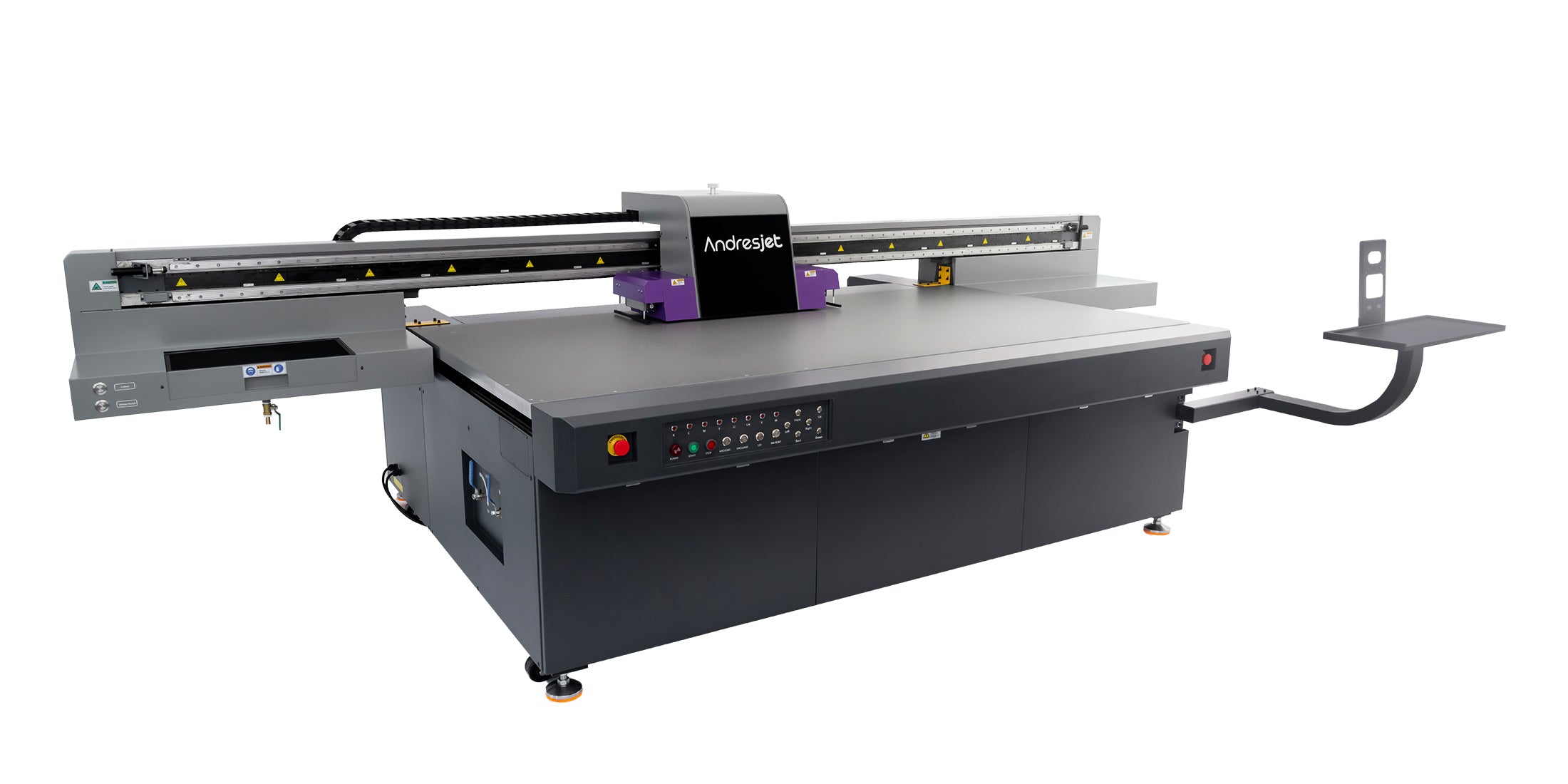


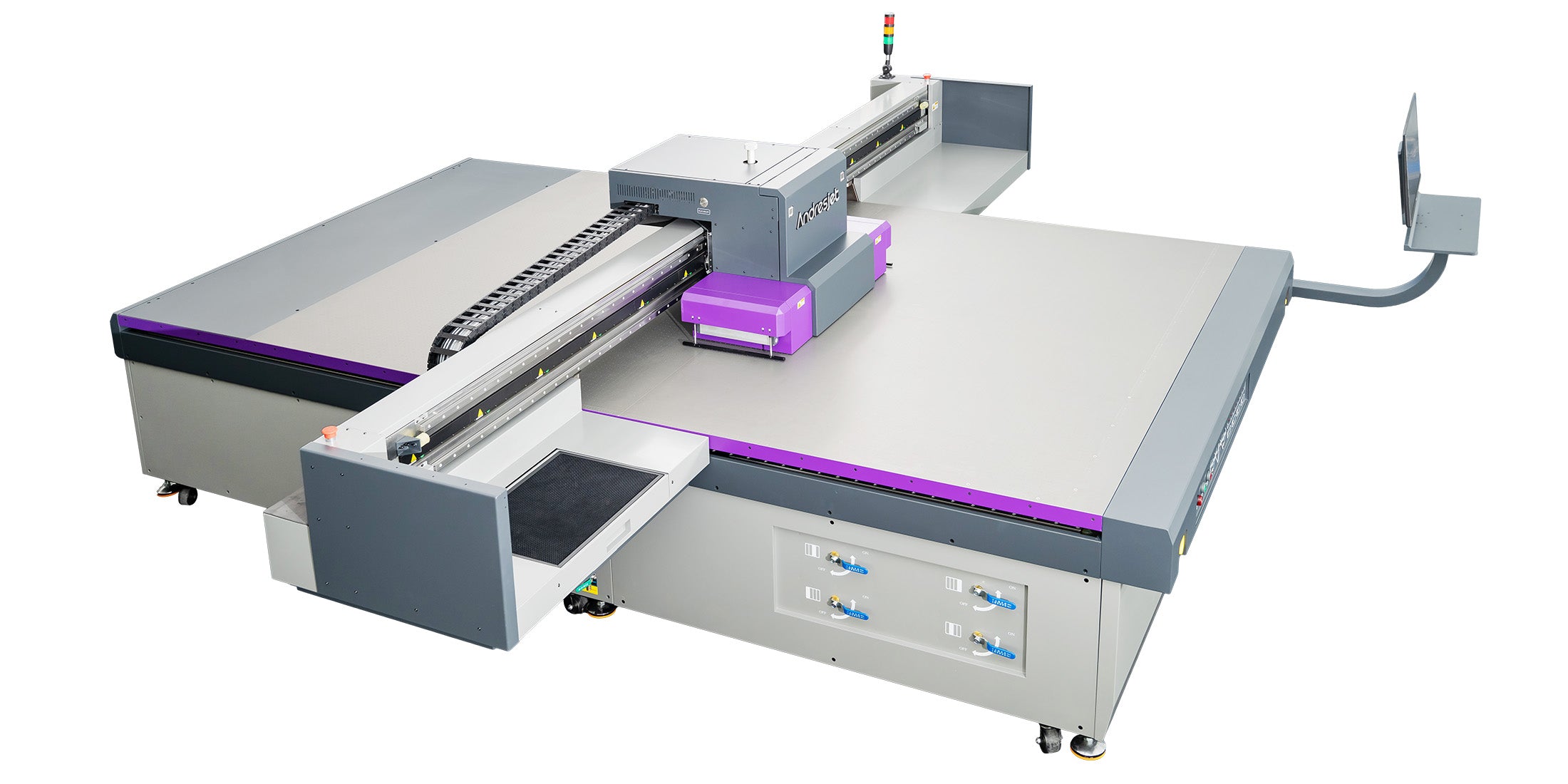
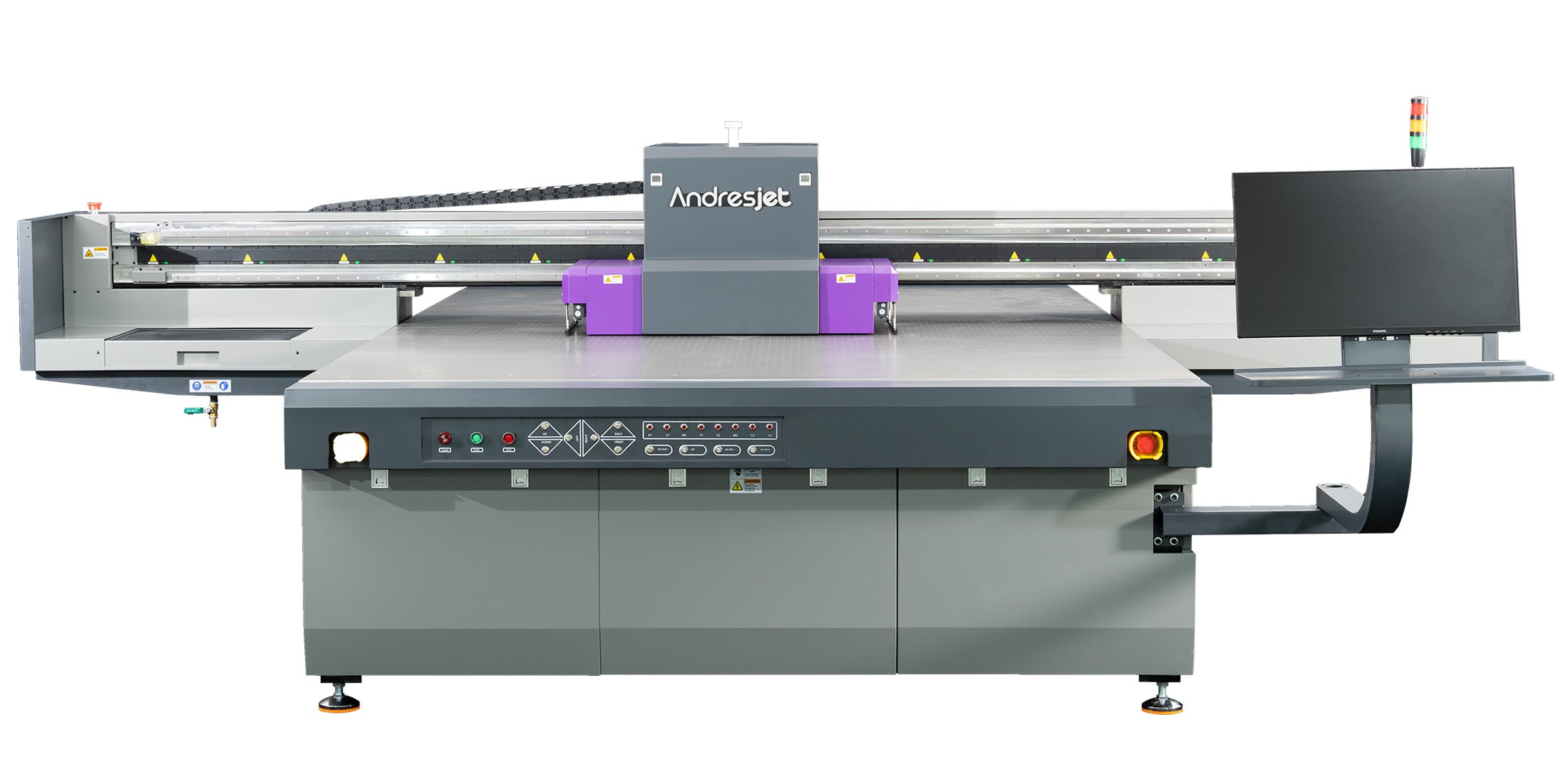


Standard 8×4 ft sheet fit
The AJ2513G/R publishes a 2500 × 1300 mm print area. Confirm the real sheet dimensions, safe margins and loading direction rather than relying on the nominal trade size alone.
Review the AJ2513G/R

4 × 8” is a nominal trade size. Record the actual length, width, thickness, squareness, weight, printable side, bow, edge condition and protective film for the sheet that will enter production.
Draw the proposed sheet orientation inside the published print area, including origin, safe margins, vacuum zones and operator access. Then test representative artwork using the intended cleaning, ink layers, resolution, unloading and finishing process.
Standard sheet production planning
A nominal 4×8 ft sheet is approximately 1220 × 2440 mm, but actual size, thickness, weight, surface, flatness and edge condition vary by material and supplier. Choose a UV flatbed by checking the measured sheet, loading orientation, printable area, hold-down, ink construction, operator access and the complete production route.
The AJ2513G/R publishes a 2500 × 1300 mm print area. Confirm the real sheet dimensions, safe margins and loading direction rather than relying on the nominal trade size alone.
Review the AJ2513G/RA 2100 × 3000 mm platform can accept the long side of a nominal 4×8 sheet along the 3000 mm direction, subject to the actual board and required clearances.
Review the AJ2130G/RA 3200 × 2000 mm platform offers another loading orientation and additional space for smaller components, test pieces or nesting around a qualified standard sheet.
Review the AJ3220G/RSheet dimensions do not establish adhesion, opacity or finishing requirements. Solid PVC and ABS panels need their own surface, pretreatment and representative test route.
Compare PVC and ABS panel printersRecord length, width, thickness, squareness, edge tolerance and any protective film before confirming bed fit or artwork position.
Show sheet orientation, origin, safe margins, vacuum zones, head path, operator access and any nested coupons or smaller parts.
Supplier, product code, surface, thickness, rigidity, static, weight and flatness can change handling and print preparation.
Include staging, lifting, cleaning, loading, printing, unloading, inspection, finishing and packing before setting output targets.
Three current standard-sheet routes
All three current platforms provide a published print area larger than a nominal 1220 × 2440 mm sheet in a suitable orientation. The correct route still depends on actual dimensions, material behavior, image construction, handling and the products that share the production schedule.
Published standard 8×4 ft route
Configurable 2100 × 3000 mm route
Large 3200 × 2000 mm route
Published print area confirms geometric capacity only. Actual output changes with material, sheet bow, cleaning, loading, resolution, pass count, coverage, white or varnish layers, inspection, unloading and finishing. Test the intended production sheet before setting units-per-shift targets.
For a useful recommendation
A useful recommendation needs the measured material, file construction and handling plan. The nominal sheet name is only the starting point.
Supplier and product code, real length and width, thickness, weight, squareness, bow, edge condition, printable side and protective film.
Surface coating, color, rigidity, static, cleaning, pretreatment, required durability, cutting, routing, folding or mounting.
Coverage, resolution, viewing distance, color target, white or varnish layers, bleed, cut path, registration and critical no-print zones.
Sheets per job, job frequency, loading staff or equipment, staging space, orientation, inspection, unloading, finishing and dispatch target.
Bed fit should be confirmed with the exact production sheet and planned process rather than a nominal material label.
No. “4×8” is commonly a nominal trade size. Actual dimensions, edge tolerance, thickness and squareness can vary by material, product and supplier. Measure representative production sheets and include the required print and handling margins.
No. Bed dimensions confirm only geometric space. The material surface, flatness, rigidity, weight, static, hold-down, ink construction, pretreatment and intended use must also be tested with the actual production board.
Use the orientation that fits the published print area while supporting safe loading, stable hold-down, the correct image origin and downstream handling. Grain, flute, surface direction, finishing and operator access may also affect the chosen layout.
Do not assume this from the machine name or maximum dimensions. Draw the actual sheets inside the usable print area with safe spacing, origin, vacuum zones and head clearance. Confirm the proposed layout with AndresJet before setting a multi-sheet workflow.
Test the exact board and representative artwork using the intended cleaning, pretreatment, ink layers, resolution, finishing and handling. Inspect color, detail, white opacity when used, registration, adhesion, flatness during printing and the finished product requirements.
Confirm fit with one production sheet
Share the supplier, product code, measured dimensions, thickness, weight, photos, artwork construction, quantity, loading method and finishing. AndresJet can review the bed fit, compare current platforms and arrange representative sheet testing.
Standard-sheet planning guide
Reliable planning connects the real board to the machine bed, artwork origin, hold-down, operator handling and finishing. A dimensional fit alone is not a production approval.
Confirm actual length, width, thickness, orientation, print margins, origin and any head or fixture clearance within the published print area.
Qualify surface, flatness, rigidity, static, weight, protective film, cleaning, pretreatment, vacuum hold-down and finished-use requirements.
Verify staging, safe lifting, loading, image release, printing, unloading, inspection, cutting, packing and repeat-job records.
Identify the exact product. Record manufacturer, grade, product code, batch and any protective film instead of writing only “4×8 board.”
Measure representative sheets. Check length, width, thickness, squareness, bow, edge damage, printable face and weight.
Build the bed layout. Draw the sheet orientation, origin, safe margins, vacuum zones, artwork, cut paths and any test coupons.
Prepare the surface and file. Use the approved cleaning or pretreatment and verify coverage, color reference, white or varnish layers and resolution.
Print and inspect a representative board. Check registration, detail, color, layer alignment, hold-down and any visible surface or edge issue.
Finish and time the workflow. Include unloading, cutting, routing, mounting, inspection and packing before setting production targets.
PVC, ABS, wood composite, aluminum composite and other standard-size sheets can differ in surface energy, coating, rigidity, static, weight, flatness and finishing. Equal dimensions do not make them interchangeable. Approve the named material construction and production batch used for the final job.
Use nominal size to begin the layout; use the measured production board to approve it.
Prioritize safe loading, stable hold-down, consistent origin and an efficient path from sheet rack to printer and finishing.
Compare usable area, part spacing, cut paths, material identification and whether several artwork versions share one sheet.
Review the largest panel, most frequent panel and changeover pattern rather than selecting a bed around one unusual job.
Finished sheets per shift depend on sheet staging, lifting, cleaning, loading, resolution, pass count, ink coverage, white or varnish layers, file changes, unloading, inspection and finishing. Compare platforms with a timed representative workflow rather than a maximum print-speed figure alone.