

- by John White
How Do You Build a Repeatable Corrugated Packaging UV Workflow?
- by John White
Print bigger, print faster — wide-format UV flatbed printers for signs, decor and industrial work.

A repeatable corrugated packaging printing UV printing workflow moves every order through defined gates: job intake, material qualification, file and color preparation, loading, print and cure, inspection, finishing, packing and traceability. The factory should release work only when the previous gate is complete and should preserve the file, recipe, material lot and approved sample for repeat orders.
Record dimensions, quantity, artwork versions, substrate specification, finish, due date and inspection standard. Record board grade, flute direction, warp, print side, converting lines and whether the printed sheet will be cut, creased or folded after printing.
Confirm who approves the first article and what happens when supplied material differs from the qualified lot.
Inspect incoming material for damage, contamination, coating changes and dimensional variation. Use the approved cleaning or conditioning method and quarantine unqualified stock.
Preflight dimensions, fonts, images, orientation, bleed, white and varnish layers. Save a production file with revision control.
Create a load map with datum, orientation, clearance and pieces per cycle. Sequence jobs to reduce risky changeovers without allowing work-in-process to obscure priorities.
Record operator, machine configuration, print mode and start time. The load should be repeatable by another trained operator.
Compare the first article with the approved reference before releasing the batch. Check registration, color appearance, surface condition and any application-specific adhesion requirement.
Use scheduled checkpoints based on risk. Do not wait until packing to discover a repeated loading or file error.
| Gate | Evidence | Release decision |
|---|---|---|
| Intake | Complete job ticket | Requirements clear |
| Material | Qualified lot | Preparation approved |
| File | Preflight and version | Ready for RIP |
| First article | Signed reference | Batch released |
| In-process | Checkpoint record | Continue/stop |
| Packing | Final count and trace | Ship |
Allow the verified handling condition before stacking or finishing. Protect printed faces from abrasion and transfer. Count accepted, rejected and reworked pieces separately.
The traveler should connect the packed order to material lot, production file, recipe, operator and approval sample.
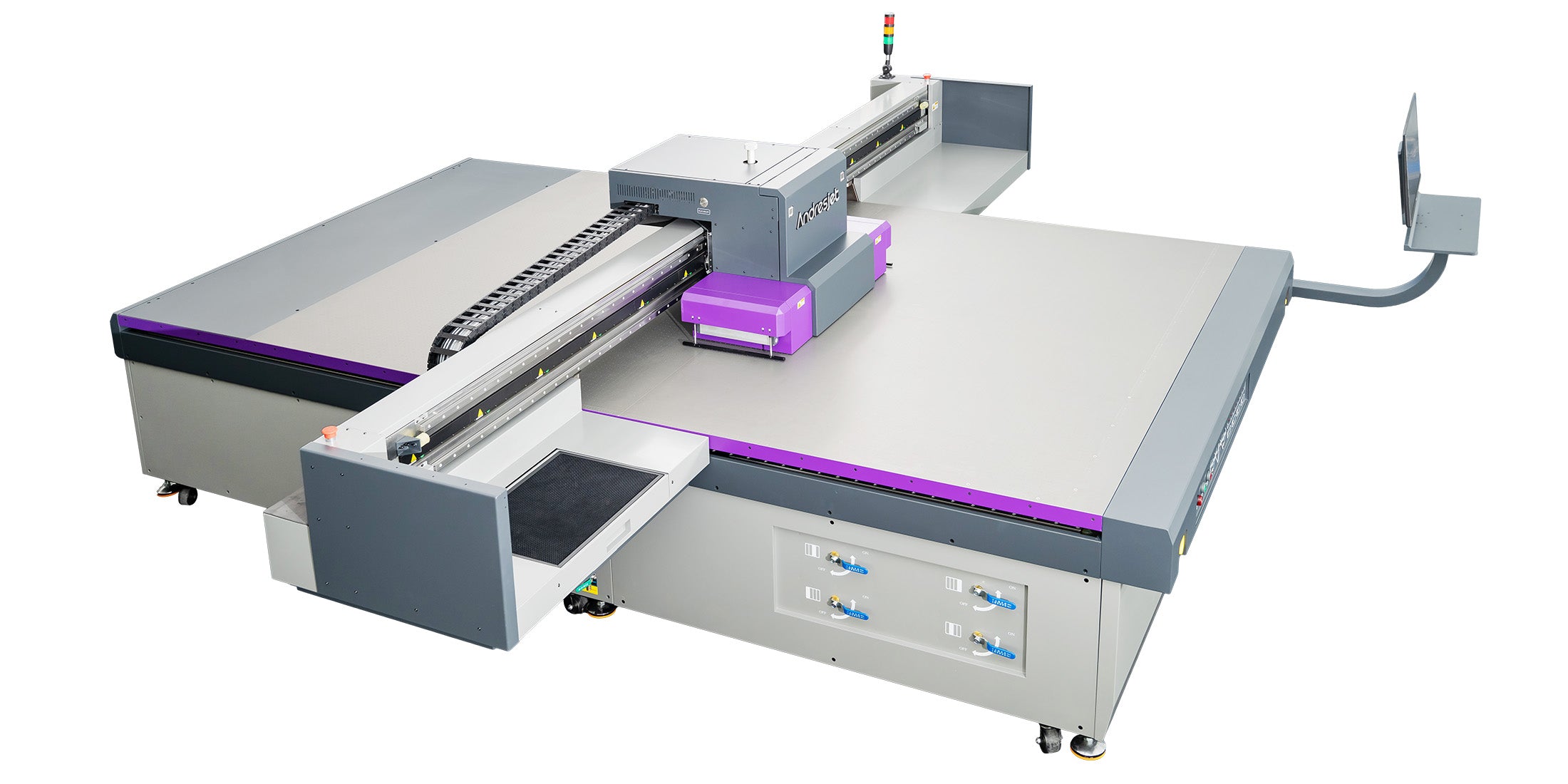
The corrugated packaging printing UV printer collection explains application-category fit, while the AJ2130 product page provides the relevant equipment path. Use these resources during scoping, then validate the workflow with production material.
After the first runs, compare estimated and actual setup, output, rejection and packing time. Update the standard work when evidence supports the change.
Workflow control is strongest at handoffs. A signed first article, clear material identity and one production file prevent more waste than a final inspection that occurs after the entire batch is complete.
A repeatable corrugated packaging printing workflow uses explicit gates, controlled files, qualified material, first-article approval and batch traceability. Measure losses at each stage and improve the actual constraint rather than only the print speed.
For the complete decision path, continue with the UV print workflow and job changeover guide.
Warp can change clearance, focus, loading stability and position. Inspect and condition board, define acceptable flatness and test the intended grade.
Yes when sheets will be cut, creased or folded. The print may pass visual inspection yet fail at a converting line or folded edge.
Use the actual board grade, print side, artwork, ink layers and planned converting conditions, then retain the approved reference.

