

- by John White
CCD Positioning vs. Fixtures for Phone Case Printing
- by John White
Print bigger, print faster — wide-format UV flatbed printers for signs, decor and industrial work.

Phone case printing requires accurate alignment around camera openings, rounded corners and raised edges. Two common ways to position cases on a UV flatbed printer are physical fixtures and CCD visual positioning.
Neither method is automatically better for every print shop. A fixture may be highly efficient when hundreds of identical cases are produced repeatedly, while CCD positioning may be more flexible when the job contains different phone models, short runs or personalized artwork.
When selecting a compact UV flatbed printer, businesses should compare the complete workflow—not just the time required to start one print cycle.
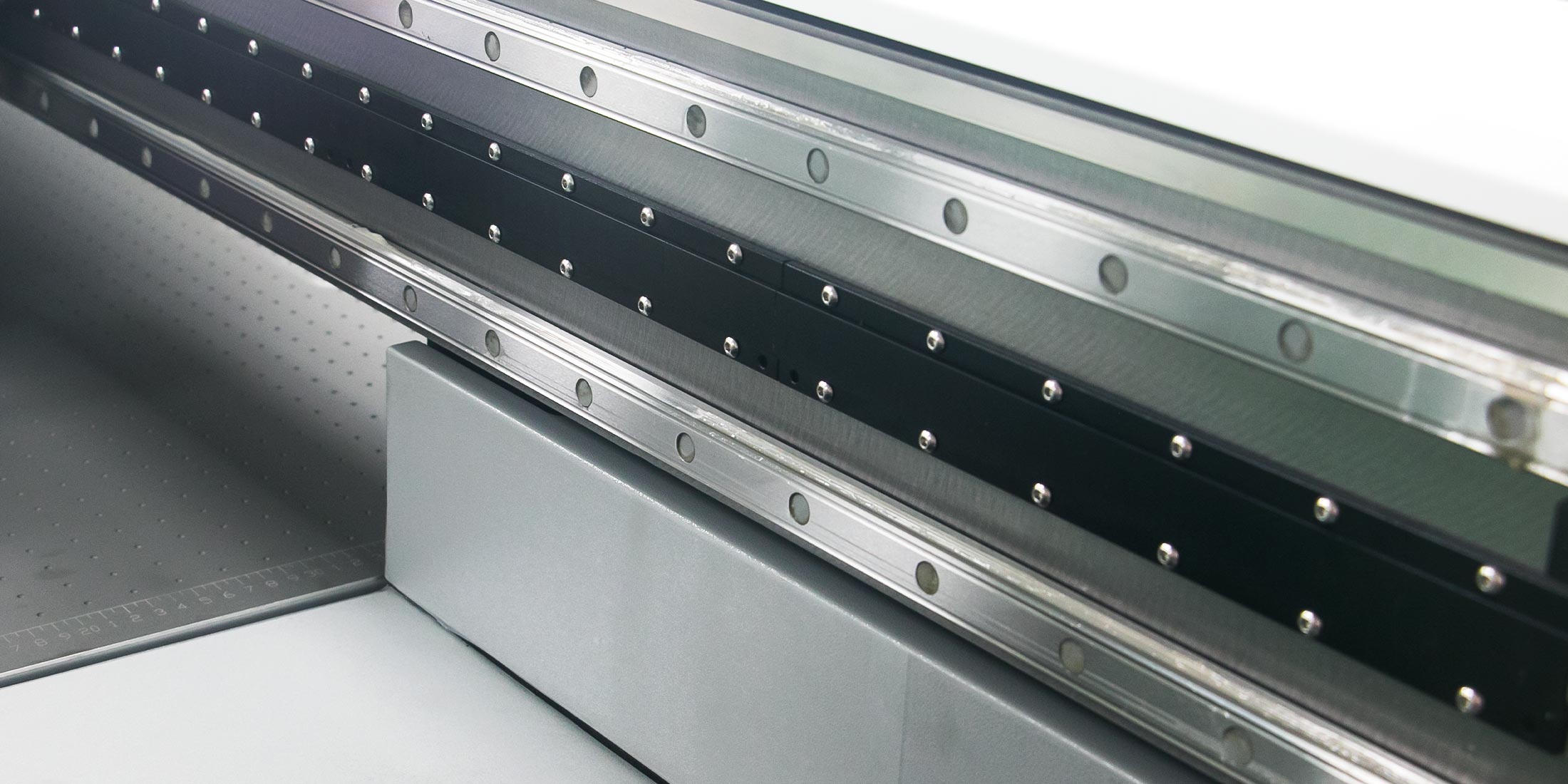
A fixture, sometimes called a jig, is a physical holder that keeps one or more phone cases in predetermined positions on the print bed. Each opening in the fixture corresponds to a location in the digital print layout.
A fixture can be made for:
Once the fixture and artwork template have been tested, the operator can load cases into the assigned positions and reuse the same layout for later batches.
CCD visual positioning uses a camera to scan the printer bed and identify the location and orientation of compatible objects. The system then assists with placing the artwork according to the detected products.
This can reduce dependence on a dedicated fixture for every low-volume product. Instead of requiring every case to be placed in one fixed opening, compatible cases can be arranged within the scanning and printing area.
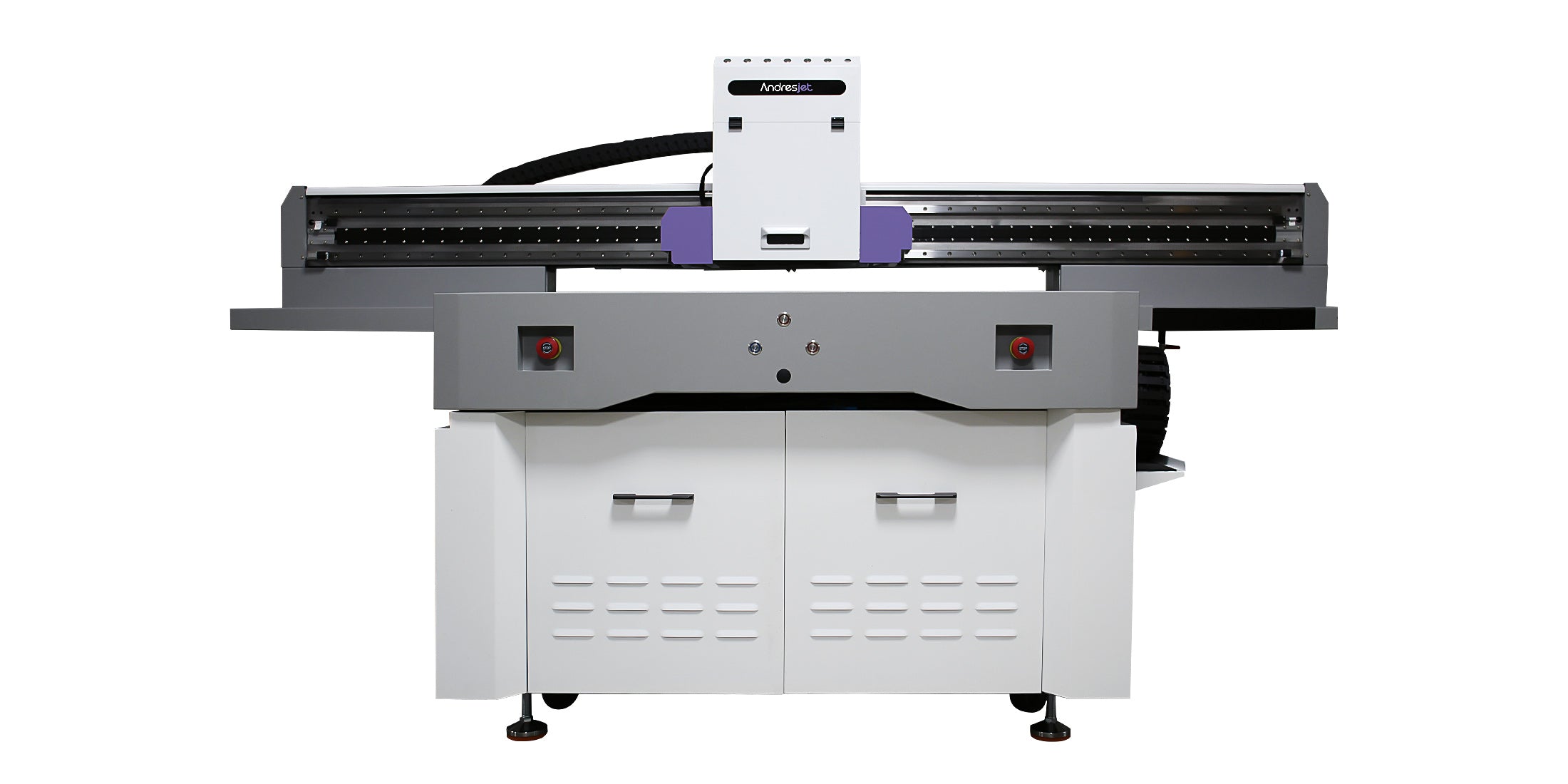
The optional wide-beam CCD system available with the AndresJet AJ1206 Small UV Flatbed Printer is designed to support visual positioning for small custom products.
| Factor | Physical fixture | CCD positioning |
|---|---|---|
| Initial preparation | Fixture and matching template must be created | Scanning and positioning workflow must be configured |
| Repeat orders | Very efficient after the layout is approved | Flexible, although each batch still requires scanning and verification |
| Mixed phone models | May require multiple fixtures or a combined fixture | Can be useful for compatible mixed-product arrangements |
| Product stability | Provides mechanical location and support | Detection does not necessarily prevent movement |
| Changing case suppliers | Existing openings may no longer fit correctly | More adaptable, but the artwork template must still match the new blank |
| Storage | Every fixture needs identification and storage space | Fewer product-specific physical tools may be required |
A fixture is often effective when a business repeatedly prints the same phone case model in predictable quantities.
Consider a fixture when:
For example, a supplier producing 200 identical cases for a corporate promotion may benefit from a fixture that holds a complete batch in known positions. After the first-piece inspection, the same loading and print template can be repeated.
CCD positioning may provide greater flexibility for businesses handling many SKUs and small quantities.
Consider CCD positioning when:
A customization shop may receive ten orders for several phone models, each using different artwork. In this situation, fixture design, storage and changeover time may outweigh the benefit of fixed positions.
No. CCD positioning can locate the physical product, but the artwork still needs a verified production template.
The template must define:
If the template has an incorrect camera-hole position, detecting the case accurately will not correct the artwork itself. The camera system and digital template must work together.
No. Visual detection establishes where a product is located before printing. It does not automatically provide mechanical support during the print cycle.
A case may still require support if it:
In these situations, a simple holding tool may still be needed even when visual positioning is used. CCD and fixtures are not always mutually exclusive.
Yes. A hybrid workflow can combine mechanical support with camera-assisted positioning.
For example, a shallow tray may prevent flexible cases from moving while the CCD system identifies the position of each case. This differs from a fully indexed fixture in which every case must occupy an exact predetermined opening.
A hybrid approach can be useful when:
The combination should be tested to confirm that the support tool does not interfere with scanning, printhead clearance or UV curing.
Batch size influences whether the time spent preparing a fixture can be recovered through repeated use.
| Production pattern | Likely starting point |
|---|---|
| One to a few cases per model | Evaluate CCD positioning |
| Mixed personalized cases | Evaluate CCD or a hybrid workflow |
| Regular batches of one model | Evaluate a dedicated fixture |
| High-volume repeat contract | A production fixture may provide the simplest repeatable loading |
This is a workflow guide rather than a fixed quantity rule. The physical case, number of SKUs, order frequency and required changeover time must also be considered.
A fixture is created for specific dimensions. If a supplier changes the case design, the original fixture may become too tight, too loose or incorrectly aligned.
Before reusing an existing fixture with a new shipment:
Label fixtures with the phone model, blank supplier, revision date and matching template version. A fixture described only as “Phone Case A” can easily be paired with the wrong artwork.
A camera-assisted workflow should be validated with more than one ideal sample.
Test:
Highly reflective, transparent or low-contrast products may require adjustments to lighting, background or detection settings. Confirm performance using the actual production blanks.
Accuracy should not be judged from the positioning method alone. The final result depends on:
A well-made fixture used with consistent blanks can deliver reliable repeat placement. A properly configured CCD workflow can provide flexible alignment for varied products. Either method can fail if the artwork template or physical setup is incorrect.
Run the same representative order through both proposed workflows and record:
Also include fixture design, manufacturing, labeling and storage time. CCD may reduce tooling requirements, but it still requires template preparation, scanning and verification.
Before choosing the positioning method, answer these questions:
Use fixtures when repeatability, physical support and efficient loading of consistent high-volume batches are the main priorities. Consider CCD positioning when the production mix contains frequent SKU changes, short runs or personalized cases for which creating a dedicated fixture would add unnecessary setup.
Some businesses will benefit from using both methods: dedicated fixtures for recurring contracts and CCD positioning for mixed short-run orders.
The AndresJet AJ1206 combines a 1200 × 600 mm flatbed with an optional wide-beam CCD scanning system for compatible small-product workflows. Explore AndresJet’s compact UV flatbed printers, or send your phone case samples, monthly SKU mix and order quantities for a positioning test.
For the complete decision path, continue with the UV printer calibration and alignment guide.
No. CCD can reduce product-specific tooling for mixed short runs, while an approved fixture may be faster for repeated loading of one high-volume case model.
The system can assist with detecting product position and shape, but the production template must still define the correct camera exclusion zone for the exact blank.
They may require mechanical support if they do not remain flat or stable during printing. Test the actual case before selecting a workflow.
Yes, a combined fixture can be designed, but each position must be clearly identified and matched to the correct artwork template.
That depends on the order mix. Businesses handling both recurring batches and varied personalized work may benefit from dedicated fixtures for repeat jobs and CCD positioning for flexible jobs.
Follow AndresJet:


