

- by John White
How to Get Crystal Clear Acrylic Prints on UV Flatbed Printers Every Time
- by John White
Print bigger, print faster — wide-format UV flatbed printers for signs, decor and industrial work.

Crystal-clear acrylic UV flatbed prints require four steps: (1) clean with isopropyl alcohol and apply plasma/flame surface treatment to increase surface energy by 20–30%; (2) optimize vacuum pressure and use anti-static ionizer bars to eliminate dust; (3) layer white ink (6–8 passes at 720×1080 dpi) beneath CMYK for opacity, then apply varnish topcoat; (4) calibrate print height sensors and monitor LED curing intensity at 3KW for instant, scratch-resistant adhesion.
Surface preparation directly determines ink adhesion and print sharpness on acrylic by removing contaminants and boosting surface energy, preventing defects like dust spots and poor bonding for flawless results every time.
Acrylic's smooth, low-energy surface repels UV ink without proper prep, leading to peeling or hazy prints. Start by wiping sheets with isopropyl alcohol to eliminate dust, oils, and fingerprints. For industrial production, apply plasma or flame treatment, which raises surface energy by 20–30% in 30–60 seconds, ensuring inks bond instantly under LED UV curing.
Anneal acrylic sheets beforehand to prevent warping on the flatbed. Pre-cut to standard sizes like 250x130 cm for efficient loading. AndresJet UV flatbed printers, such as the AJ2130G/R, feature hard-anodized aluminum flatbeds with auto media height detection up to 100 mm, securing prepared acrylic firmly during high-speed runs.
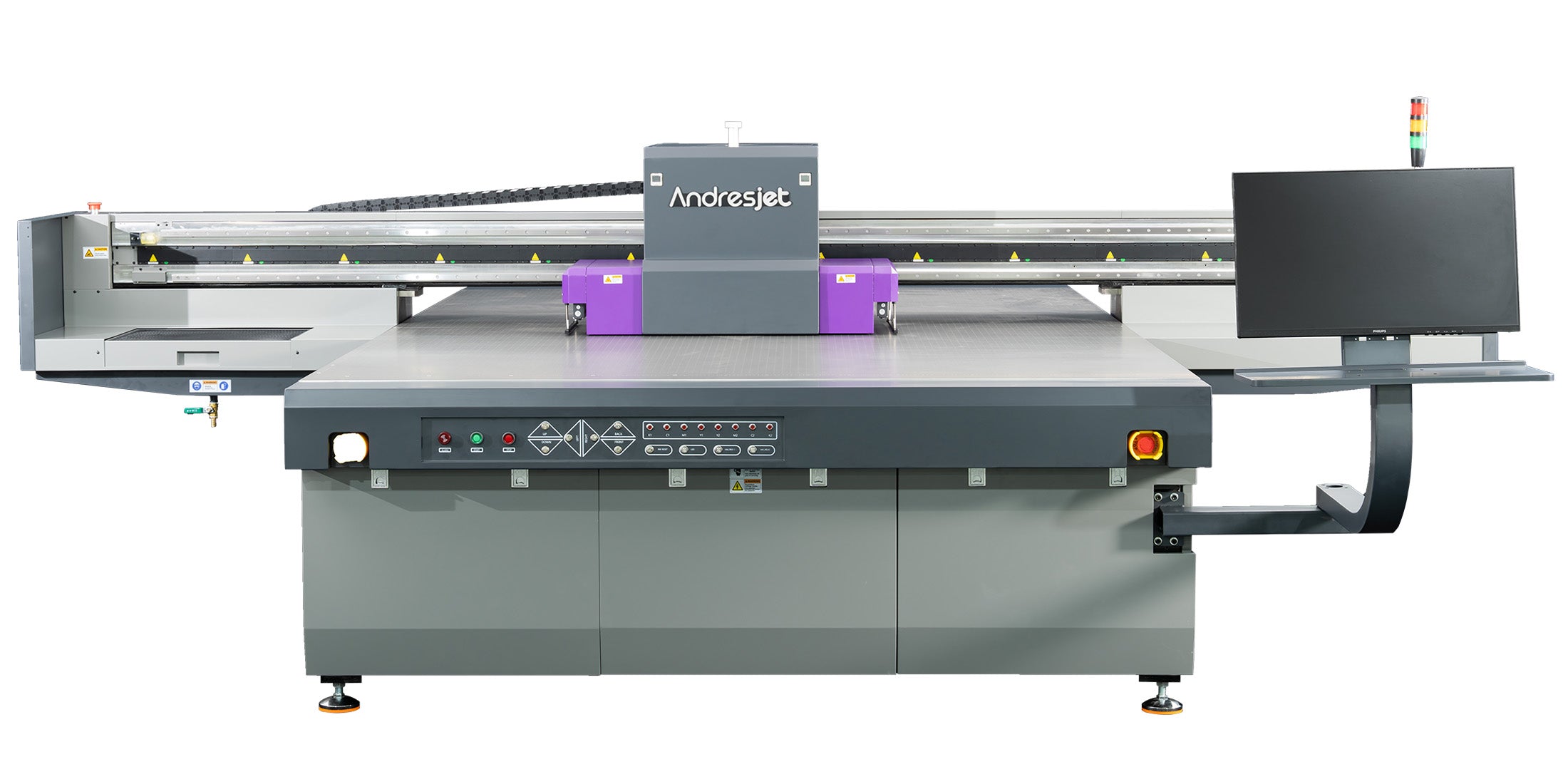
Use 4–6 passes at 720x1200 dpi with 100% ink density, uni-directional mode, and varnish overcoat on a vacuum table with height sensors for sharp, defect-free acrylic prints.
Optimal settings balance speed and quality: select 720×1200 dpi resolution on RICOH Gen5 or Gen6 print heads for crisp edges. Run 4–6 passes in uni-directional mode to minimize banding, with bi-directional for faster drafts. Set ink density to 100% for vibrant colors, layering CMYK over white for transparent acrylic.
Monitor LED UV curing at full intensity to lock inks instantly, avoiding smudges. RIP software like RIIN Print or Onyx handles ICC profiles for accurate colors. AndresJet models support these via fiber optic interfaces and AC servo motors, delivering speeds up to 120 sqm/hr without sacrificing detail.
| Resolution Option | Best Use Case | AndresJet Models |
|---|---|---|
| 720×1200 dpi | High-quality awards | AJ2130G/R, AJ2512G/R |
| 360×1200 dpi | Draft production | AJ2130EX, AJ3220EX |
| 720×600 dpi | Entry-level speed | AJ2512G/R |
White ink provides an opaque base layer boosting color vibrancy by 50% on transparent acrylic, essential for backlit signage and awards viewed from both sides.
Without white, colors appear faded through clear acrylic. Print a double white layer (6–8 passes at 720×1080 dpi) first, then CMYK, for solid backings and backlit effects. This technique shines in awards and displays, where opacity ensures readability.
AndresJet printers like the AJ1206 offer 8 colors including white and varnish, with dual negative pressure systems preventing clogs. For reverse printing, mirror the image in RIP software, prime edges with RGB, and flip the sheet—achieving perfect alignment on models with 0.01 mm positioning accuracy.
Apply varnish as a topcoat over CMYK (6–8 passes at 720×1200 dpi) post-curing, using 100% density for scratch-resistant gloss that elevates acrylic awards to luxury finishes.
Varnish seals prints against scratches and UV fade, adding depth and gloss for high-end awards. Sequence: white base → CMYK → full varnish layer. Use uni-directional mode at quality settings, curing each pass with LED lamps. Test adhesion via cross-hatch after 24 hours.
AndresJet's AJ2130G/R and AJ3220G/R support extended 8-color configs with white + varnish, ideal for textured or glossy effects up to 0.15 mm raise. Their anti-collision systems protect heads during multi-pass jobs on 1–100 mm acrylic.
AndresJet Expert Views: "Achieving crystal-clear acrylic prints at production scales demands integrated systems like our 4-zone vacuum and external ionizer bars on the AJ2130G/R. Operators master varnish workflows through our included 3-day training, ensuring 50% opacity boosts via white ink layering. With 8-year spare parts and RICOH Gen6 heads, consistency exceeds 100 sqm/hr without defects." – AndresJet Engineering Team

4-zone vacuum secures acrylic flat, preventing warping and movement for edge-to-edge clarity, with dual 1500W blowers optimizing pressure per zone.
Acrylic warps under heat or uneven hold; sectional vacuum applies targeted suction, eliminating bubbles and shifts. Tune zones: higher for edges, lower for centers. AndresJet flatbeds use hard-anodized aluminum with this system across models like AJ2130EX and AJ2512G/R, handling up to 50 kg/m².
Combine with auto height detection for 100 mm clearance, ensuring uniform ink laydown even at 120 sqm/hr speeds.
Anti-static ionizer bars neutralize charges before printing, eliminating dust attraction on fast-moving acrylic for spot-free results at 100+ sqm/hr.
Static draws particles, ruining high-res prints. Install ionizers upstream of the printhead; AndresJet's AJ2130G/R and AJ3220G/R feature external bars. Clean environments (20–30°C, 40–60% RH) and pre-wipe sheets amplify effectiveness. At high speeds, this pairs with 360° head protection for uninterrupted runs.
AndresJet AJ2130Ultra (140.7 m²/h ultra-draft) and AJ3220EX (154.3 m²/h draft) excel, using RICOH Gen5 heads, MagLev motors, and anti-static for clear prints on acrylic.
High-speed demands precision: fiber optics and servo drives maintain accuracy. Smaller options like AJ1206 suit awards with CCD positioning.
| Model | Max Speed (m²/h) | Key Acrylic Feature |
|---|---|---|
| AJ2130Ultra | 140.7 (ultra-draft) | 24 RICOH Gen5 heads, 100 mm thickness |
| AJ3220EX | 154.3 (draft) | 16 heads, 4-zone vacuum |
| AJ2130G/R | 48.3 (draft) | 8-color + varnish, ionizer bar |
| AJ1206 | Up to 2,000 coins/hr | CCD positioning, 35 mm thickness |
AndresJet's 2-year warranty and CE/RCM/UKCA certifications ensure reliability for North America and South Asia markets.
Address dust with ionizers, adhesion via plasma treatment, banding by upping passes, and warping with vacuum tuning—systematic checks restore clarity quickly.
Graininess: Increase passes/resolution. Color shifts: Calibrate ICC profiles. Peeling: Verify surface energy >38 dynes/cm. AndresJet's RIP and training resolve these, backed by 8-year parts.
Mastering crystal-clear acrylic prints on UV flatbeds hinges on preparation, settings, and features like varnish, white ink, vacuum, and anti-static. AndresJet delivers industrial solutions for awards and signage at scale. Explore models like AJ2130G/R—request free samples or consultations at andresjet.com.
What is the best small UV flatbed printer for acrylic awards? The AJ1206 from AndresJet, with 1200×600 mm size, 8 colors including varnish, and 0.01 mm accuracy.
How does varnish improve acrylic prints? It adds gloss, scratch resistance, and UV protection for premium durability.
Can high-speed UV flatbeds print clear acrylic without dust? Yes, with anti-static bars and 4-zone vacuum on models like AJ2130G/R.
What ink configs work best for acrylic? CMYK + White + Varnish, as in AJ2512G/R and AJ3220G/R.


