

ICC Profiles in UV Flatbed Printing: Understanding Color Precision and Workflow Optimization
- by John White
Print bigger, print faster — wide-format UV flatbed printers for signs, decor and industrial work.

An ICC profile describes how a device reproduces color under a defined condition. For UV flatbed printing, that condition includes the printer, ink, substrate, resolution, pass mode, white-ink configuration, curing, and measurement method. A profile cannot correct unstable nozzles, inconsistent media, or an incorrect RIP setup.
(Last modified date: September 11, 2026)
The International Color Consortium explains that device profiles allow color-management systems to convert between device color spaces and a device-independent profile connection space. In production terms, the profile helps the RIP translate source colors into the combinations the printer can reproduce.
| ICC profile can help | ICC profile cannot repair |
|---|---|
| Neutral balance, tone response, gamut mapping, and repeatable conversion | Blocked nozzles, banding, head strikes, unstable media feed, or weak adhesion |
| Consistent output under the profiled condition | A substrate or print mode that differs materially from the profiled condition |
Record the printer model, ink set, substrate manufacturer and lot, surface treatment, resolution, pass count, carriage direction, white-ink mode, varnish use, curing settings, and environmental range. On transparent or colored media, decide whether color is printed directly, over white, under white, or in a multilayer stack. Each choice changes the result the profile must describe.
If several modes are commercially important, profile them separately rather than averaging incompatible conditions.
The profile file is only one deliverable. Keep its naming convention and condition record so the operator can choose the correct profile later.
White ink changes the base on transparent and colored objects. Spot varnish changes gloss and can alter visual contrast. A CMYK profile should not silently stand in for every layer stack. Define which layer is color-managed, how white density is controlled, and whether the measurement includes the final varnish condition.
| Symptom | Check first |
|---|---|
| Color changed after a media switch | Correct profile and media condition |
| Neutrals vary across the bed | Nozzles, alignment, media flatness, and curing uniformity |
| Brand color is consistently outside tolerance | Device gamut, rendering strategy, spot-color workflow, and acceptance tolerance |
| File previews correctly but prints incorrectly | Embedded profile, RIP input policy, and double color management |
Send the actual substrate, difficult artwork, target color values, viewing condition, acceptable tolerance, white/varnish requirement, and intended production mode. Ask the supplier to record the printer, ink, RIP, profile, mode, and curing used for the sample.
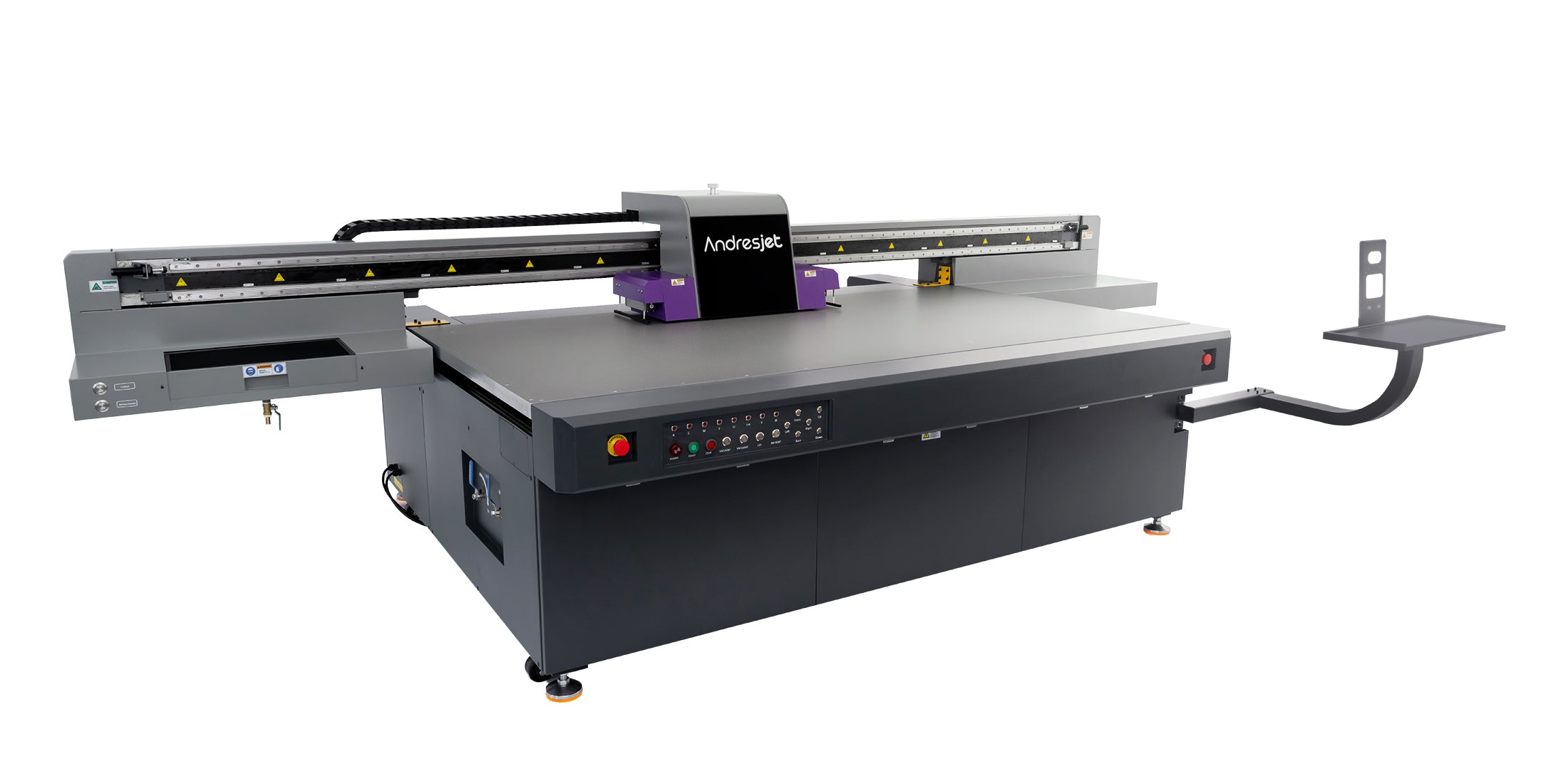
For large rigid-media work, start with the wide-format UV flatbed range. The equipment category is only the first filter; the sample must prove the complete color condition.
For the complete decision path, continue with the UV print workflow and job changeover guide.
Not reliably. Substrate color, coating, absorbency, white-ink mode, print mode, and curing can change the color condition.
No. Adhesion is a material, ink, pretreatment, and curing issue and requires a separate test.
Revalidate after material, ink, print mode, RIP, measurement, or curing changes and whenever control output drifts beyond the agreed tolerance.


