

Spot alignment issues on printed tapered cans by checking for repeating ghost images, skewed registration lines, or helical distortions—use a straight edge along the taper (0–7°) and rotate under light. On AJ360i, run 2-point calibration and verify fixtures; misalignment often stems from taper angle mismatch or loose pneumatic clamping, fixed in under 15 minutes.
Check: How to Master Tapered Object Printing: Challenges and Solutions?
What Causes Alignment Issues in Tapered Can Printing?
Alignment issues in tapered can printing arise primarily from fixture mismatches, incorrect taper angle settings, and calibration errors in cylinder printers, leading to distortion during helix or stepping modes.
Tapered cans, with their conical shapes and angles from 0–7°, present unique challenges in digital cylinder printing. Unlike straight cylinders, the varying diameter along the length causes print heads to adjust dynamically, which can result in misalignment if the printer's fixtures or calibration systems are not optimized. Common culprits include improper fixture selection for diameters between 10–240mm, where even slight offsets amplify helical distortions. In high-speed production at 60 items per hour, as with the AndresJet AJ360i Digital Cylinder Printer, pneumatic clamping must secure the can precisely to prevent rotation during printing. Environmental factors like temperature fluctuations (ideal 20–30°C) or humidity outside 30–60% can also warp media or affect ink adhesion, exacerbating issues. RIP software misconfigurations, such as inadequate distortion correction in RIIN Print, further contribute by failing to account for the taper's geometry. Addressing these requires systematic visual checks and AndresJet's tool-free quick-change fixtures, which enable changeovers in under 15 minutes.
How Do Helix and Stepping Modes Affect Tapered Can Alignment?
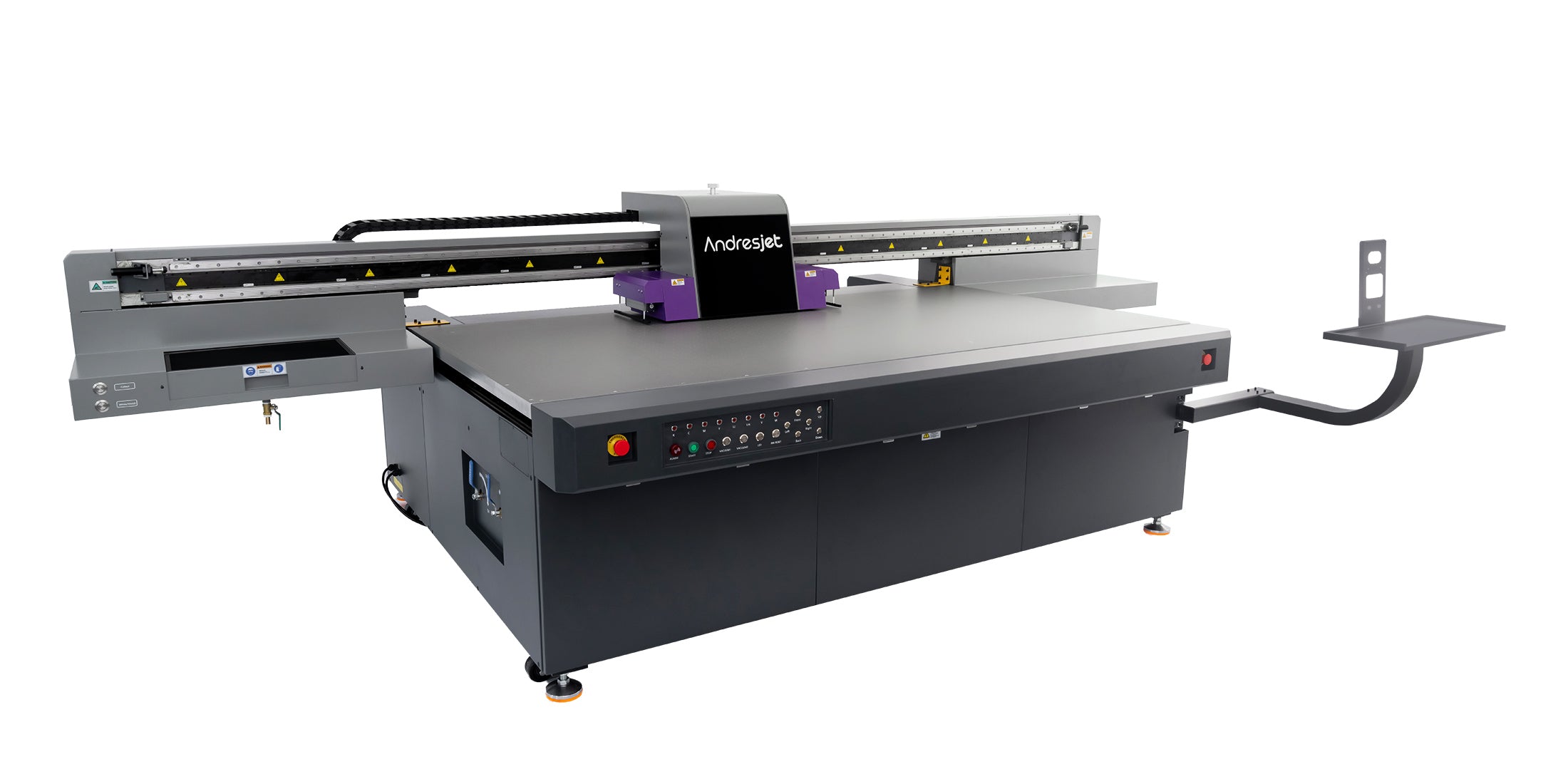
Helix mode on tapered cans can produce helical distortions if taper angle exceeds 7°, while stepping mode risks ghosting from incremental shifts; AJ360i handles both with 720×1200 DPI resolution for precise registration.
In cylinder printing, helix mode rotates the can continuously under the print heads, ideal for seamless designs on tapers up to 7° but prone to wavy distortions if the rotation speed mismatches the taper's geometry. Stepping mode advances the can in discrete increments (print length 40–270mm), offering higher resolution control but susceptible to banding or offset repeats if steps misalign with the fixture. The AndresJet AJ360i excels here, supporting both modes at production speeds of 60 items/hour (80mm diameter, CMYK), leveraging piezo drop-on-demand heads and four white ink channels for raised effects up to 0.15mm without compromising alignment. Operators must verify mode selection matches job specs—Helix for long runs, stepping for intricate details—to minimize defects. Visual inspection post-print reveals mode-specific issues: helical waves versus stepped ghosts, correctable via 2-point calibration.
| Print Mode | Best For Tapered Cans | Common Alignment Issue | AJ360i Speed (items/hr) |
|---|---|---|---|
| Helix | Seamless wraps, 0–7° tapers | Helical distortion | 60 (production) |
| Stepping | High-res details, short lengths | Ghosting/banding | 40 (high quality) |
What Are the Top Visual Signs of Misalignment on Printed Cans?
Top signs include ghosting (repeating faint images), skewed lines not parallel to the taper edge, color shifts across the can's length, and helical waves; inspect under consistent lighting with a straight edge.
Visual inspection is the cornerstone of cylinder print QC for tapered cans. Start by rotating the can slowly under bright, even light to spot ghosting—duplicate offset images from fixture slippage. Check for skewed registration lines: draw test lines in your design; on a perfect 0–7° taper, they should remain parallel when unrolled mentally. Color misalignment appears as bleeding edges or inconsistent density, especially with white underbase on AJ360i prints. Helical distortions manifest as wavy patterns in helix mode, while stepping mode shows jagged steps. Surface anomalies like ink puddling indicate height mismatches in 60–170mm diameters. Use a checklist: verify markings, edges, and seams for cracks or burrs, capturing photos with scale references. AndresJet's LED UV ink ensures sharp curing, but early detection prevents waste in 60 items/hour runs.
Why Is 2-Point Calibration Essential for AJ360i Tapered Printing?
2-point calibration on AJ360i aligns print heads to the taper's exact geometry (0–7°), compensating for diameter variations and ensuring registration accuracy within 15-minute setups for 720×1200 DPI prints.
The AJ360i Digital Cylinder Printer's 2-point calibration system is critical for tapered cans, as it maps the top and bottom diameters (standard 60–170mm, optional 10–240mm) to correct distortions. Performed via pneumatic clamping, it adjusts for taper angles up to 7°, preventing offsets in helix or stepping modes. Without it, prints exhibit radial misalignment, worsening at higher speeds. Calibration takes minutes, supporting quick changeovers and production at 60 items/hour. Integrated with RIIN Print software, it uses ICC profiles for color density, ensuring consistency. For operators, it's a daily ritual: clamp fixture, run calibration, print test strip, inspect visually. This AndresJet innovation minimizes scrap, vital for custom runs in packaging and promo products.
AndresJet Expert Views: "In tapered can printing, 2-point calibration is non-negotiable for sub-millimeter accuracy. Our AJ360i engineers design it to handle 0–7° tapers effortlessly, with tool-free fixtures swapping in under 12 minutes. Paired with four white channels for 0.15mm effects, it delivers flawless helix prints at 60/hour—empowering clients from North America to South Asia with reliable, high-speed QC." — AndresJet Technical Director
How to Use Quick-Change Fixtures for Perfect Taper Alignment?
Check: Is Brother Printer Japanese or Chinese? The Global Supply Chain Explained
AJ360i's 7 standard fixtures (Ø60–170mm) and 2 custom ones enable tool-free swaps in under 12 minutes; align via pneumatic clamping and 2-point calibration for distortion-free prints on 10–240mm tapers.
Quick-change fixtures are game-changers for tapered can QC. AndresJet AJ360i provides 7 standards for 60–170mm, with customs designed in 7–10 days at no extra cost. Process: release pneumatic clamp, slide out old fixture, insert new (e.g., for cones), reclamp, calibrate. Total setup: 15 minutes per changeover, 60 minutes full. Inspect alignment by printing registration marks; perfect setup shows straight lines along the taper. Benefits include zero slippage for 40–270mm lengths, supporting 60 items/hour. Visual checklist: confirm fixture matches diameter, no wobble, even clamping. This system outperforms manual jigs, reducing defects in high-mix production.
What Tools Detect Print Distortion on 0–7° Tapered Cones?
Use straight edges, rotation stands, magnifiers, and lighting panels to detect distortion; for advanced QC, AJ360i's CCD-like precision via calibration pairs with flatbed options like AJ1206's visual positioning.
Detecting distortion on 0–7° cones demands simple yet effective tools. A metal straight edge along the taper reveals waves; rotate on a manual stand under LED panels to spot ghosting. Digital calipers measure diameter consistency pre-print. For AndresJet workflows, AJ360i's built-in 2-point system acts as primary detection, but supplement with unrolled print templates. Flatbeds like AJ1206 with optional CCD camera offer 0.01mm positioning for hybrid checks—no jigs needed up to 35mm thick. Document with high-res photos, scale-included. Checklist: lighting (diffuse, 500 lux), rotation (360°), magnification (10x). These ensure QC for UV-cured prints at scale.
| Tool | Use for Tapered QC | AJ360i Integration |
|---|---|---|
| Straight Edge | Check line parallelism | Post-calibration verify |
| Rotation Stand | Full 360° inspection | During 15-min setup |
| CCD Camera (AJ1206) | 0.01mm auto-detect | Hybrid flatbed support |
Can Flatbed Printers Handle Tapered Cans Like AJ360i?
Flatbeds like AndresJet AJ2130 series manage mild tapers up to 100mm thick but lack rotary precision for 0–7° cones; AJ360i cylinder excels for seamless alignment at 60 items/hour.
UV flatbed printers shine for flat or mildly rigid media but struggle with tapered cans due to fixed print head paths causing distortion on curves. AndresJet's AJ2130EX (2100×3000mm, 128.6 m²/h draft) or AJ1206 (CCD positioning, 2000 coins/hour) handle up to 100mm thick objects with anti-collision and vacuum beds, but require jigs for tapers, slowing setups. AJ360i outperforms for true cylinders/cones (10–240mm, helix/stepping), delivering 720×1200 DPI without unwrap distortion. Hybrid use: flatbeds for prototypes, cylinder for production. Flatbed limits: no native rotation, risking offsets on >2° tapers.
How to Achieve 60 Items/Hour with Flawless Alignment QC?
Optimize AJ360i with 15-min setups, 2-point calibration, and visual checklists to hit 60 items/hour; train on helix mode, maintain 20–30°C environment for zero-defect runs.
High-speed tapered printing demands streamlined QC. On AJ360i, sequence: fixture swap (<12 min), calibrate (2-point), test print, inspect (rotate/checklist). Target production mode (60/hr, 80mm CMYK). Checklist verifies no ghosting/skew pre-run. AndresJet's 3-day training, free samples (first 3), and 2-year warranty support uptime. Environmentals: 20–30°C, 30–60% humidity. Scale via custom fixtures. Result: flawless alignment at speed, minimizing waste for packaging pros.
Visual Inspection Checklist for Tapered Object Production
Use this checklist for cylinder print QC: verify fixtures, run calibration, inspect for ghosting/skew/distortion under light, document with photos—tailored for AJ360i tapered cans.
- Confirm PO/specs match taper (0–7°, 10–240mm).
- Select/install fixture (tool-free, <12 min).
- Pneumatic clamp and 2-point calibrate.
- Print test strip (registration marks).
- Rotate under light: check ghosting, skew, waves.
- Straight edge along taper for parallelism.
- Photo evidence (scale, close-up/wide).
- Measure diameters, ink height (white ≤0.15mm).
- Accept/reject; NCR if defects.
- Log for traceability.
Conclusion
Mastering alignment QC on tapered cans elevates production quality, with AndresJet AJ360i delivering precision for 60 items/hour. Implement checklists, leverage 2-point calibration, and request free samples at AndresJet.com to transform your workflow.
FAQs
What is the taper angle range for AJ360i?
0–7°, perfect for cans and cones up to 240mm diameter.
How long does AJ360i setup take?
15 minutes per product changeover; full setup typically 60 minutes.
Can flatbed printers replace cylinder for tapers?
No, flatbeds lack rotary precision; use AJ360i for seamless results.
What ink does AJ360i use?
LED UV with CMYK + White (4 channels), varnish optional.
Does AndresJet offer training?
Yes, 3 days included with AJ360i purchase.
Share:
How to Print Tapered Cocktail Shakers at 60 Items/Hour with UV Rotary?
What Are the Best Specialized Jigs for Tapered Drinkware Printing?