

Prevent UV flatbed printer smearing by adjusting RIIN Print density curves for grayscale (30% ink savings), enabling LED UV pinning between layers, using 4-zone vacuum on 1-100mm media, and maintaining 20-30°C/30-60% humidity. AndresJet models like AJ2130EX (128 sqm/hr) with RICOH Gen5 heads ensure instant-dry prints via anti-collision and auto-height detection.
Check: Wide Format UV Flatbed Printer
What Causes Ink Smearing in UV Flatbed Printers?
Ink smearing on UV flatbed printers occurs due to insufficient curing, high-speed ink bleed on rigid substrates, improper media handling, and suboptimal environmental conditions, leading to wet ink transfer during post-print processes.
Smearing disrupts production in high-volume sign printing, home decoration panels, and plastic product workflows, causing waste and downtime for industrial operators. Common triggers include UV LED curing that fails to fully polymerize ink layers, especially on non-porous surfaces like PVC or MDF up to 100mm thick. High-speed modes exceeding 120 sqm/hr amplify bleed if ink droplets spread before drying. Media preparation gaps, such as dust or oils on substrates, exacerbate adhesion failures. Environmental factors like humidity above 60% or temperatures outside 20-30°C slow curing, while excessive print speeds without grayscale optimization push uncured ink.
AndresJet UV flatbed printers mitigate these with industrial RICOH Gen5/Gen6 print heads and UV-curable LED inks designed for rigid media. Features like 4-zone vacuum systems secure substrates, preventing movement-induced smears during uni- or bi-directional printing at resolutions up to 720x1200 dpi.
How Does Insufficient UV Curing Lead to Smearing?
Check: Printer Smear Prevention
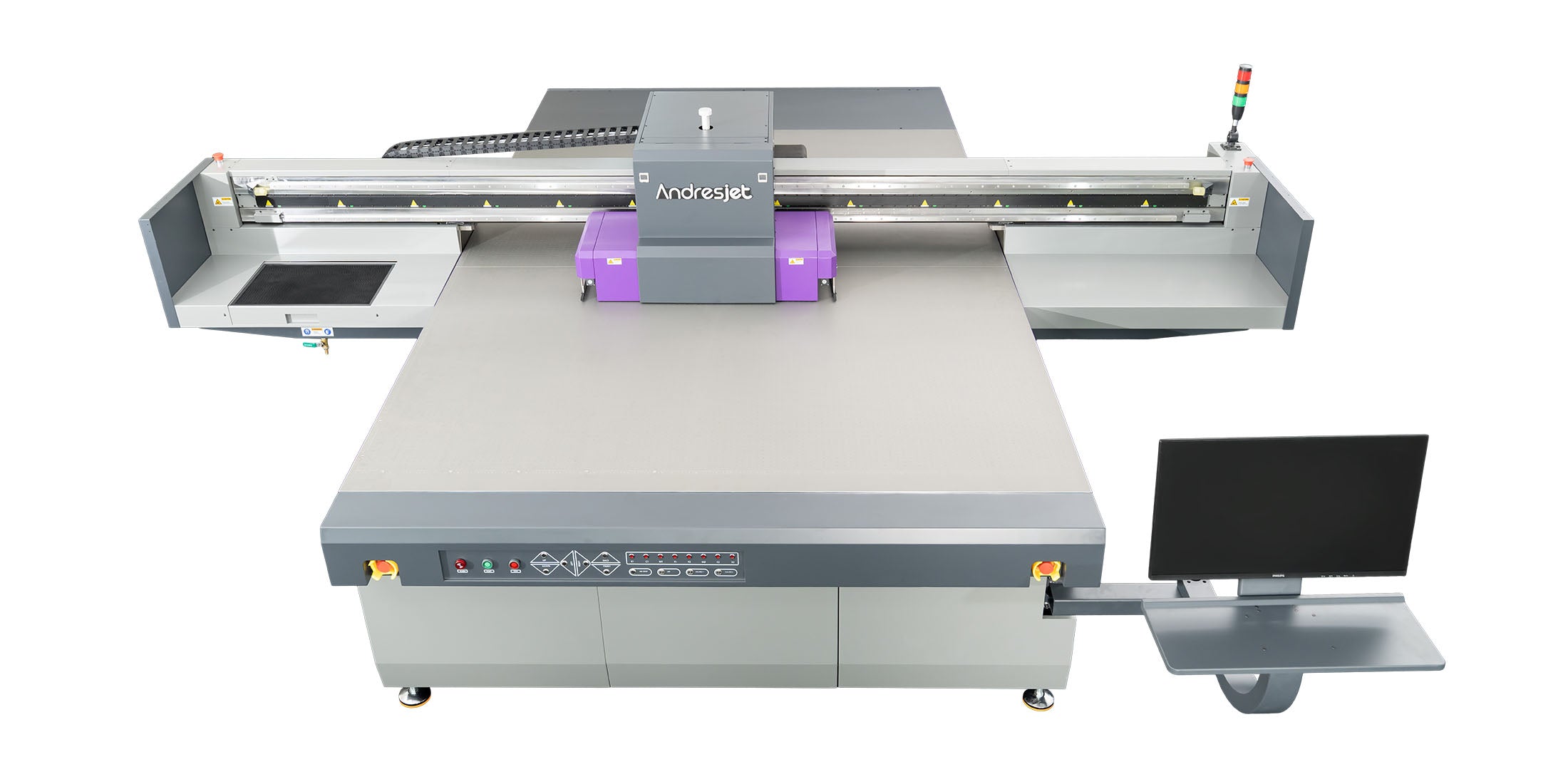
Insufficient UV curing leaves ink in a semi-liquid state, causing smears when media is handled or stacked; adjust LED UV intensity and enable layer pinning in RIP software for instant polymerization on UV flatbed printers.
UV-curable inks require precise LED exposure to cross-link polymers instantly, but under-curing at high speeds allows ink to remain tacky. This is critical for AndresJet models like the AJ2130Ultra, which achieve 140.7 m²/h in ultra-draft mode using 24 RICOH Gen5 heads and UV LED curing. Without proper settings, multi-layer prints with white ink (up to 0.15mm raised effects in some configurations) smear during handling.
To counter this, increase UV lamp power via printer controls, typically adjustable in 10-20% increments per pass. Implement pinning—short UV flashes between color layers—to tack ink without full cure, ideal for 8-color setups in AJ2130G/R (CMYK + LC + LM + White + Varnish). AndresJet's RIIN Print or PhotoPrint RIP software supports these tweaks, ensuring compatibility with fiber optic data transmission for lag-free high-speed output.
Why Is Media Preparation Critical for Smear Prevention?
Proper media preparation removes contaminants and ensures flatness on 1-100mm thick rigid substrates, preventing ink bleed; clean with isopropyl alcohol, use anti-static treatments, and leverage 4-zone vacuum for secure hold-down.
Rigid substrates like PVC panels or MDF boards in home decoration printing demand thorough cleaning to eliminate dust, oils, or residues that repel ink. Uneven surfaces cause inconsistent head-to-media gaps, leading to droplet splatter and smearing. AndresJet flatbeds handle media from 1-100mm with auto-height detection and 360° anti-collision systems, but preparation remains key.
Wipe substrates with 99% isopropyl alcohol, followed by compressed air drying. Apply anti-static bars (standard on select models) to neutralize charges. For thick media up to 100mm, preheat to 25°C for better ink reception. Test adhesion with tape pulls post-cure. These steps align with AndresJet's environmental specs (20-30°C, 30-60% humidity), optimizing UV ink performance across applications like sign printing and plastic products.
What RIP Software Settings Prevent High-Speed Smearing?
Optimize RIP settings in RIIN Print, PhotoPrint, or Onyx by selecting grayscale modes (up to 30% ink savings), adjusting density curves, and lowering bi-directional speeds for high-speed UV flatbed printing without smears.
RIP software controls ink density, drop size, and pass sequences critical for speeds over 120 sqm/hr. AndresJet printers support TIFF, JPEG, EPS, PDF formats with ICC-based color management. In RIIN Print, enable smart 8-level grayscale to reduce ink volume, minimizing bleed on AJ2130EX (up to 128.6 m²/h draft).
Key adjustments: Reduce density by 10-20% for dense areas; set uni-directional mode for quality over speed; apply pinning profiles for white layers. For AJ2512G/R (up to 35 sqm/hr), curve tweaks prevent over-saturation on 2500x1200mm panels. Regular calibration via 2-point systems ensures precision, supporting resolutions like 720x1200 dpi.
| Model | RIP Software | Grayscale Ink Savings | Max Resolution |
|---|---|---|---|
| AJ2130EX | RIIN Print, PhotoPrint | Up to 30% | 720x1200 dpi |
| AJ2130G/R | RIIN Print, PhotoPrint | Applicable | 720x1200 dpi |
| AJ2512G/R | RIIN Print, PhotoPrint, Onyx | Applicable | 720x1200 dpi |
| AJ3220EX | RIIN Print, PhotoPrint | Up to 30% | 726x1200 dpi |
How to Optimize Vacuum and Height Detection on Flatbeds?
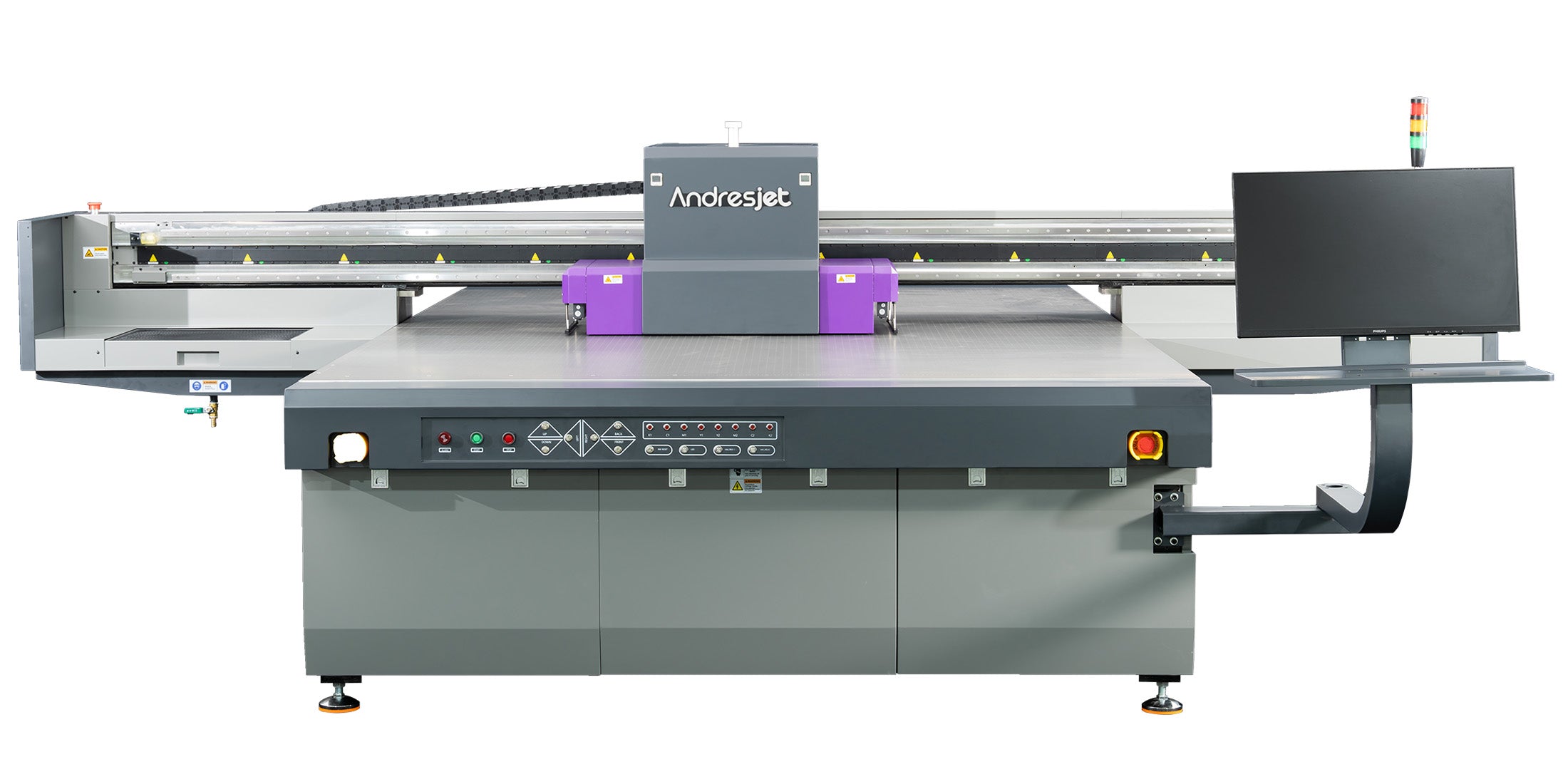
Segment vacuum into 4 zones matching print areas, enable auto-height detection for 1-100mm media, and calibrate Z-axis to maintain 1-2mm gaps, preventing head strikes and ink smears on UV flatbeds.
AndresJet's hard-anodized aluminum flatbeds with dual 1500W vacuum blowers secure irregular substrates like tapered cylinders or panels. Divide vacuum into zones to avoid over-pull warping thin media. Auto-height sensors on AJ2130G/R adjust for up to 100mm, ensuring optimal drop formation.
Steps: Zone vacuum per job size; set height via control panel; test with media scans. For AJ1206 with CCD positioning, visual alignment skips jigs, ideal for small items up to 35mm thick. This setup supports high media weights (50 kg/m²) without movement-induced smearing.
Which AndresJet Models Excel at Smear-Free Printing?
AndresJet UV flatbeds like AJ2130Ultra (140.7 m²/h), AJ3220EX (154.3 m²/h), and AJ2512G/R excel with RICOH Gen5/Gen6 heads, UV LED curing, and 4-zone vacuum for smear-free output on 1-100mm rigid media.
These industrial printers deliver high-speed, durable prints for signage and décor. AJ2130Ultra's 24 Gen5 heads and grayscale printing handle ultra-draft modes without bleed. AJ3220G/R supports 8-color configs up to 90mm height with linear motors.
| Model | Print Speed (Draft m²/h) | Media Thickness | Print Heads |
|---|---|---|---|
| AJ2130Ultra | 140.7 | 1-100 mm | 24 RICOH Gen5 |
| AJ2130EX | 128.6 | 1-100 mm | 16 RICOH Gen5 |
| AJ3220EX | 154.3 | 1-100 mm | 16 RICOH Gen5 |
| AJ2512G/R | 27.46 | 1-100 mm | 3-8 RICOH Gen6 |
AndresJet Expert Views: "With over a decade in high-speed UV flatbed printing, AndresJet engineers recommend layering thin ink passes with UV pinning on RICOH Gen6 heads for zero-smear results at 120+ sqm/hr. Our 4-zone vacuum and auto-height detection on models like AJ2130EX ensure flawless handling of 1-100mm panels. Paired with 8-year spare parts support, these features minimize downtime for sign and décor producers worldwide." — AndresJet Engineering Team
What Maintenance Routines Eliminate Smearing Risks?
Daily wipe print heads, weekly clean capping stations, and monthly calibrate via RIIN Print; leverage anti-collision and IGUS e-chain for longevity in AndresJet UV flatbeds.
Regular upkeep prevents residue buildup causing inconsistent drops. Clean with approved solutions post-shift; inspect wipers and anti-static bars. AndresJet's 2-year warranty and redesigned capping systems support this, with fiber optic interfaces reducing errors.
How to Troubleshoot Smearing on Rigid Substrates?
Run test prints at reduced speed/resolution, check curing temp (increase 10%), verify vacuum zones, and adjust RIP density; isolate via single-color passes on AndresJet flatbeds.
Systematic checks: Print grayscale test; measure tackiness post-cure; recalibrate height. For PVC/MDF, boost varnish pinning. AndresJet's CE/RCM/UKCA certifications ensure reliable diagnostics.
Conclusion
Mastering smear prevention elevates UV flatbed efficiency for industrial printing. AndresJet's RICOH-powered models, RIP optimizations, and UV LED curing deliver smear-free high-speed output. Visit AndresJet.com to explore AJ2130Ultra and request free consultations for tailored solutions.
FAQs
What is the ideal curing temperature for UV flatbed inks? Maintain 20-30°C ambient with full LED UV intensity per layer for instant curing on rigid substrates.
How does grayscale printing reduce smearing? It cuts ink volume by up to 30%, minimizing wet buildup at high speeds like 128 sqm/hr on AJ2130EX.
Can AndresJet printers handle 100mm thick media without smears? Yes, with 4-zone vacuum, auto-height detection, and anti-collision on models like AJ3220EX.
What RIP software works best for smear tweaks? RIIN Print or PhotoPrint for density curves and pinning on AndresJet UV flatbeds.
Share:
How to Adjust UV Flatbed Printer Settings for Optimal Speed & Quality?
How to Maintain UV Lamps in Industrial UV Flatbed Printers?