

- by John White
How to Optimize Printer Density Settings for UV Flatbeds?
- by John White
Print bigger, print faster — wide-format UV flatbed printers for signs, decor and industrial work.

Printer density settings control ink volume per color channel in UV flatbed printers like AndresJet models, optimized via RIIN Print or PhotoPrint RIP software using ICC profiles and curves. Target 1.05-1.45 density for CMYK (Y:1.05, M:1.40, C:1.45); adjust incrementally for substrates, enabling 30% ink savings with 8-level grayscale at speeds up to 154 sqm/hr.
Check: Wide Format UV Flatbed Printer
Printer density settings in UV flatbed printing refer to the controlled amount of UV-curable ink applied per color channel, measured as optical density to ensure consistent color reproduction and ink efficiency on rigid substrates like panels or signage.
In UV flatbed printers, density settings determine how much ink is laid down during printing, directly influencing the richness of colors and overall print quality. Unlike thermal printers that rely on heat intensity, UV flatbeds use piezo drop-on-demand technology, such as the industrial RICOH Gen5 or Gen6 print heads found in AndresJet models like the AJ2130Ultra and AJ3220EX. These settings are adjusted through RIP software like RIIN Print, PhotoPrint, or Onyx, which support ICC-based profiles, curves, and density adjustments.
Density is typically measured with a densitometer, reflecting light absorption by the ink film on substrates ranging from 1-100 mm thick. For AndresJet UV flatbeds, features like 4-zone vacuum systems on hard-anodized aluminum flatbeds ensure even ink application, preventing variations across large formats up to 3200 x 2000 mm on the AJ3220G/R. Optimal control here balances visual vibrancy with production demands in applications like home decoration and sign printing.
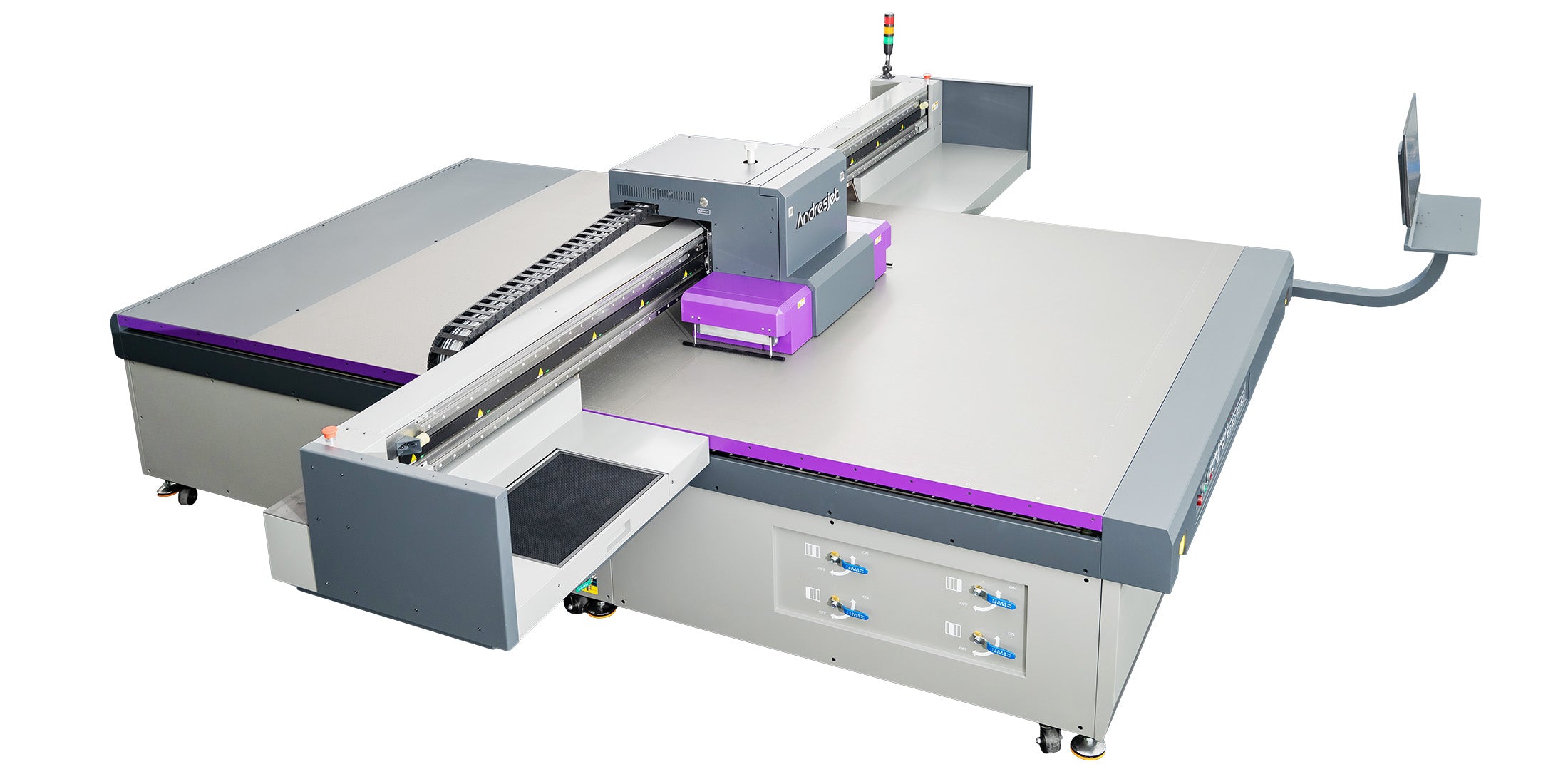
Ink density is critical for high-speed industrial prints because it balances color accuracy, ink consumption, and throughput, preventing defects like faint images or over-saturation while enabling speeds up to 154 sqm/hr on models like the AJ3220EX.
High-speed UV flatbed printing, such as AndresJet's AJ2130Ultra achieving 140.7 m²/h in ultra-draft mode, demands precise density management to maintain quality amid rapid production. Excessive density leads to ink waste, increased costs, and potential printhead clogs, while insufficient density causes washed-out colors unfit for signage or décor panels.
In industrial settings, density optimization supports print efficiency by leveraging features like smart 8-level grayscale printing, which delivers up to 30% ink savings on AndresJet printers. This is vital for operators targeting over 100 sqm/hr, as seen in the AJ2130EX's 128.6 m²/h draft mode, ensuring consistent results on diverse media without compromising the 2-year warranty or 8-year spare parts guarantee.
Density directly affects color saturation by controlling ink film thickness—higher values enhance vibrancy but raise consumption and costs, while lower optimized levels reduce waste by up to 30% without sacrificing quality, impacting both cost-per-print and visual appeal.
Color saturation improves with higher ink density, as more pigment absorbs light, achieving deeper hues essential for premium home decoration prints. However, this escalates ink use; for instance, CMYK solids targeting C:1.45, M:1.40, Y:1.05 allow rich builds without exceeding 300-400% total saturation, avoiding bleeding on UV-cured layers.
Ink consumption ties to cost-per-print: AndresJet's grayscale modes minimize drops in high-speed runs, slashing expenses on large jobs. Visual quality suffers from low density (faint barcodes, poor contrast) or high (dot gain, smudging), but calibrated settings via fiber optic interfaces ensure efficiency. This dual impact makes density tuning key for ROI in sign printing and plastic products.
| Model | Draft Speed (m²/h) | Ink Savings Feature | Max Resolution |
|---|---|---|---|
| AJ2130Ultra | 140.7 | Up to 30% grayscale | 720×1200 dpi |
| AJ3220EX | 154.3 | Up to 30% grayscale | 726×1200 dpi |
| AJ2130EX | 128.6 | Smart grayscale | 720×1200 dpi |
RIIN Print, PhotoPrint, or Onyx RIP software controls density on AndresJet printers, offering ICC profiles, curves, and real-time adjustments for precise ink volume management across models like AJ2130G/R and AJ2512G/R.
AndresJet UV flatbeds integrate RIP solutions tailored for industrial workflows. RIIN Print and PhotoPrint enable density curves for CMYK, white, and varnish channels, supporting file formats like TIFF, JPEG, EPS, and PDF. These tools facilitate color management on extended 8-color setups, as in the AJ2130G/R with CMYK + LC + LM + White + Varnish.
For high-speed models, fiber optic data interfaces ensure lag-free adjustments, critical at 120+ sqm/hr. Operators can tweak density per job, optimizing for substrates via 4-zone vacuum control, enhancing print efficiency without hardware changes.
AndresJet Expert Views: "Density optimization is at the heart of our high-speed UV flatbeds. With RICOH Gen5/Gen6 heads and 8-level grayscale, clients achieve 30% ink savings while hitting 154 sqm/hr on the AJ3220EX. Our engineers calibrate ICC profiles for signage and décor, ensuring cost-per-print drops without quality loss—backed by 2-year warranties and 8-year parts support." – AndresJet Engineering Team
Calibrate density for RICOH Gen5/Gen6 heads by printing test patches in RIIN Print, measuring with a densitometer to hit CMYK targets (C:1.45, M:1.40, Y:1.05), then adjusting curves incrementally for uni/bi-directional modes.
Start with a density test strip on your AndresJet flatbed, like the AJ2130G/R's 2100 x 3000 mm bed. Use RIP software to output patches at varying levels, cure with UV LED, and measure solids. Adjust curves to compensate for dot gain, aiming for 16-22% TVI.
For Gen6 heads in the AJ2512G/R, factor in white ink layering; auto height detection up to 100 mm aids consistency. Recalibrate post-maintenance, leveraging anti-collision systems to protect heads during tweaks. This process boosts efficiency across 720x1200 dpi resolutions.
Check: Printer Density Settings
Optimal density for signage and home décor is CMYK solids at C:1.45, M:1.40, Y:1.05 on light substrates, reduced 10-15% for dark media, ensuring vibrancy at high speeds like 92.9 m²/h on AJ2130EX.
Signage demands high contrast for outdoor durability, targeting full saturation on PVC/ABS. Home décor panels benefit from balanced densities to avoid gloss variations under varnish. AndresJet models like AJ3220G/R, with speeds up to 35.88 m²/h in 4-color production, excel here via sectional vacuum for uniform laydown.
Test per substrate: rigid boards need higher yellow density for pop, while MDF requires caution against absorption. These settings minimize rework, aligning with AndresJet's applications in North America and South Asia.
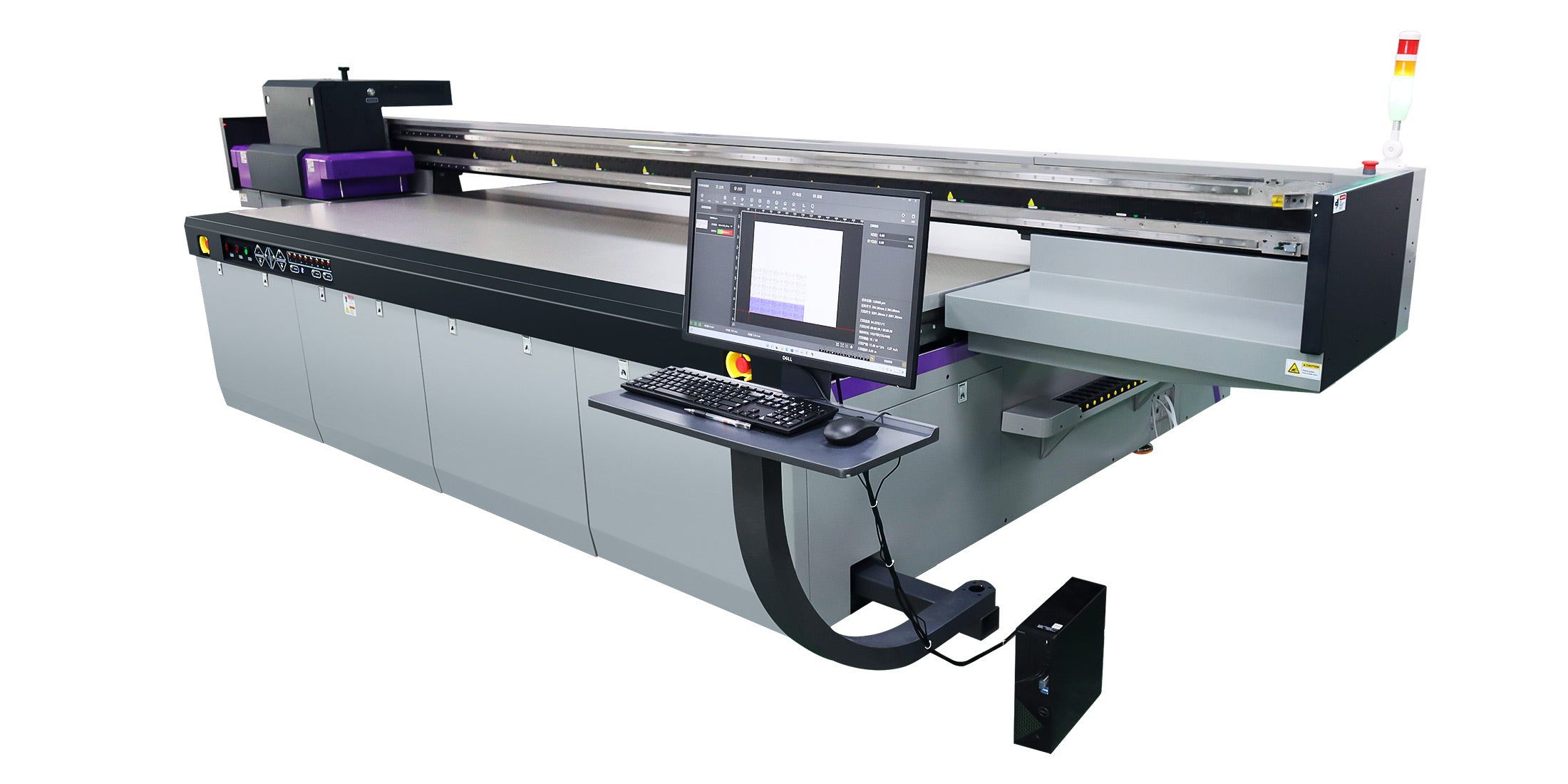
Optimize white ink density at 1.2-1.4 for underbases on colored media, layering up to 0.15 mm for effects, then apply varnish at 1.0-1.2 density via RIP curves to enhance gloss without excess consumption.
AndresJet's AJ2130G/R supports extended 8-color with white channels, ideal for transparent or dark plastics. Set white density lower for high-speed passes, building layers in uni-directional mode for raised effects. Varnish follows at reduced levels to seal without pooling, saving ink in gift printing.
Monitor trap efficiency above 80%; auto media detection ensures precision up to 100 mm height. This workflow cuts costs while delivering premium textures in production lines.
| Color Channel | Target Density | Application | AndresJet Model Example |
|---|---|---|---|
| Cyan (C) | 1.45 | Signage vibrancy | AJ2130Ultra |
| Magenta (M) | 1.40 | Décor depth | AJ3220EX |
| Yellow (Y) | 1.05 | General coverage | AJ2512G/R |
| White | 1.2-1.4 | Layered effects | AJ2130G/R |
Adjust density for substrates when switching from light to dark media (reduce 10-20%), porous to non-porous (increase for absorption), or thin to thick (1-100 mm range) to maintain consistency and efficiency.
Porous MDF in home décor absorbs more ink, needing higher initial density; glossy plastics for signage require lower to prevent bleed. AndresJet's 4-zone vacuum adapts to media up to 50 kg/m², as on the AJ3220EX.
Recalibrate for taper parts on AJ360i or coins on AJ1206, factoring taper angles or small sizes. Environmentals like 20-30°C ensure stable curing, optimizing across 1-100 mm thickness.
Troubleshoot density issues by checking RIP curves for low saturation, cleaning heads for banding, verifying vacuum for unevenness, and recalibrating for shifts—resolving 90% of faint or over-inked prints quickly.
Faint prints signal low density; boost curves and test. Banding from clogs? Use redesigned wiping on AJ2130EX. Over-saturation? Lower grayscale levels. AndresJet's anti-static bars and ionizers prevent adherence issues, while 360° protection avoids collisions during fixes.
Log adjustments for ROI tracking; free training ensures operators master this for minimal downtime.
Mastering printer density settings on UV flatbeds like AndresJet's high-speed models unlocks superior visual quality and cost-per-print efficiency. By leveraging RIP tools and model-specific features, operators achieve optimal results in demanding applications. Contact AndresJet for tailored consultations and free samples to elevate your production.
What is the ideal CMYK density for UV flatbeds? Target C:1.45, M:1.40, Y:1.05 for solids, adjusted via RIP for substrates.
How much ink can density optimization save? Up to 30% with AndresJet's 8-level grayscale printing.
Which AndresJet model is best for high-speed density control? AJ3220EX at 154.3 m²/h draft speed with smart features.
Does white ink density differ from CMYK? Yes, aim 1.2-1.4 for layering effects on dark media.
Can density affect print speed? Yes, balanced settings enable full speeds like 140.7 m²/h without quality loss.
For the complete decision path, continue with the uv flatbed components & motion control guide.


